Top
Who should participate in virtual whiteboarding sessions?
Innovation is collaborative by nature — a variety of perspectives often leads to richer insights. This is why virtual whiteboarding should be an inclusive and cross-functional activity. Anyone who is involved in the product development process can (and should) engage in virtual whiteboarding. This includes the core product management and UX teams along with the broader product team — representatives from engineering, product marketing, customer support, and more.
Typically a product manager leads the whiteboarding session, which can last anywhere from half an hour to two hours. It is also worth noting that while virtual whiteboards are particularly useful for remote or hybrid teams, some co-located teams also choose to use them for collaborating asynchronously or saving a digital view of ideation sessions.
In terms of the frequency of your whiteboarding sessions, it depends on what your product team is trying to accomplish. Some folks who need to come up with lots of new product and feature ideas use virtual whiteboards daily. Other teams meet on a weekly or monthly cadence. What matters is that everyone is willing to come together and contribute to the ideation process.
Related:
Top
Best practices for more productive whiteboarding sessions
Clarity, structure, and a culture of collaboration are key to more effective whiteboarding sessions. Of course, you also need the right tool. Many product teams use purpose-built virtual whiteboards that include note-taking functionality, real-time or asynchronous collaboration, templates for specific product-building work, and integrations with the other tools you already use.
No matter which tool you use, these tips will help you have more productive whiteboarding sessions:
1. Define goals
Shared goals bring focus to your ideation session. Your purpose should stem from the problems you are trying to solve. Rather than prescribing certain outcomes, you want to provide a target for people's creative thinking.
Before scheduling a whiteboarding session, clarify the objective of your time together. For example, your goal might be to come up with three ways to improve your user signup flow or to examine feedback on a certain product feature.
To clarify the aim of your session, ask yourself:
What are we hoping to achieve?
What problems are we trying to solve?
How will we know that we have accomplished our goals?
2. Set an agenda
An agenda is more than a list of what you will cover — it also provides a sense of direction and outcomes. Share the agenda ahead of time so people know what to expect. With some tools (such as Aha! Whiteboards), you can add an agenda right to your board for easy reference.
You might include the following components in your agenda:
Review goals for the session
Brainstorm on your own (10 minutes)
Share favorite ideas (10 minutes)
Explore promising ideas as a group (15 minutes)
Wrap up and action items
3. Prepare your board
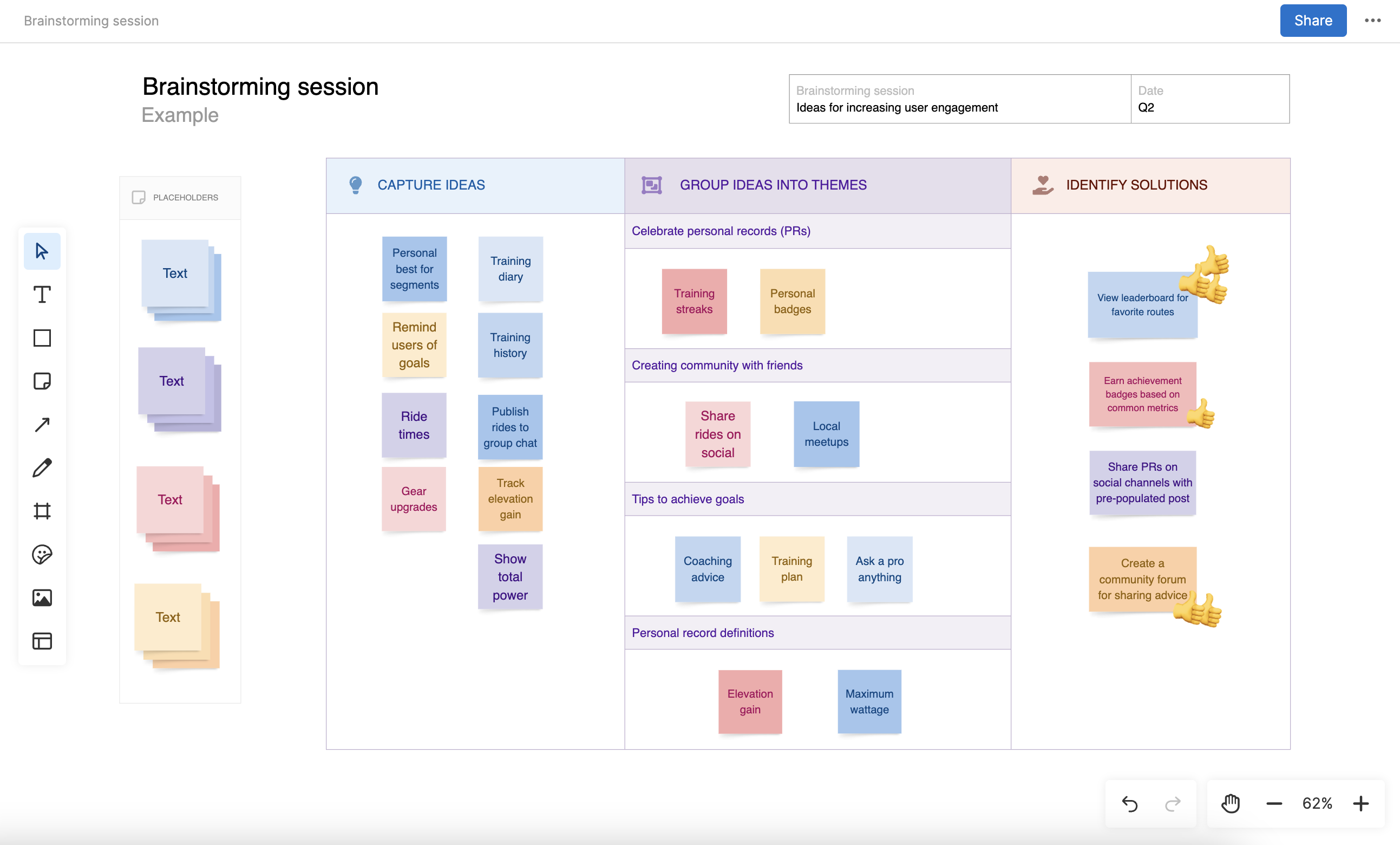
A blank canvas can be overwhelming. Set up your board ahead of time so attendees can see how they will participate and how you will organize information. For example, you can create zones or columns for different types of work or add initial ideas on digital sticky notes to jumpstart people's creativity.
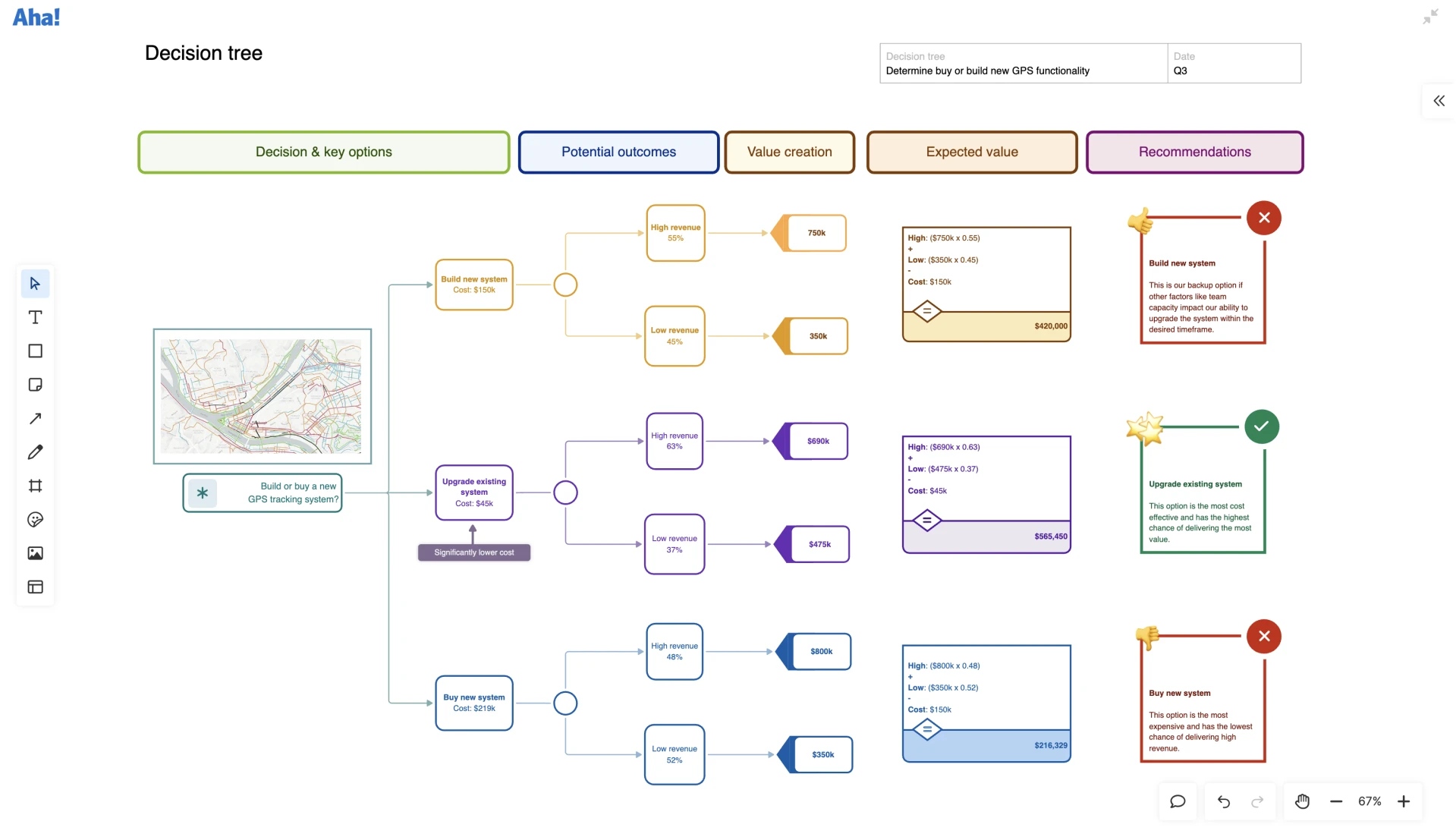
Get started fast with whiteboard templates in Aha! software. Try it now.