How to use a wireframe in product management
Last updated: March 2024
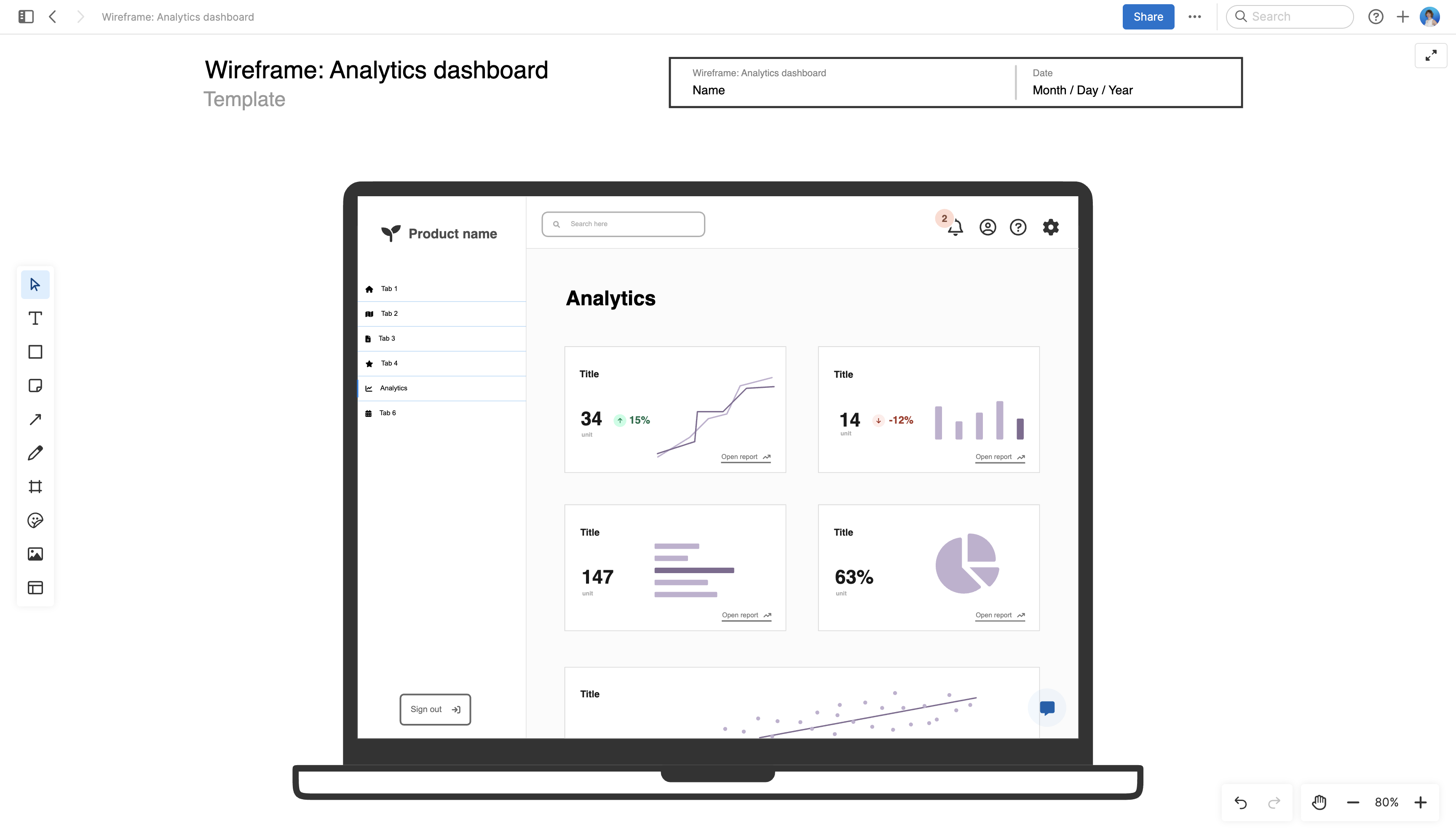
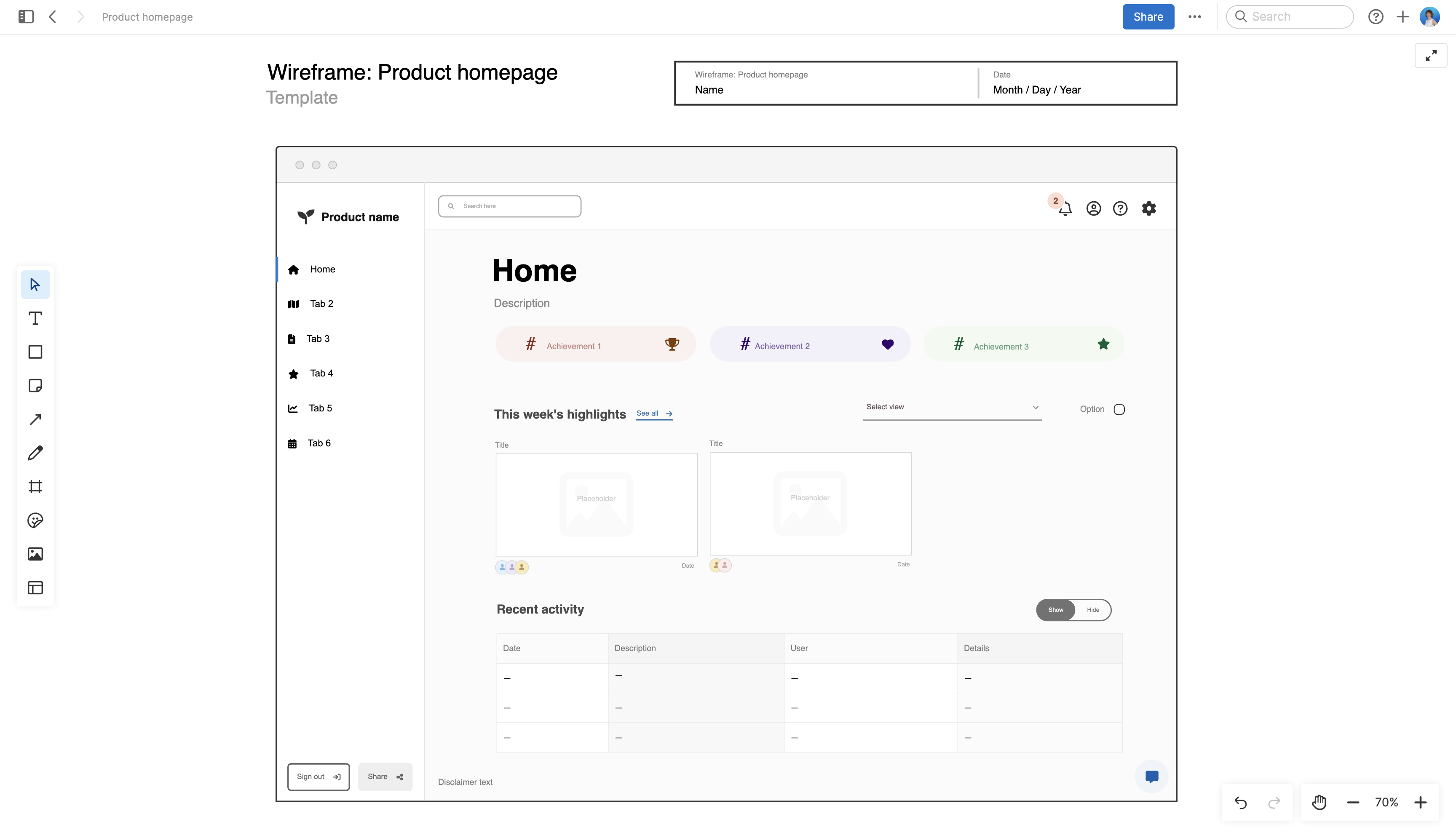
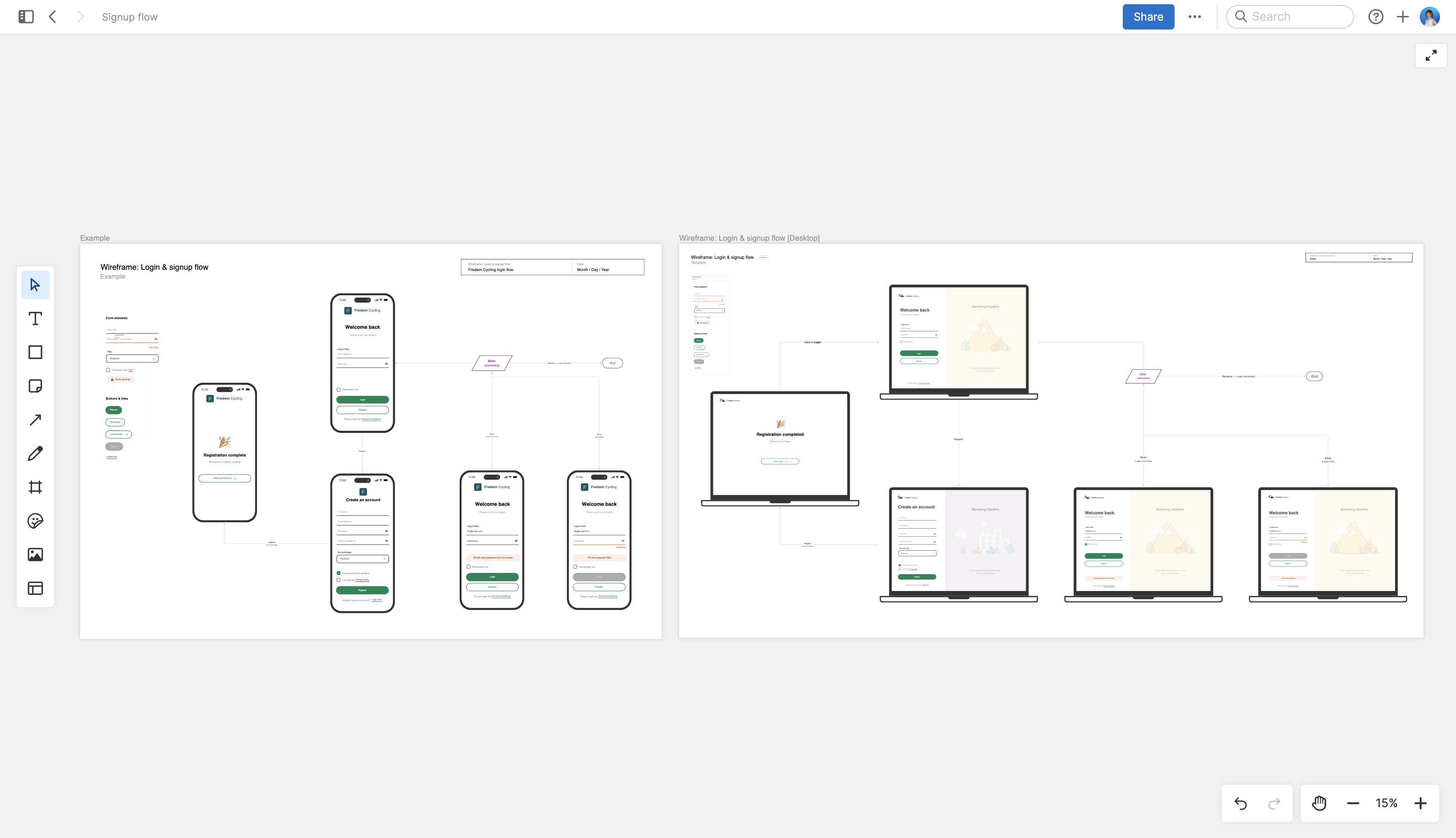
As a product manager, how many new features do you define in a year, quarter, or even a month? As each new feature takes shape, you develop a clear idea of its usefulness and the value it will deliver to customers. But you also need to think about how it will work and how people will interact with it. A wireframe helps you quickly illustrate the feature's intended functionality — helping your design and engineering teams gain the clarity required to be successful.
Typically, product managers use wireframes to communicate with user experience (UX) or user interface (UI) designers during exploratory phases of product or feature definition. The UX team is responsible for the structural and aesthetic details of the product, but you set the tone by translating feature requirements into these initial visualizations.
Explore early-stage concepts and design wireframes in Aha! software — get started now.
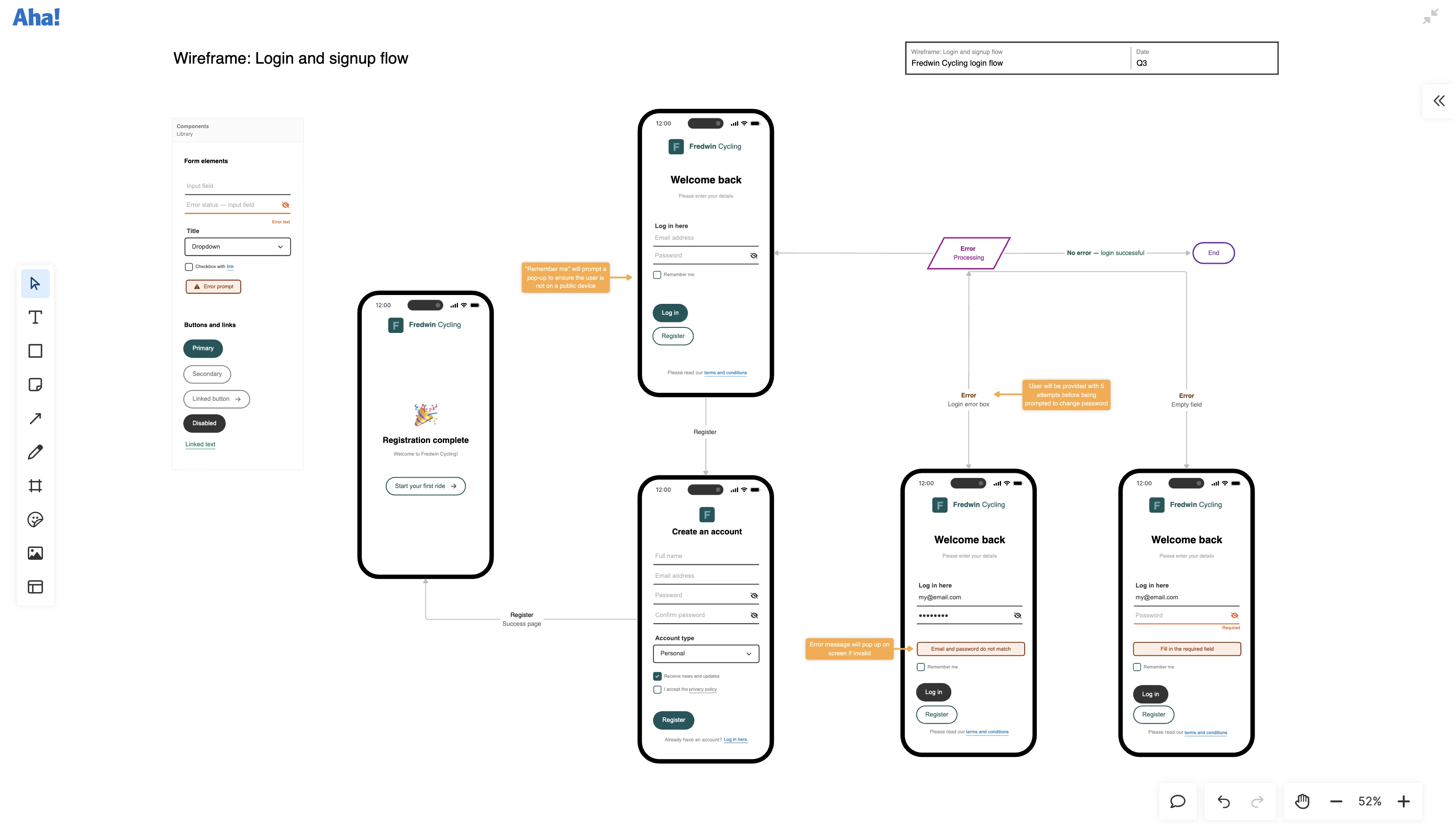
Use wireframes to communicate what customers really need, helping UX, engineering, and all cross-functional teams get clarity on what they are working on — and how they can add value.