Bad software? Build it yourself. | Photo by Jodi B Photography
Should you build the business app yourself or hire a developer?


Can a business owner build an application without a developer? Yes. With an AI app builder like Aha! Builder, you describe what you need in plain language, and Elle (our AI assistant) generates the application. Hosting, sign-in, security reviews, and testing are built in.
How much of your business depends on software that does not work well? You track customer orders with a spreadsheet because your accounting software does not support the way you fulfill them. Or you pay for an application that frustrates your team, but continue using it because the alternatives are no better.
Hiring a developer to build a custom application is expensive, though. You still have to explain what you need, review the work, and pay for future changes. Buying another product brings you back to the same problem: adapting the way you operate to someone else's software. It is understandable why you stick with what you have.
You should be able to use what you know about your business to build software that helps you run it better.
Now, you have the option to build an application yourself. With an AI app builder like Aha! Builder, you describe what you need so Elle can generate a prototype or complete application from your prompts. You can even upload an existing spreadsheet and ask Elle to create an application based on it.
And you do not need product development experience to get started. Aha! Builder guides you through planning the application and handles the technical implementation. If you would like, you can still hire a developer to review code or help with an integration without outsourcing the entire project.
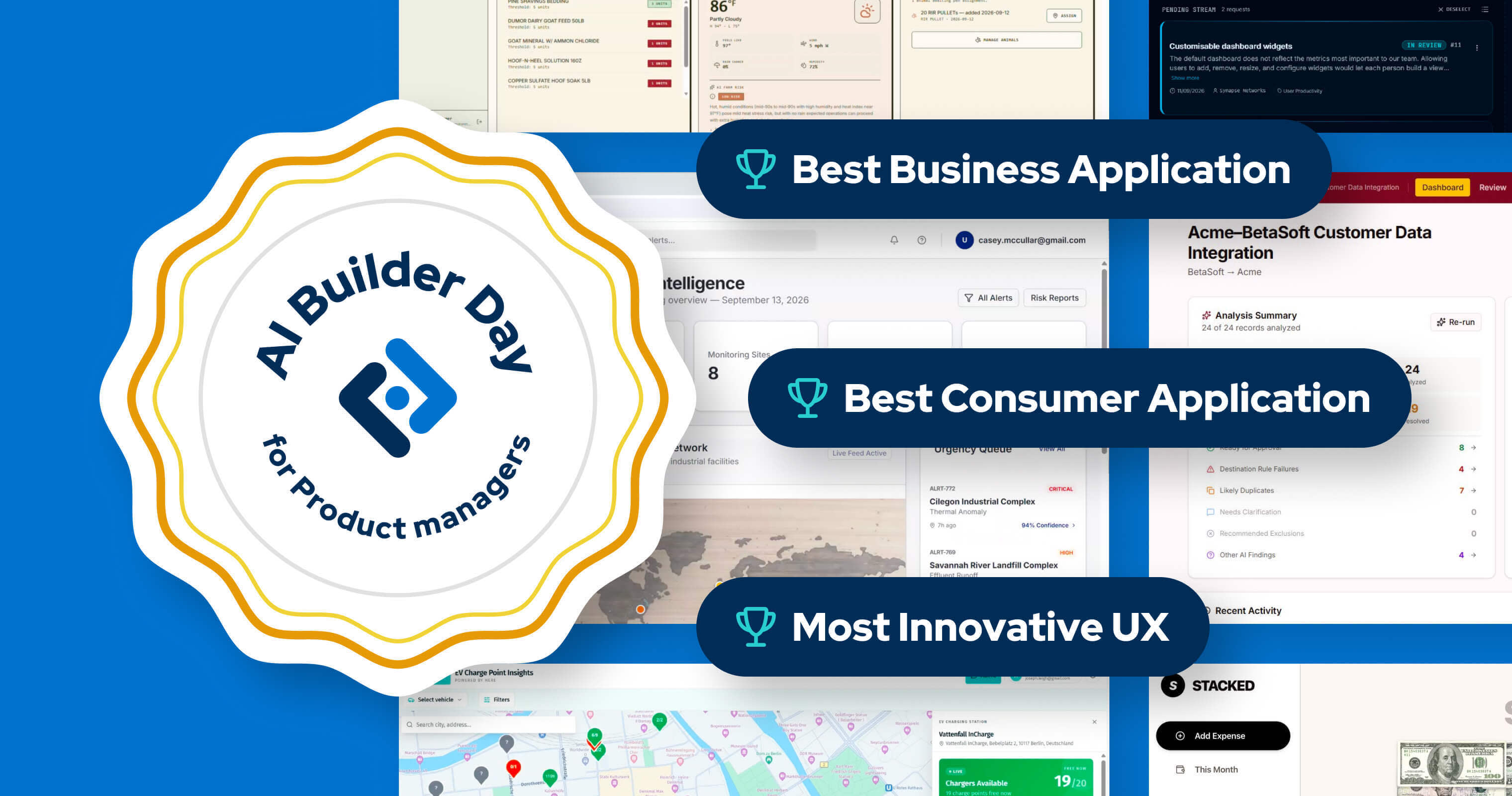
Bad software? Build it yourself. Join AI Builder Day on Nov. 17 to build a better version of an app that frustrates you.
Plan your first business application
You probably know which application you would love to replace. (You have heard the complaints and seen the workarounds.) Before asking AI to build everything you imagine, consider what would make the greatest difference to your business and teammates.
Aha! Builder guides you through defining the application before Elle builds it. If you need inspiration, take a look at these example apps.
Choose one problem: Where does your team lose time, and what would improve the process? Be specific. You can add functionality later, once you know the application does its primary job well.
Define what success looks like: Aha! Builder starts with your vision and goals. Consider what you want to improve and how you will measure success. Use those goals to decide which capabilities belong in the first version.
Understand who will use the app: Think about the people who will use the application and what they need to accomplish. Ask them directly rather than assuming you already have the answers. Then, define your primary personas in Aha! Builder.
Describe the work clearly: Explain what each person needs to accomplish and how they go about it. Think about what you would tell a new employee learning the process for the first time. Details that seem obvious to you could be essential for Elle to build the application correctly.
Define the look and feel: Share screenshots, design files, or a description of how you want the application to look. Elle uses these to create a design system with styles and components to use throughout the application.
Try the application with your team
The first version of your application is ready. Now, invite your colleagues to try it. They will have opinions — especially the folks who have spent years using the software you want to replace.
Complete the work: Follow the steps you described to Elle, from beginning to end. Is the necessary information available? Does the application respond as expected? Try to accomplish an actual task rather than simply clicking through the screens.
Ask for changes: If the application does not behave as you expected, tell Elle what to adjust. Refine its functionality and appearance through plain-language conversations, then try the revised version.
Collect feedback: The built-in feedback widget gives colleagues a way to submit suggestions as they use the application. Review their input and decide what to improve before adding more functionality.
Test with virtual users: Aha! Builder includes virtual test users that can attempt specific tasks and report problems. Use those reports alongside feedback from your team to decide what needs attention.
Hosting, sign-in, and security without a developer
You have enough to think about when running a business. Setting up servers and developing your own sign-in system should not be added to the list. Aha! Builder includes the infrastructure and security features needed to operate your application.
Hosting: Your application runs in an Aha!-managed cloud environment on Amazon Web Services. No need to purchase or maintain servers.
Access: Sign-in is included, and your colleagues do not need Aha! accounts. They can sign in using an email address, Google, or Microsoft. You control who can view information and make changes.
Security: Aha! Builder includes monitoring plus security and privacy reviews. Review the application for common security risks and evaluate any additional requirements specific to your business.
When should you bring in a developer?
You built the application, tried it with colleagues, and made improvements yourself. An AI app builder handles most of the work — but there might still be reasons you want to consult a developer. For example, a developer could inspect the generated code, advise on handling sensitive business information, or help connect software that requires a custom integration. Aha! Builder already supports connections to more than 3,000 tools, so check what is available before commissioning additional development.
Join us for AI Builder Day
We are hosting a free AI Builder Day hackathon from Nov. 17-20. Bring that spreadsheet or clunky application you have been putting up with and see what you can create instead. Work on your own or alongside your team with guidance from Aha! experts. You will also have a chance to win six free months of Aha! Builder.
We hope you leave with a prototype or application that you and your colleagues are glad to use. (And perhaps a new appreciation for what you can accomplish with the knowledge you already have.)
Nov. 17, 9 a.m. PT: Kickoff
Nov. 17-19: Build your application
Nov. 20, 11:30 a.m. PT: Awards ceremony
Related resources
AI app builder guide: What is an AI app builder, and how do product managers use one?
AI application development guide: How should an organization govern AI application development?
AI prototyping guide: What is AI prototyping, and when is it helpful?
More on AI prototyping
See what you can create with Aha! Builder