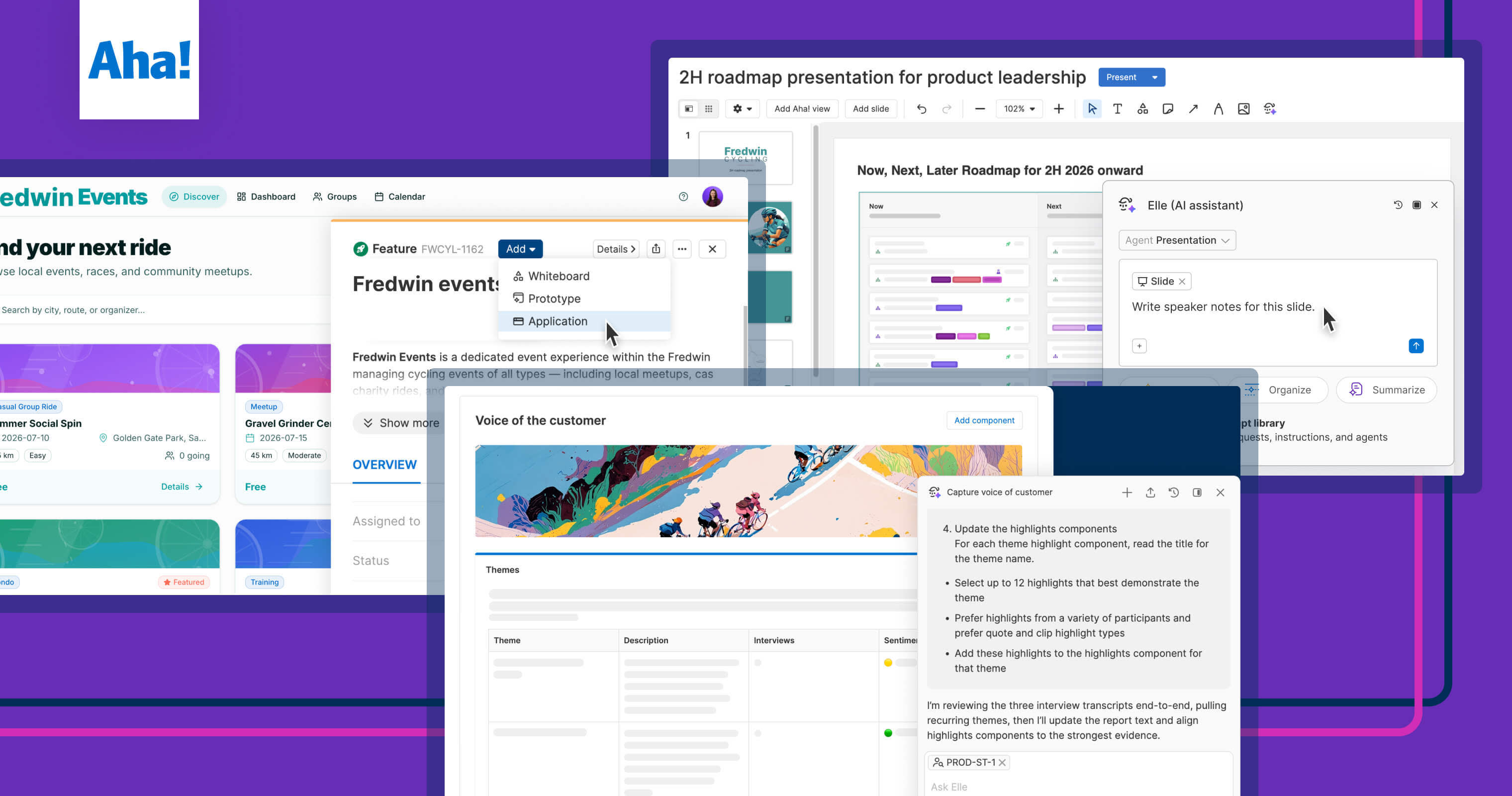
AI prototypes give product teams something concrete to review together, earlier. | Photo by Jodi B Photography
How AI prototyping is changing the way product managers work


You can describe an idea in words. But to actually see it, you have to hand your notes to UX design or engineering and wait — without a direct way to shape the result. That is how it used to go, at least. AI makes the process a lot more direct. So what does that mean for your role in prototyping?
AI prototyping gives product managers a way to work through ideas earlier, before the plan is fully set and development begins.
Not long ago, it was common practice (maybe it still is on your team) to write lengthy feature descriptions and requirements documents to communicate new ideas. If you were ambitious, you might arrange a few screenshots into a whiteboard mockup. But you would still need to add a lot of annotations to explain it.
Then, AI sped things up. Prompts, templates, and tools emerged for all the content a product manager needed to draft. Specs suddenly took a few minutes instead of hours to write, often at a high level of quality. But the output was still mostly the same.
Faster writing with AI is still writing. It might save you time, but it does not for those reacting to it.
When people only have written context about a product idea, it is easy to miss gaps or fixate on minor details. Things get interpreted differently by different people. Discussions about user experiences feel abstract and drawn out, no matter whether the content is written by you or AI.
Interactive visuals, like prototypes, give your team and customers something concrete to respond to. It becomes easier to spot confusion and weigh trade-offs when you can actually see them. Product teams know this. But with the design and engineering effort required, prototyping was historically reserved for later-stage validation and testing. Now, AI prototyping makes it much more accessible.
If you can describe a feature, you can prototype it with AI. That makes prototyping a key new tool for product managers, whether you are exploring raw ideas or refining something close to launch.
Learn how to build AI prototypes live — join us July 30 for a tutorial.
For product managers, AI prototypes help across product development stages: in discovery, exploration, roadmap planning, even delivery. That means more chances to build better clarity and alignment with UX and engineering, in condensed rounds of review. (And naturally, in fewer words.)
In Aha! software, you have multiple ways to create AI prototypes — from early visual concepts to fully functional versions backed by a database — across Aha! Whiteboards, Aha! Roadmaps, and Aha! Builder.
Prototyping represents a big change to how product managers work. But the right approach and tools can make it feel like less of a hurdle. Here are the best ways to start adjusting your workflows to incorporate AI prototypes. We will also cover how Elle, the AI assistant in Aha! software, can help you do this across the suite.
1. Explore product ideas
AI prototyping lets product managers make ideas tangible much earlier, instead of trying to describe every possible approach in words. You can quickly generate multiple versions to compare, guiding the conversation with something the team can experience hands-on.
How to do it in Aha! software:
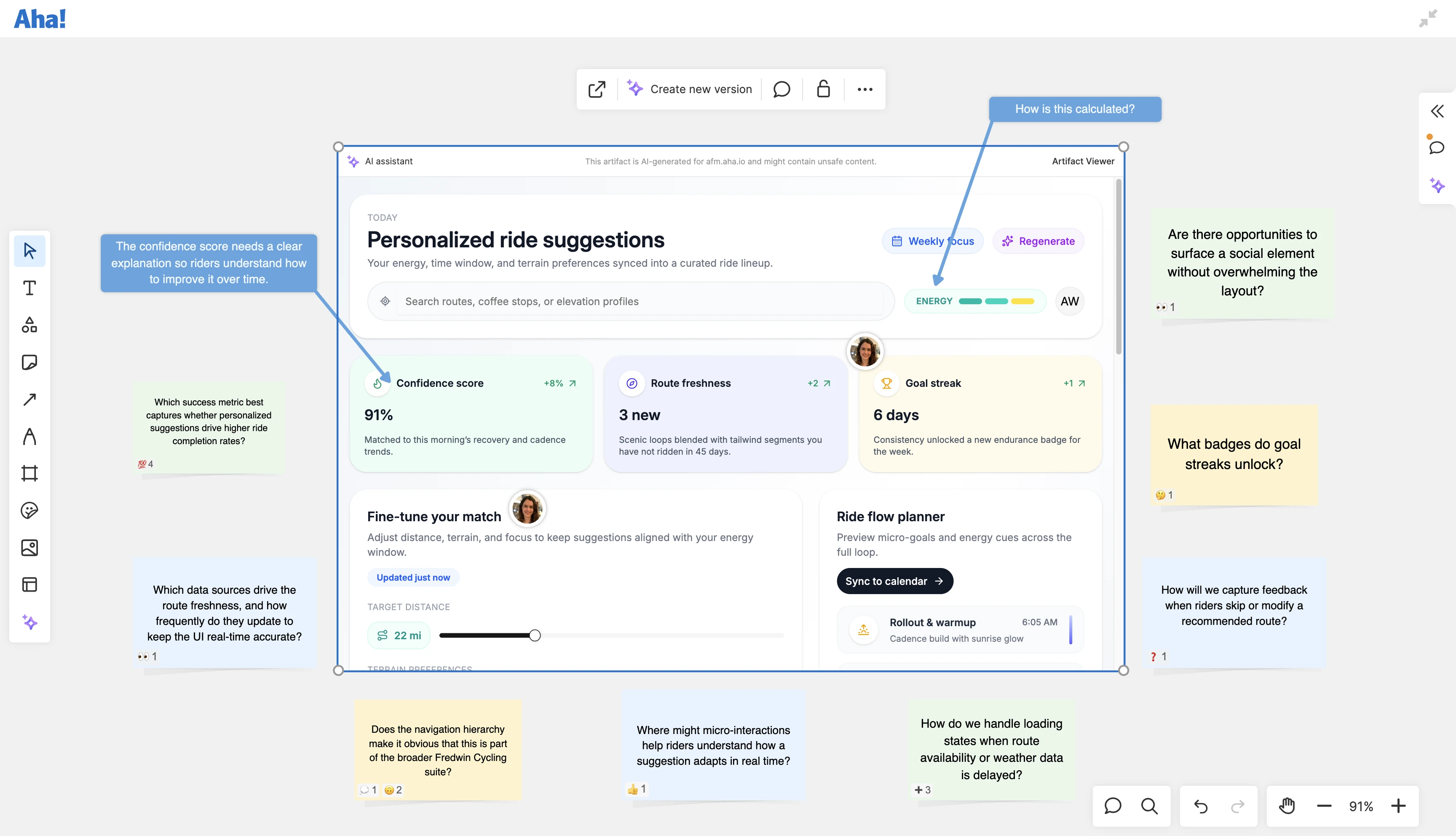
Set up lightweight, clickable prototypes right on a whiteboard.
Ask Elle to create a more detailed prototype, then embed it on a whiteboard.
Share the whiteboard with your team so they can interact with the prototypes and add comments.
In Aha! software, your team can interact with prototypes and share feedback on whiteboards — which you can quickly apply with AI.
2. Define features
Product managers can use AI prototypes to convey user experiences clearly, so UX and engineering respond to the actual flow rather than a written interpretation of it. That leads to better feedback sooner — before work moves too far ahead. And because AI can work from your notes and early exploration, you can get started without lengthy requirements.
How to do it in Aha! software:
Describe the concept or reference existing records, then ask Elle to generate a prototype of your feature.
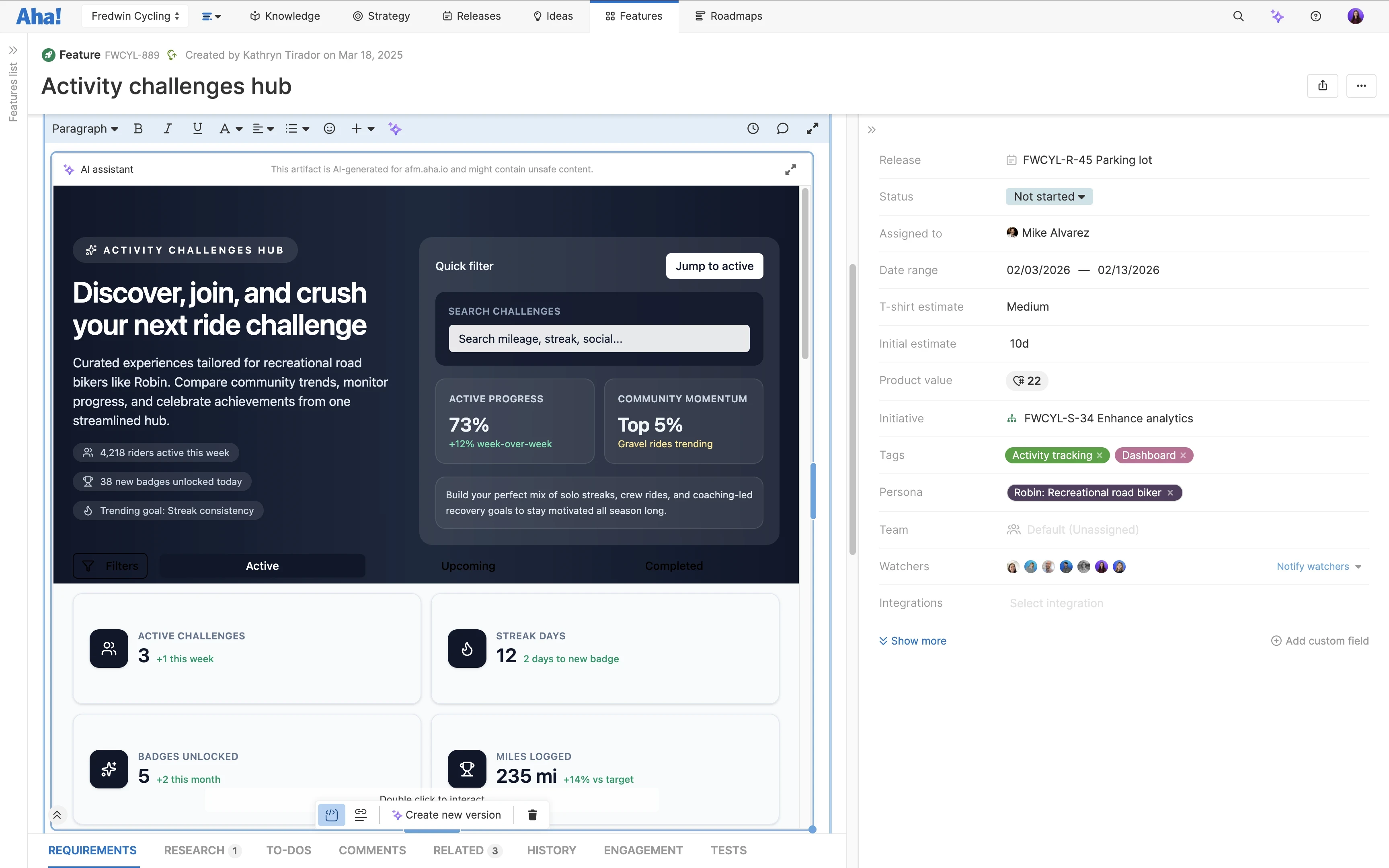
Embed your AI prototype directly in a feature description or note.
Share it with UX and engineering for feedback, then quickly edit and track changes to your prototype.
Save prototypes as records and link them to features, initiatives, and other roadmap plans.
In Aha! software, embed AI prototypes in a feature description for easy stakeholder access and rapid iteration.
3. Validate the experience
In customer conversations, you do not have to rely on hypotheticals or wait for other teams to build something ready to show. You can create a robust AI prototype yourself that mirrors the real product, or even turn it into a functional proof of concept. As customers share input, you can iterate right away — moving from a handoff-heavy process to a tighter feedback loop.
How to do it in Aha! software:
Generate a high-fidelity prototype in Aha! Builder, or send one over from Aha! Roadmaps.
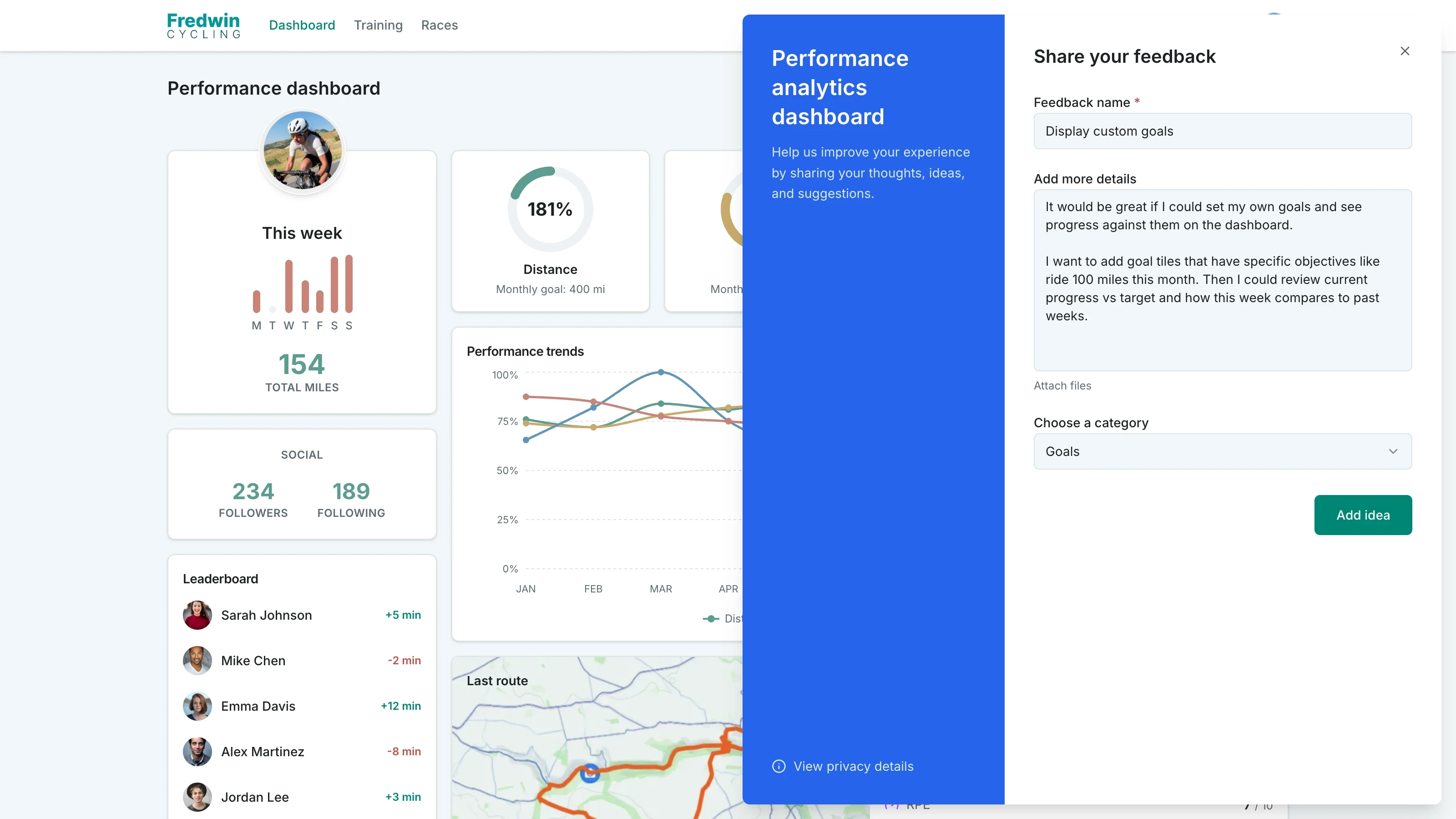
Add a feedback widget to your published prototype to collect user feedback, then apply it.
Turn your prototype into a proof of concept with a built-in database for deeper testing.
In Aha! Builder, you can share robust AI prototypes with customers, then gather their feedback as they use it.
AI prototyping helps product managers shift to a more responsive workflow — shaping ideas with added clarity and closer collaboration.
Now, it is your turn to try it — pick an idea sitting in your backlog and prototype it this week. And if you want a more in-depth walkthrough, join our live tutorial on July 30. Group Manager of Product Management Nathaniel Collum and Senior Product Evaluation Manager Jack Parr will show you how to build this skill and put prototyping into practice.
Ready to start prototyping with AI? Try Aha! product management software.