Create executive-ready presentations in Aha! Roadmaps.
A new way to build roadmap presentations in Aha! Roadmaps


Presenting your roadmap is a big moment. People will judge the content based on what they think it should be. Too often, you spend time wrestling with slides instead of refining your narrative and the strategy behind it. Today's update is designed to change that balance so you can present at your best.
Use the new presentations experience in Aha! Roadmaps to build compelling slide decks that reflect your strategy accurately and look the part.
Aha! Roadmaps enables you to build presentations directly from product plans — so you can showcase your vision and keep teams informed. You could already add planning views to provide live data and share slides as a PDF or secure webpage. New capabilities and a modernized interface now make it even easier to highlight your bold thinking.
Here are some of the key highlights:
Design on-brand, visually rich slides with more layout and formatting options.
Use live, interactive roadmap details so every presentation reflects the latest plan.
Create content faster with Elle (our AI assistant) — including slide copy, visuals, speaker notes, and more.
Collaborate in real time and present with a dedicated view that keeps you confident and on track.
Find the new experience in Presentations under the Roadmaps section of your Aha! Roadmaps account. Create a new presentation or convert an existing one to see the updated toolbar, layouts, and collaboration tools. (To convert, click on the ... menu and select Convert to new experience.) From there, you can pull in roadmap views, add live fields, and design each slide with more flexibility.
Let's use the new experience to build a roadmap presentation for Fredwin Cycling, our fictitious fitness app:
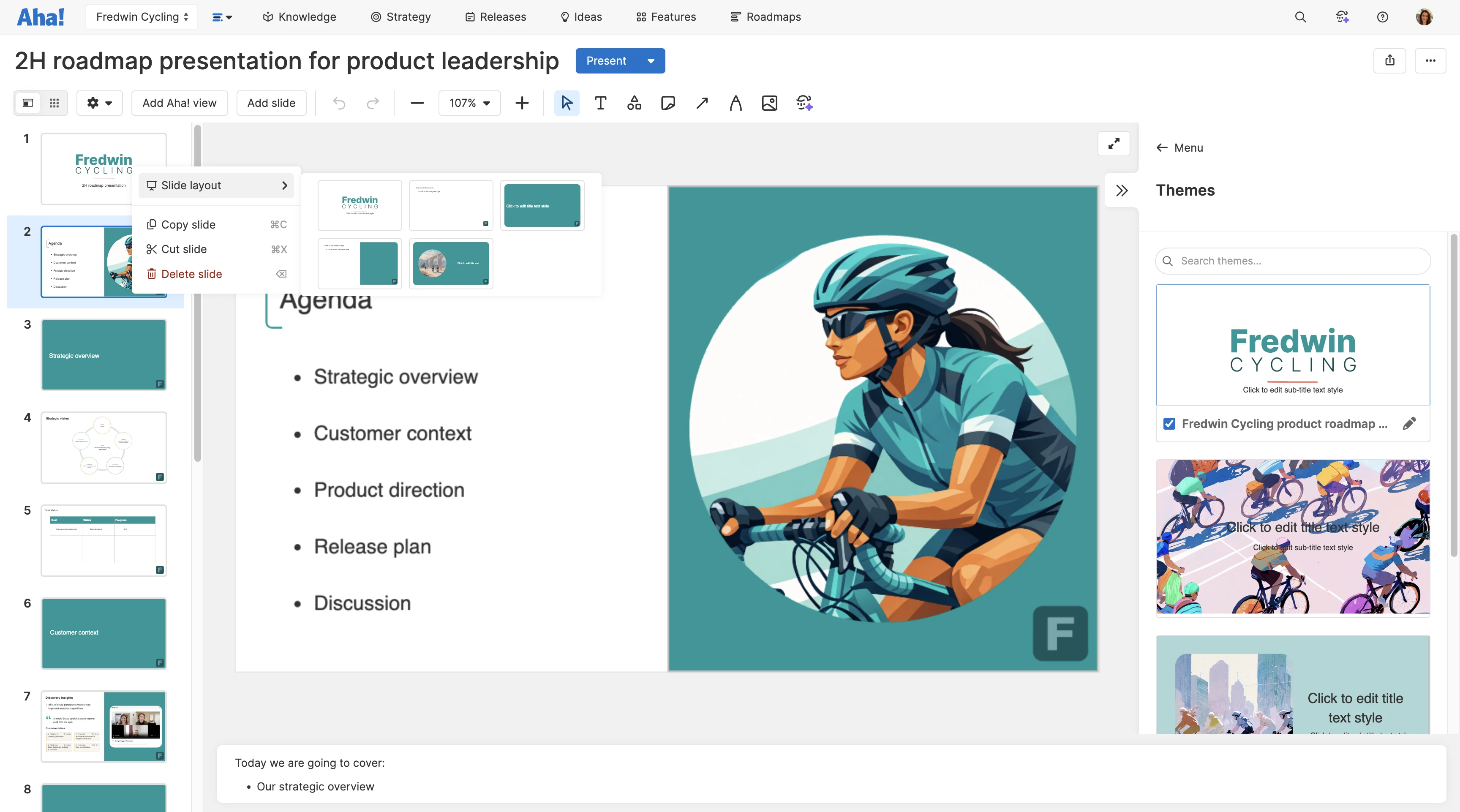
Set a consistent theme
Clear, well-designed slides keep the focus on your message and signal credibility. Here, we applied a pre-built theme to bring company branding to the presentation — with multiple layout options to suit your story. We chose the agenda layout for this slide and enhanced it with an image created by Elle.
Add live data to stay current
Embed roadmap data so your slides reflect the latest plan without any screenshot scrambles. Here, we added live field shapes to a simple goal status table to show progress in a custom format. Clicking into the record from the slide surfaces the full details without leaving the presentation.
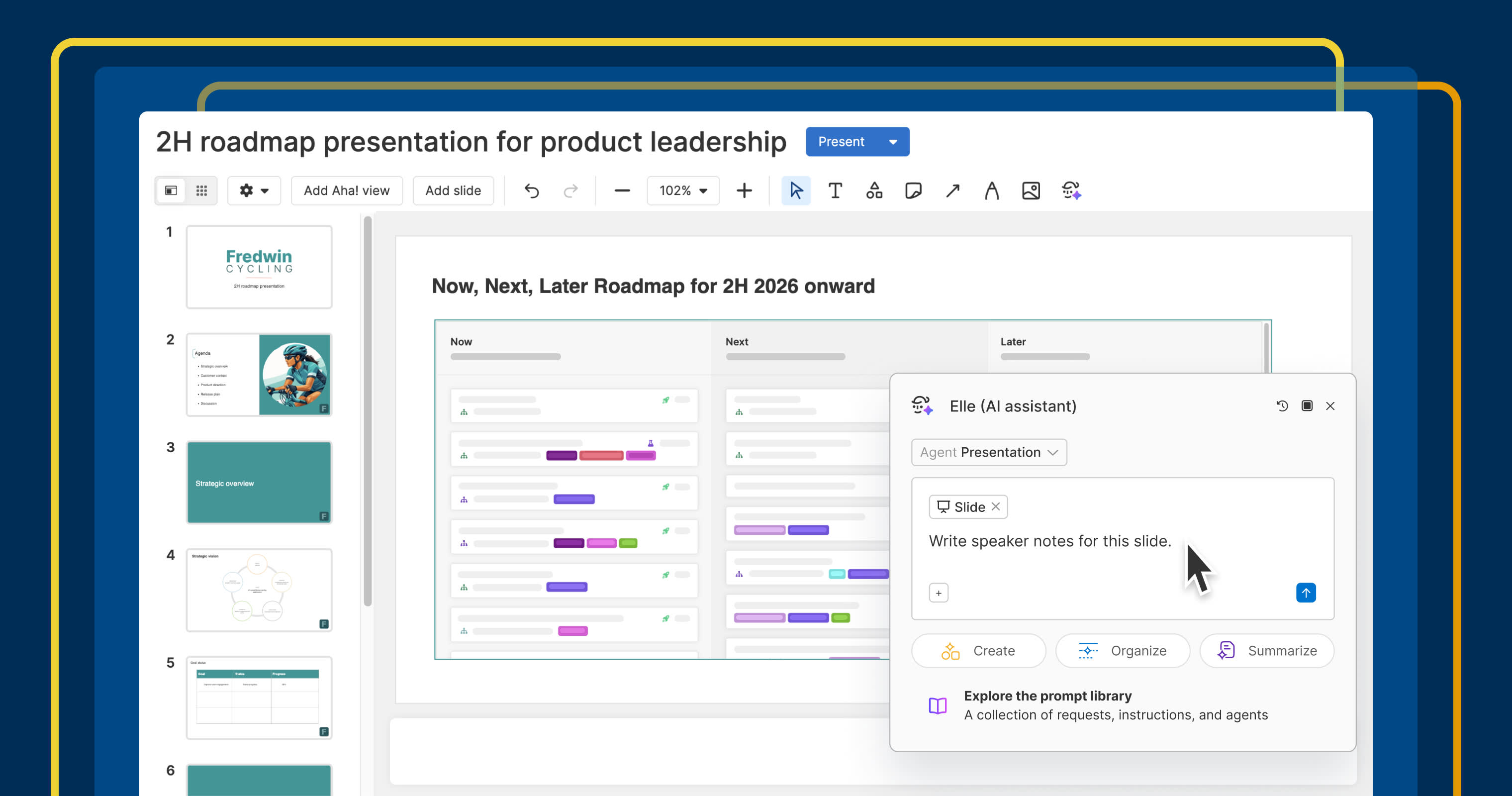
Use Elle to help tell your product story
Draft content quickly with our AI assistant. We added an AI-generated prototype here to showcase the most important feature in our roadmap — grounding our discussion more effectively than a static image or abstract description. Elle also generated speaker notes to guide the presentation.
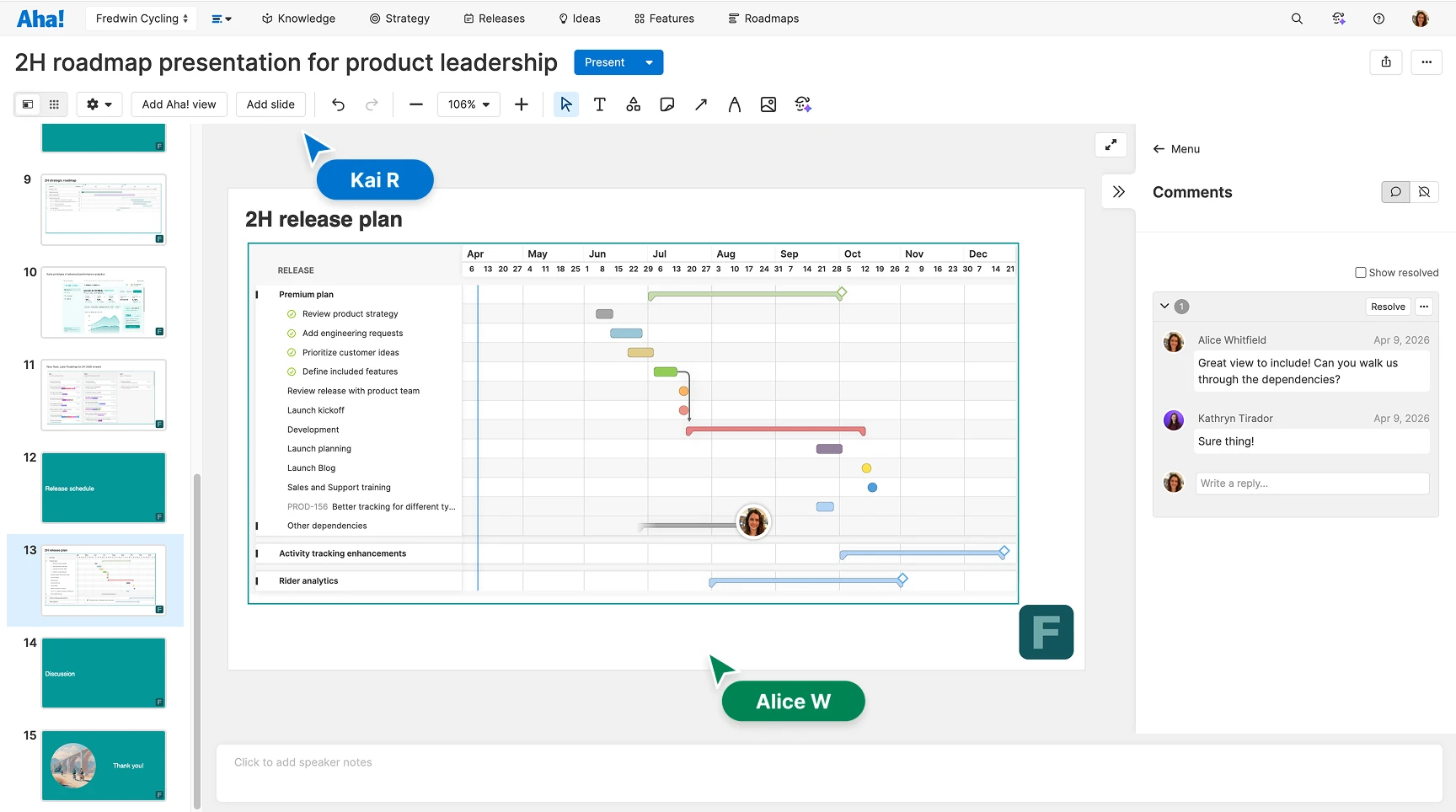
Improve content with feedback
Share your deck before you present to get input while there is time to act on it. Here, teammates left inline comments directly on the release plan slide. Any edits they make to the presentation show up immediately for faster iteration.
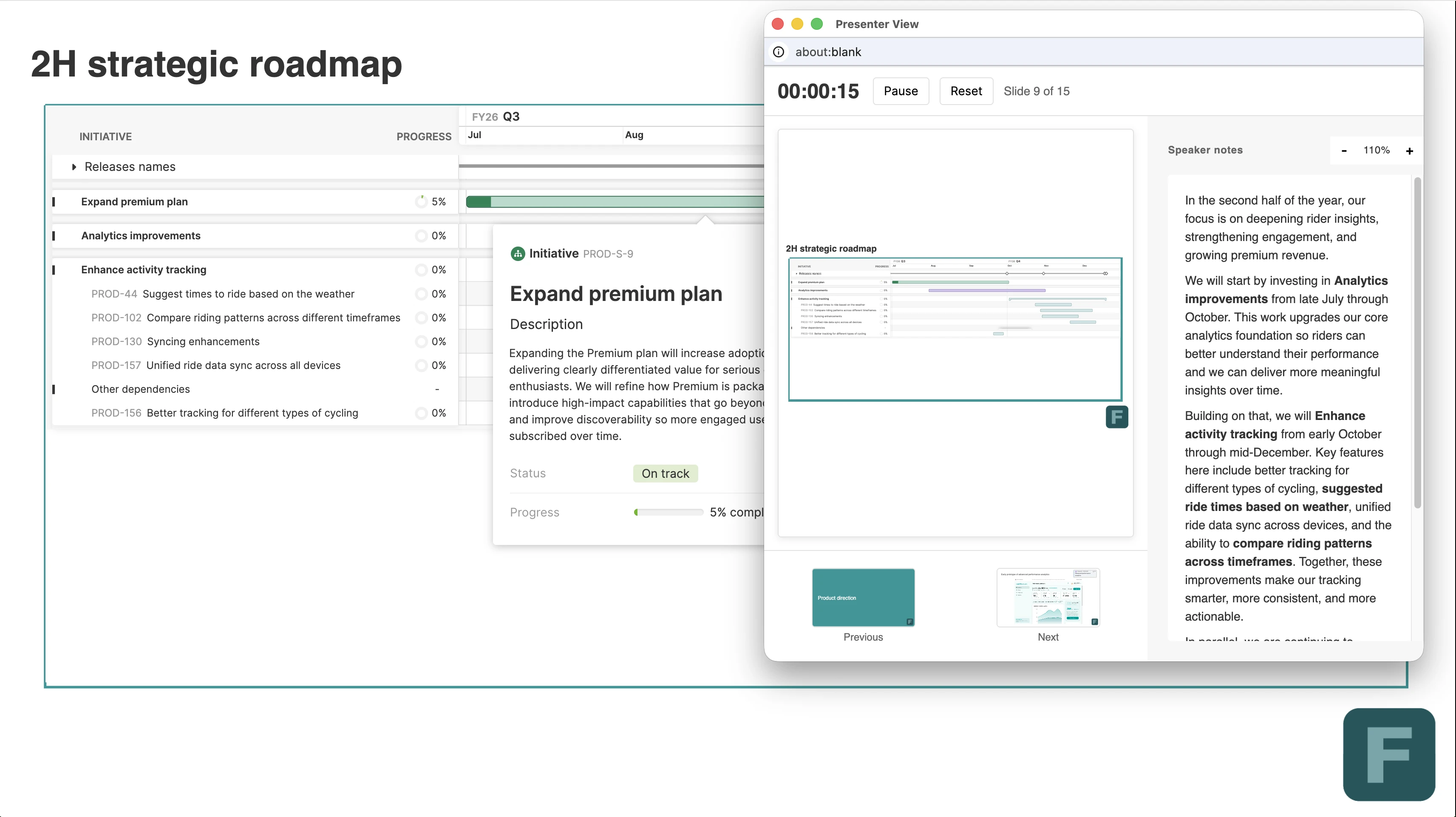
Present your plans
Use the dedicated presenter view to stay on track as you present your slides. You can see speaker notes as well as a helpful timer. Easily drill into records on the roadmap views to show the audience more detail as the presentation gets underway.
Getting your roadmap presentation right drives alignment, speeds up decisions, and reinforces your credibility as a product leader.
Roadmap presentations are a moment for you (and the product vision) to shine. Getting there is partly strategy, partly story, and more than a little craft. The new experience gives you better tools for all three. To see it in action, watch the replay of our live tutorial on presenting your roadmap with confidence.
Start a free trial of Aha! Roadmaps
Aha! Roadmaps is the best way to set strategy, prioritize features, and share visual plans. It also includes everything in Aha! Ideas Essentials, Aha! Whiteboards Essentials, and Aha! Knowledge Essentials to provide a complete product management solution. Sign up for a free 30-day trial or join a live demo to see why more than 1 million product builders trust our software to build lovable products and be happy doing it.