Apply a design system to prototypes in Aha! Roadmaps.
Use your design system when you create prototypes in Aha! Roadmaps


The more a prototype looks and feels like your actual product, the easier it is for people to imagine using it. That leads to better feedback. You can now bring your design system into Aha! Roadmaps to create AI prototypes that match your brand's colors, typography, layouts, and UI components.
Set up a reusable design system in Aha! Roadmaps — so your prototypes better reflect the product experience you want to test and share.
Create more realistic prototypes
We recently launched the ability to use your design system when you create applications with Aha! Builder. Now, we are bringing the same capabilities to Aha! Roadmaps.
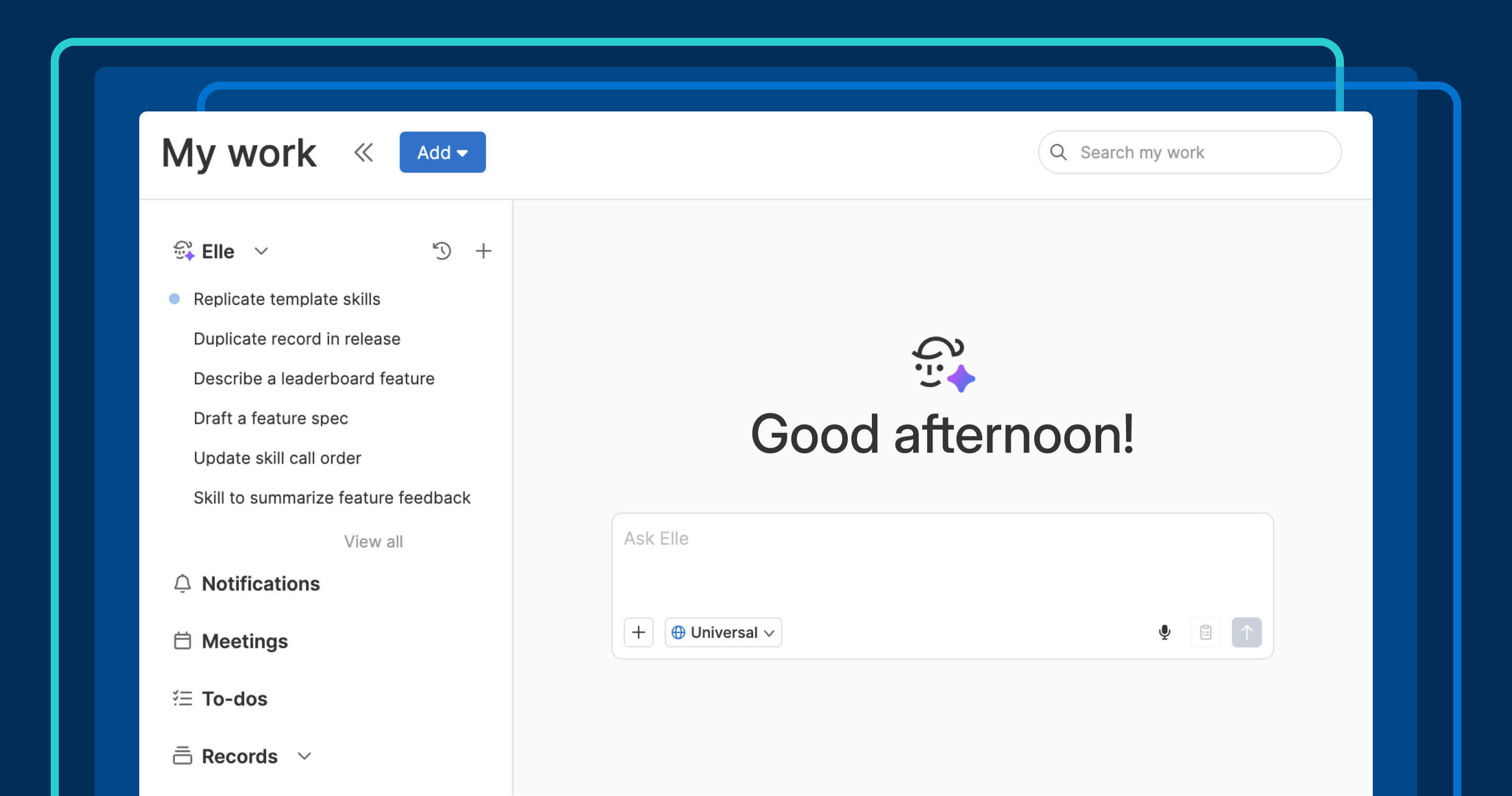
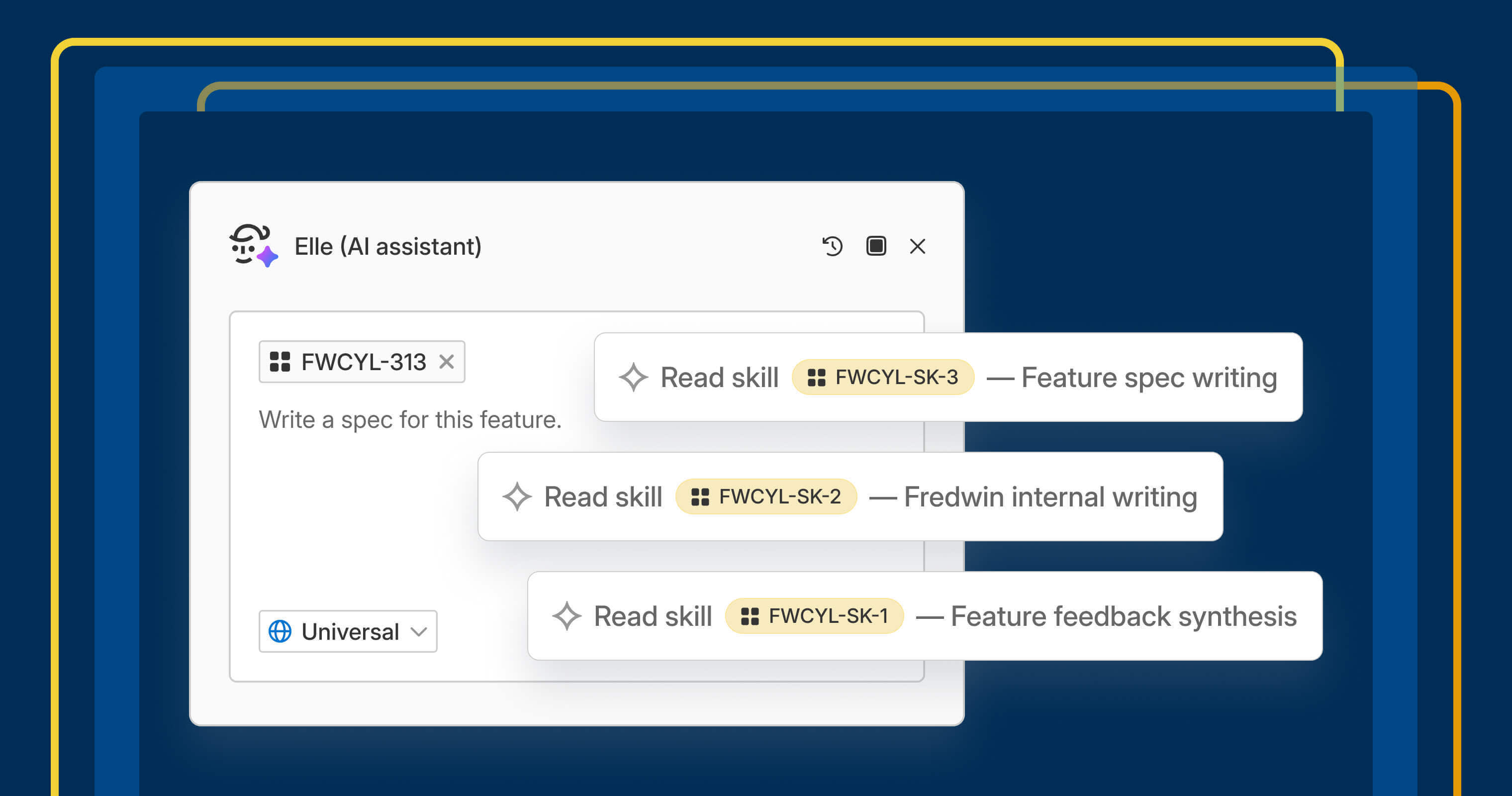
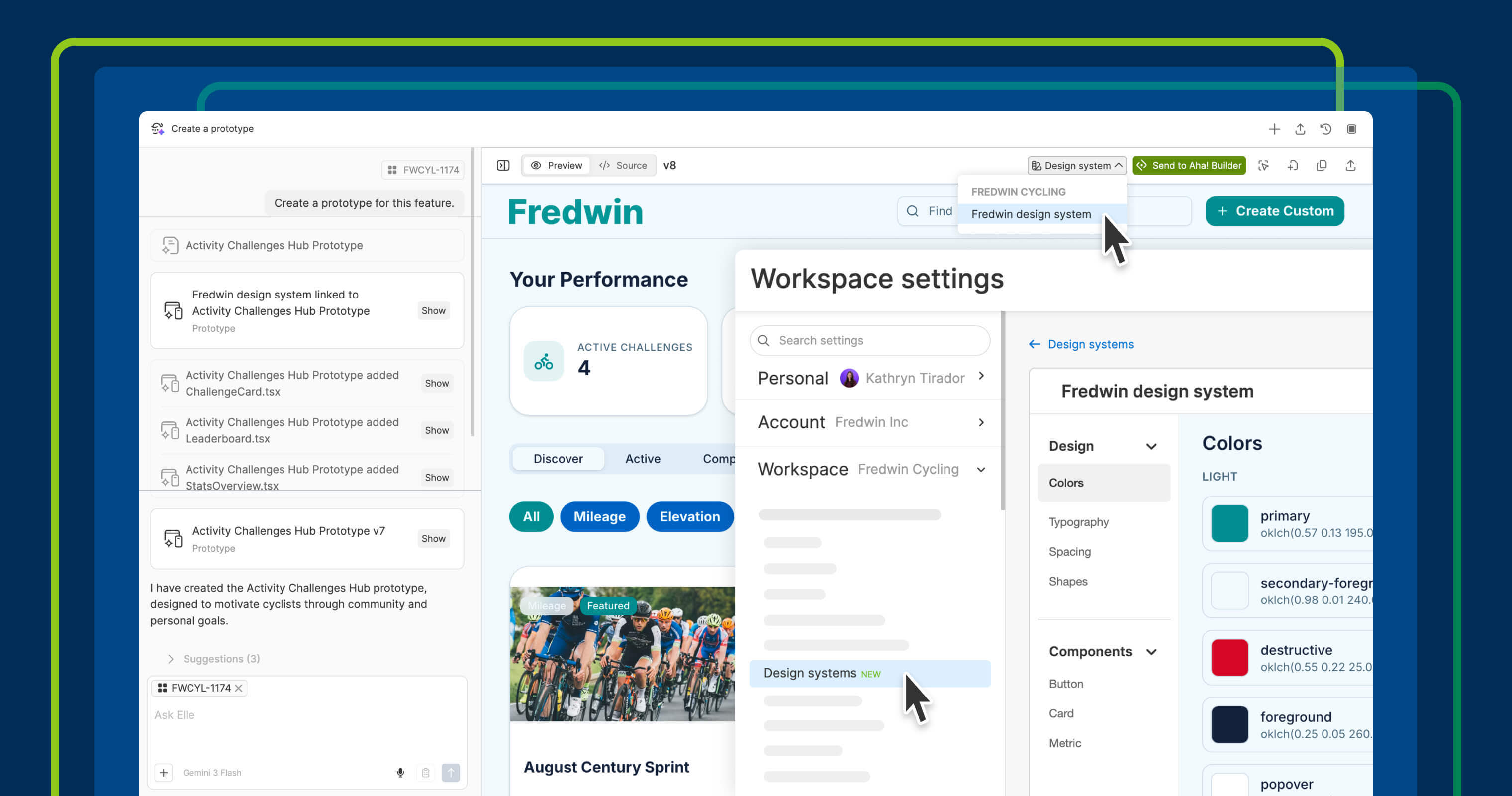
You could already use Elle, the AI assistant in Aha! software, to generate a prototype from a feature or prompt. With today's update, you can configure your brand's colors, typography, layouts, shapes, and UI components so Elle can automatically apply them to your prototypes.
Create a design system for an individual workspace or at the workspace line level to share it across multiple teams. Once this system is set up, PMs can easily select it whenever they create or update a prototype.
Here is what you can do:
Add a design system: Upload a screenshot of your application or design system files, or describe what you need in a conversation with Elle.
Apply it to a prototype: Select the design system when you generate a new prototype or add it to an existing one.
Refine the details: Select and modify your design system at any time. Changes to the design system are automatically reflected in prototypes that use it.
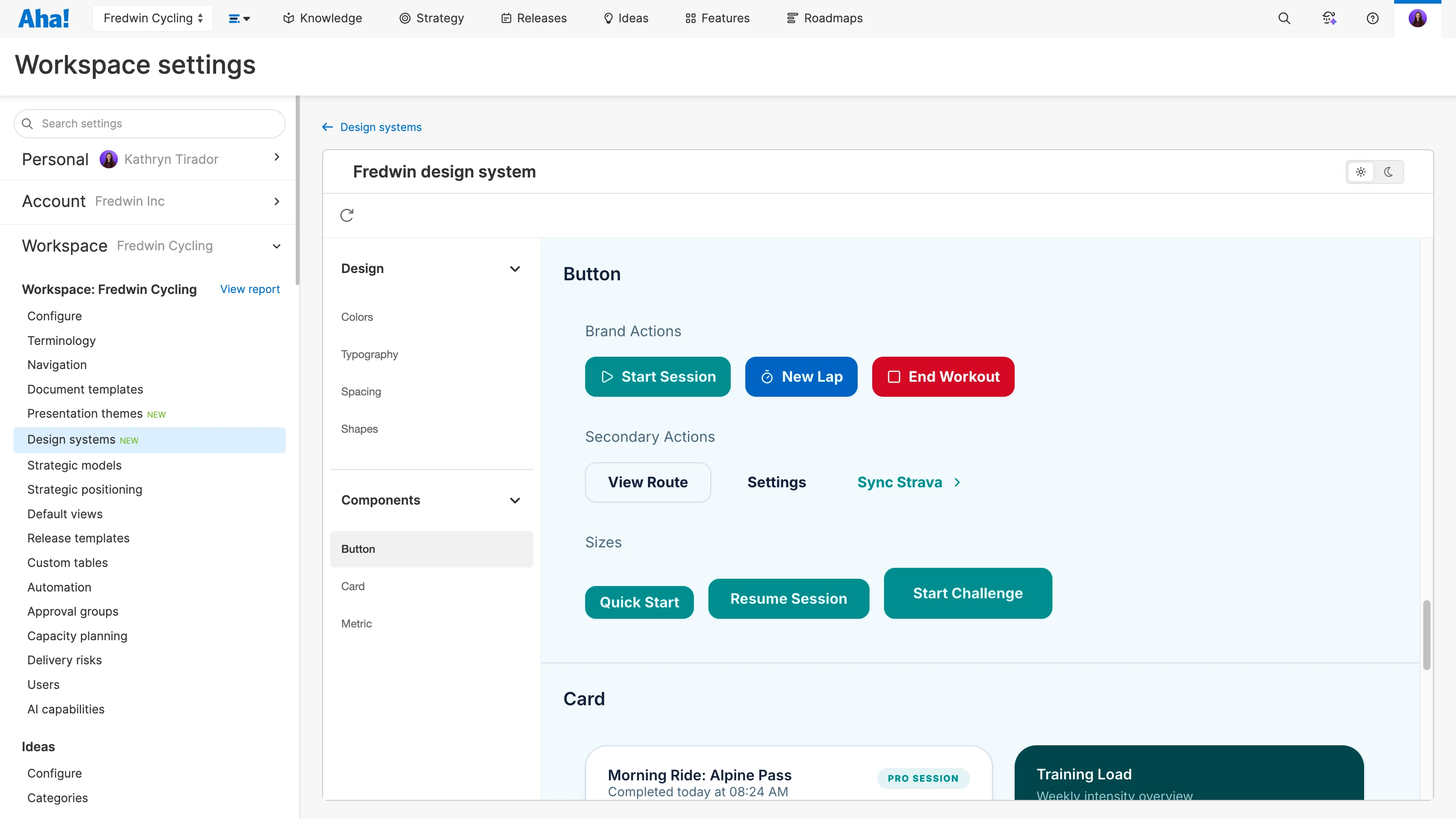
Here is a design system we created for Fredwin Cycling, a fictitious application. We created the system once and can now use those familiar elements across prototypes.
Design systems are available for Aha! Roadmaps customers on the Enterprise or Enterprise+ plan. Workspace owners can create and modify design systems. Contributors can apply them to prototypes.
Let us show you:
How to get started
From your Workspace settings, navigate to Design systems.
Upload a file or screenshot, or describe your design system to create a new one.
Review the design system Elle creates.
Make updates as needed with the pointer tool.
When creating a new prototype, apply the design system from the + button in the Elle chat.
For an existing prototype, apply the design system from the dropdown menu at the top of the record.
Pro tip: Create your design system at the workspace line level. This ensures every workspace underneath it can inherit the same styles and components.
📚 For more details, read the full support article.
A realistic prototype gives customers and colleagues something concrete to react to. They can use the functionality, see how it fits with the rest of the product, and tell you what works and what needs to change. That is the kind of feedback you want before engineering starts building.
There is plenty more to explore with prototyping in Aha! Roadmaps. Watch our recent tutorial on prototyping for more details.
Start a free trial of Aha! Roadmaps
Aha! Roadmaps is the best way to set strategy, prioritize features, and create interactive prototypes. It also includes everything in Aha! Ideas Essentials, Aha! Whiteboards Essentials, and Aha! Knowledge Essentials to provide a complete product management solution. Sign up for a free 30-day trial or join a live demo to see why more than 1 million product builders trust our software to build lovable products and be happy doing it.