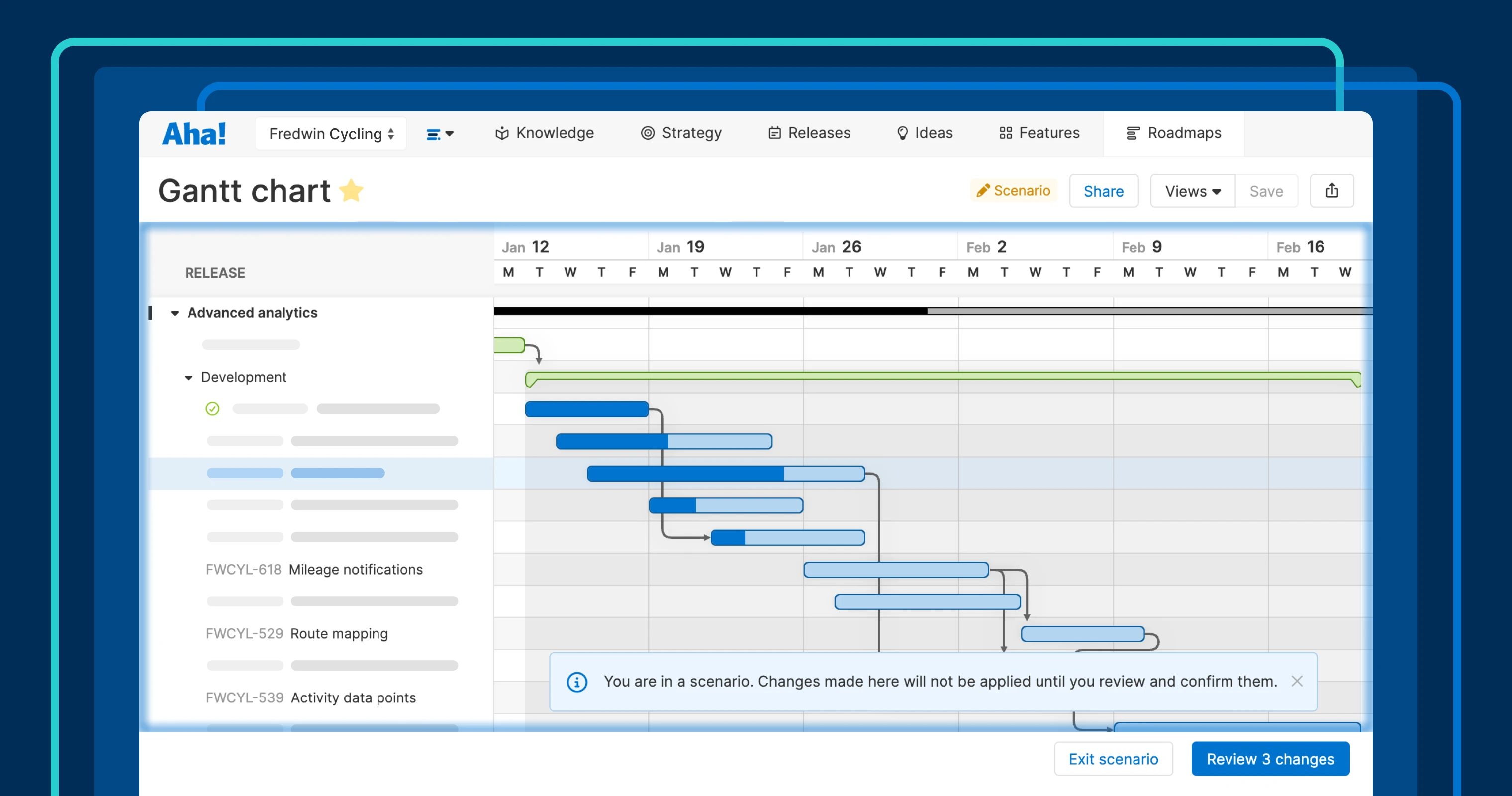
Test roadmap changes safely with scenarios in Aha! Roadmaps.
Explore different planning scenarios in Aha! Roadmaps


Priorities change, launch dates shift, and new dependencies are uncovered. There are many reasons why you might need to update your roadmap after work gets underway. But how do you weigh your options without disrupting the team? You asked for a better way to explore "what-if" scenarios — and more than 100 of our customers voted for this enhancement. Today, we are excited to deliver exactly that.
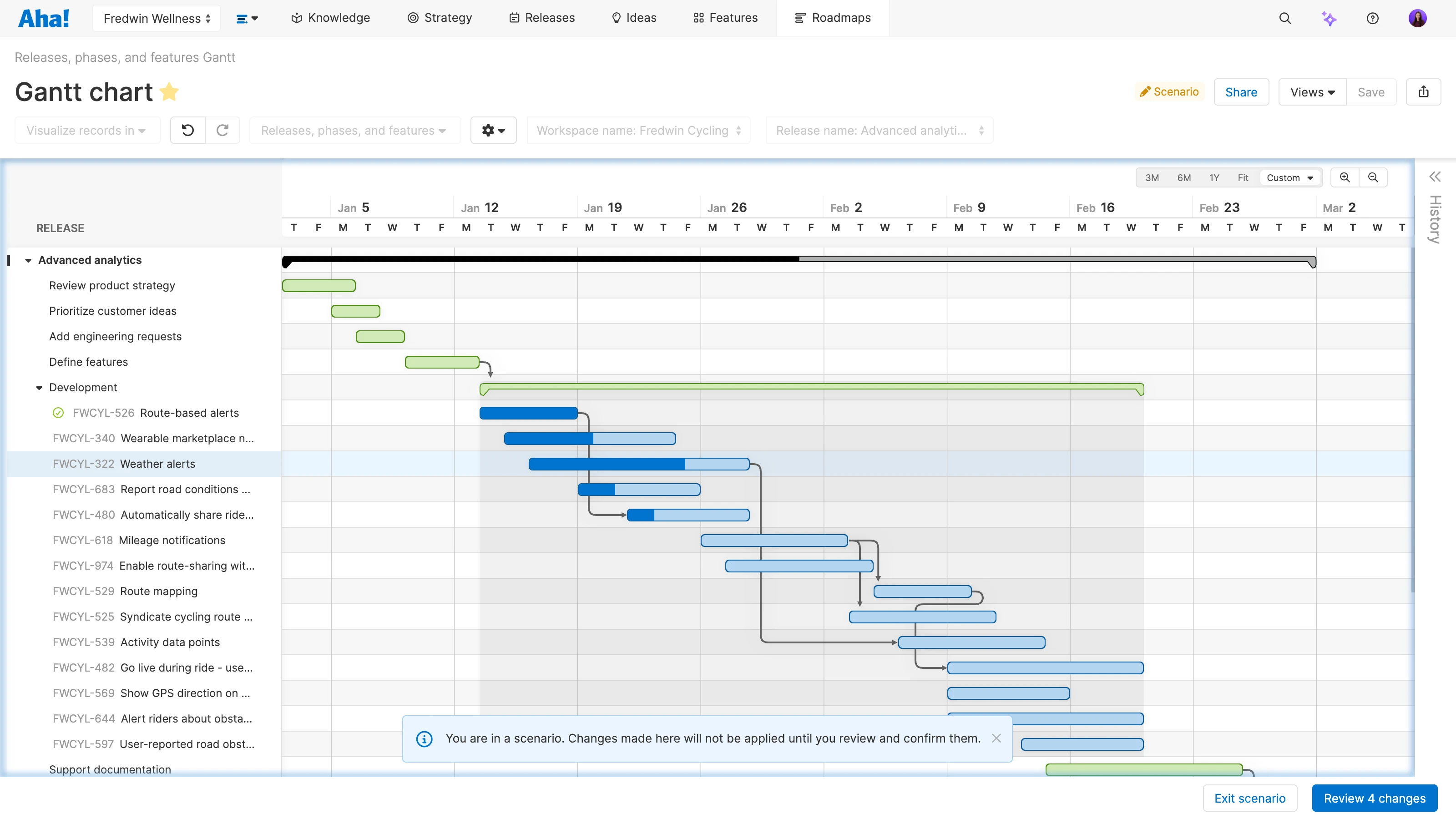
Create a scenario from your Gantt chart or strategic roadmap in Aha! Roadmaps to simulate alternative paths before committing to changes.
Consider changes without disrupting your roadmap
Gantt charts and strategic roadmaps give you a clear picture of how work fits together in a timeline view. You can coordinate plans, understand dependencies, and track progress. Now, you can also create an alternative scenario to your existing plan. This is ideal for modeling potential updates before changing course.
You can add or remove records, adjust timing, or update dependencies in a scenario. None of these changes affect your underlying data until you choose to apply them. Share the scenario with teammates to gather feedback. When you are ready, review the list of updates and decide which to keep and which to discard.
Here is what you can do:
Explore potential updates (like changing scope, dates, or dependencies).
Share the scenario view with teammates to align on potential changes.
Review the complete list of changes and select which ones to apply.
Confirm the changes to update your plan in a single step.
Scenarios give you room to explore without interrupting the work that is already underway. Evaluate options with your team and move forward with confidence.
All Aha! Roadmaps customers can create scenarios for Gantt charts and strategic roadmaps starting today.
Watch how it works:
How to get started
Build a Gantt chart or strategic roadmap.
Open the Views dropdown.
Select Create scenario.
Once you are in a scenario, you can:
Add or remove records to adjust scope.
Adjust bars to shift work timing.
Change dependencies to test sequencing.
Save view to save your scenario and Share it with collaborators.
Review changes to track proposed updates and select which ones to confirm or discard.
📚 For more details, read the full support article.
We are committed to building tools that adapt to the reality of product development work. Scenarios help you balance flexibility with control — creating room for discussion before you commit to changes too soon.
Start a free trial of Aha! Roadmaps
Aha! Roadmaps is the best way to set strategy, prioritize features, and share visual plans. It also includes everything in Aha! Ideas Essentials, Aha! Whiteboards Essentials, and Aha! Knowledge Essentials to provide a complete product management solution. Sign up for a free 30-day trial or join a live demo to see why more than 1 million product builders trust our software to build lovable products and be happy doing it.