You now have more advanced reporting permissions in Aha! software.
Control who can view and edit your product reports


You spent hours getting your report just right before a product review — the last thing you need is someone accidentally making changes that are hard to undo. But they still need to review the report before you present it. And you still need one person on the team to make a few edits. Now, you can decide exactly who can view and who can edit each report.
Control exactly who can view or update roadmaps, reports, and dashboards in Aha! software — so you can share insights confidently.
Give each colleague the right level of access
You already have many ways to share reports in Aha! software. Create a secure webpage that stays current, add reports to presentations or whiteboards, or schedule emails to send updates to key stakeholders. Sharing a direct link with other Aha! users works differently: It grants access inside the product, which is where these new permissions apply.
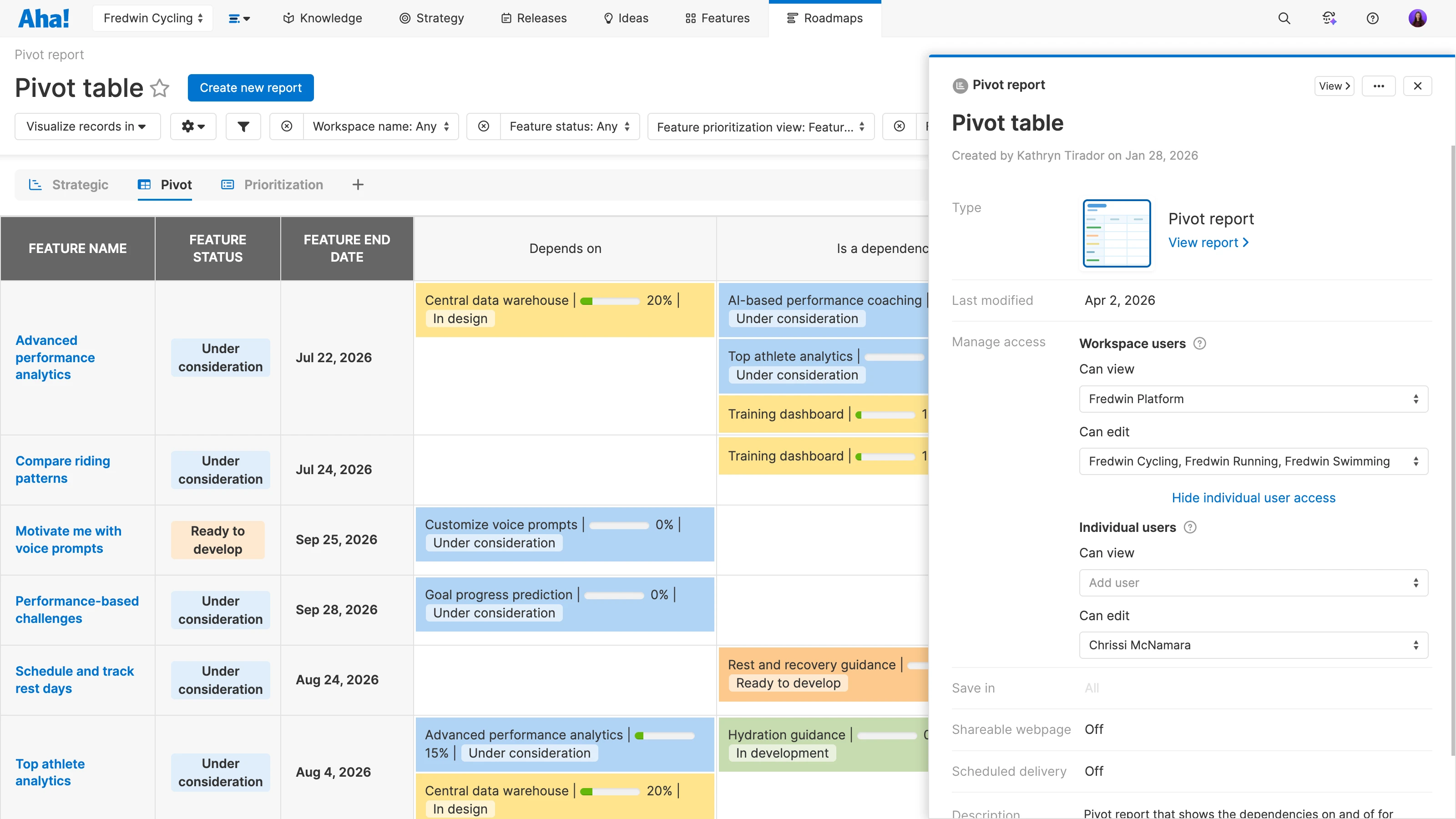
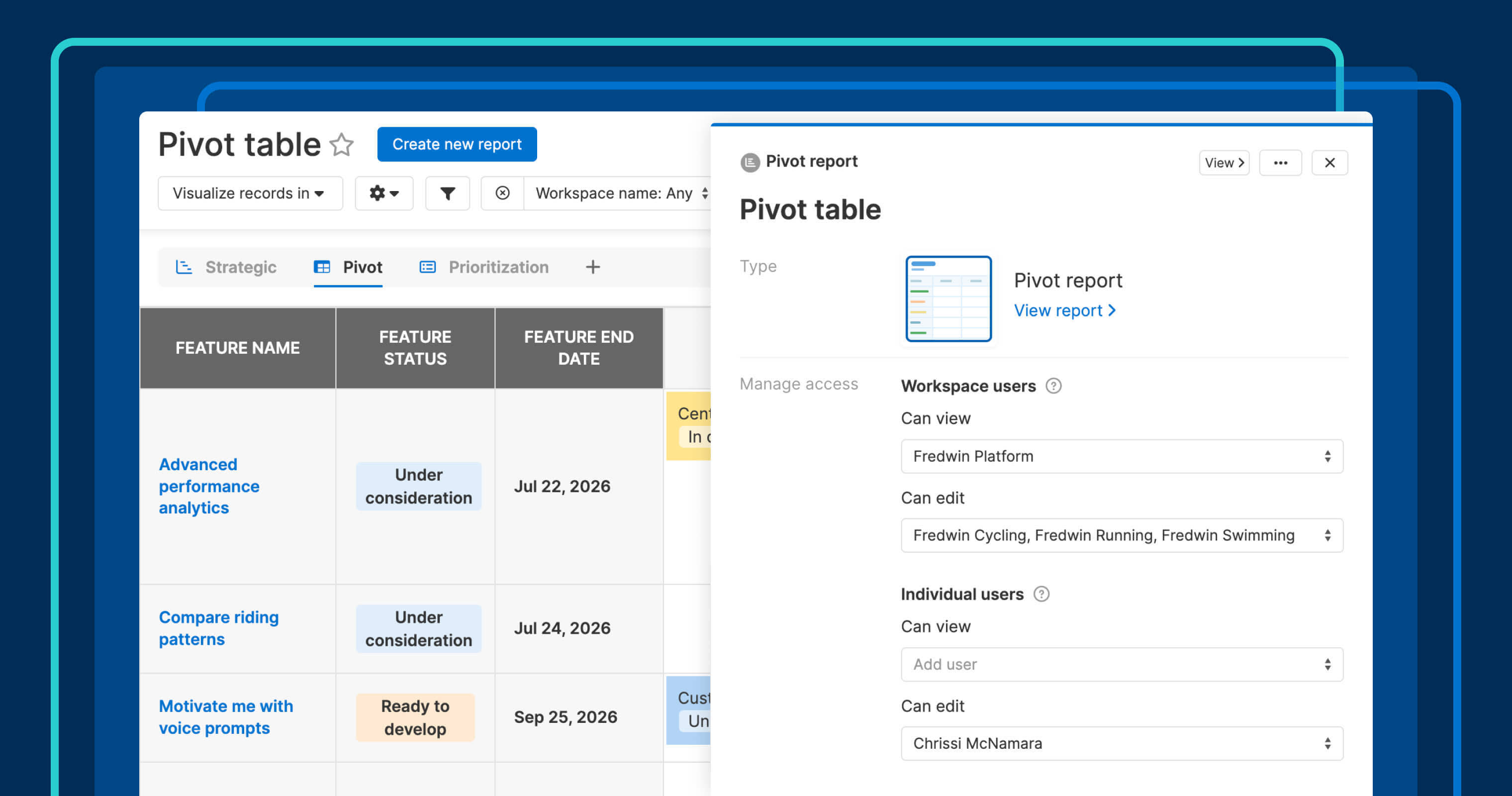
Previously, all users received the same level of access — either view or edit. You can now assign permissions per workspace, plus granular access for individual users. This is especially useful when you need a teammate to help maintain a key report without opening edit access to an entire workspace.
Here is what you can do:
Set workspace-level access: Assign view or edit permissions to relevant workspaces
Elevate individual users: Give a specific person higher access than their workspace default
Share broadly: Copy the report link and distribute it without worrying about who might change something
This way, you can keep everyone informed while staying in control of who can make changes.
This new functionality is available for all roadmaps, reports, and dashboards across Aha! software.
How to get started
Open any report, roadmap, or dashboard.
Go to Manage access in the Save view modal, report details panel, or Share menu.
Set view or edit access for each relevant workspace.
Optionally, grant a specific user higher access than their workspace default.
Save your changes (they apply immediately).
For more details, read the full support article.
Sharing the roadmaps, reports, and dashboards with the right people keeps your organization aligned. Granular access controls let you give each stakeholder the visibility they need to follow progress. Then, invite a few trusted collaborators to maintain key views.
Start a free trial of Aha! Roadmaps
Aha! Roadmaps is the best way to set strategy, prioritize features, and share visual plans. It also includes everything in Aha! Ideas Essentials, Aha! Whiteboards Essentials, and Aha! Knowledge Essentials to provide a complete product management solution. Sign up for a free 30-day trial or join a live demo to see why more than 1 million product builders trust our software to build lovable products and be happy doing it.