Jump ahead in this guide:
What are objectives and key results (OKRs)?
If you are new to strategic planning, it can be helpful to understand the history behind OKRs. Preceding OKRs was the concept of management by objective (MBO) — first introduced by management consultant Peter Drucker in the 1950s. The idea was to improve employee engagement by giving people a voice in their professional goal-setting. Inspired by the MBO model, CEO of Intel Andy Grove developed OKRS in the 1970s — later to be popularized by John Doerr when he introduced them at Google.
In Andy Grove's book High Output Management he outlined the OKR system with two simple questions:
Where do I want to go? (Objective)
How will I pace myself to see if I am getting there? (Key results)
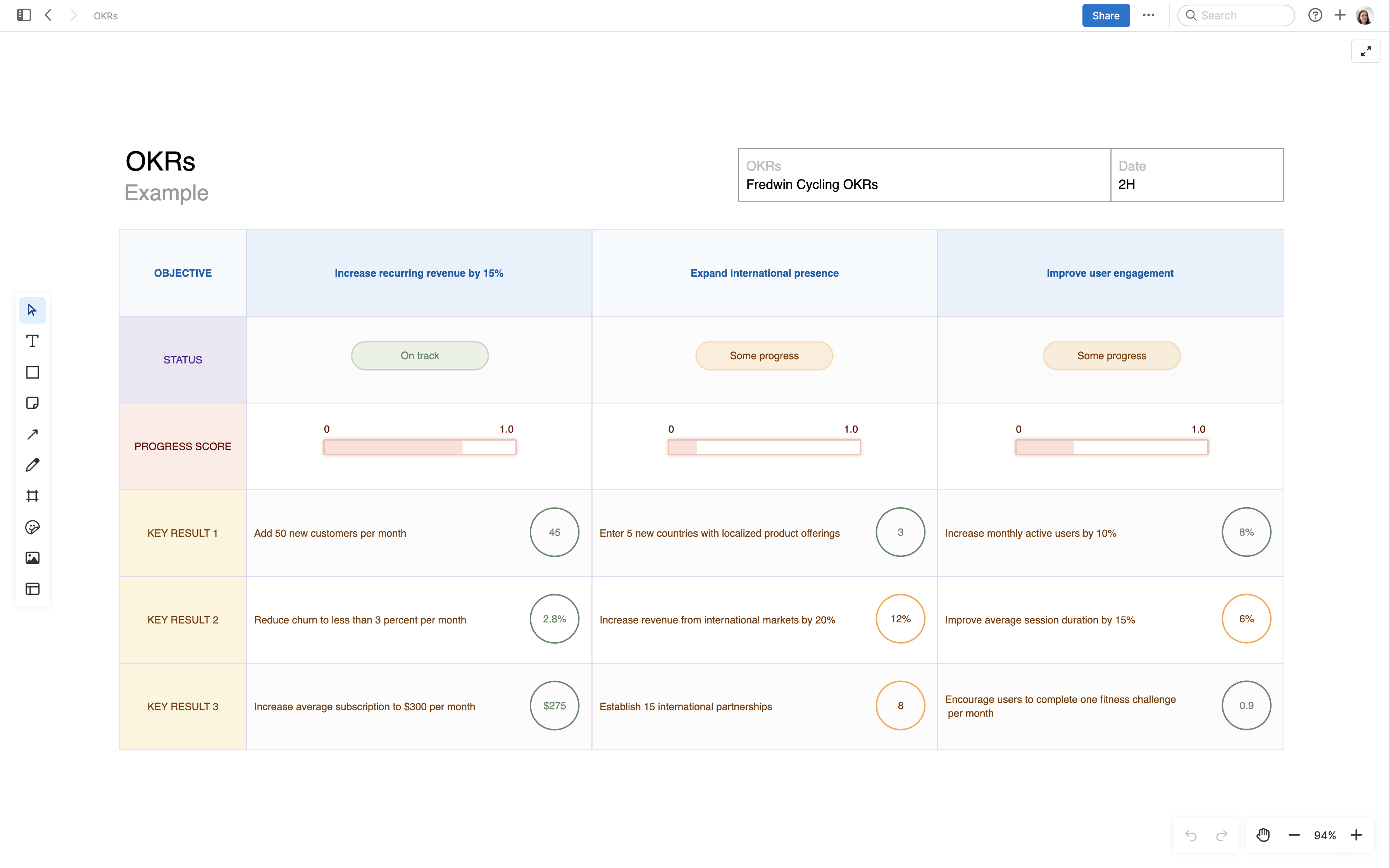
The idea is to plan what you will achieve (an objective) alongside your measurements for success (key results). As you progress, each objective is given a score from 0.0 to 1.0 — scoring between 0.7 and 1.0 indicates the objective is nearly or fully achieved. This helps you track how work is going and adjust your priorities if needed.
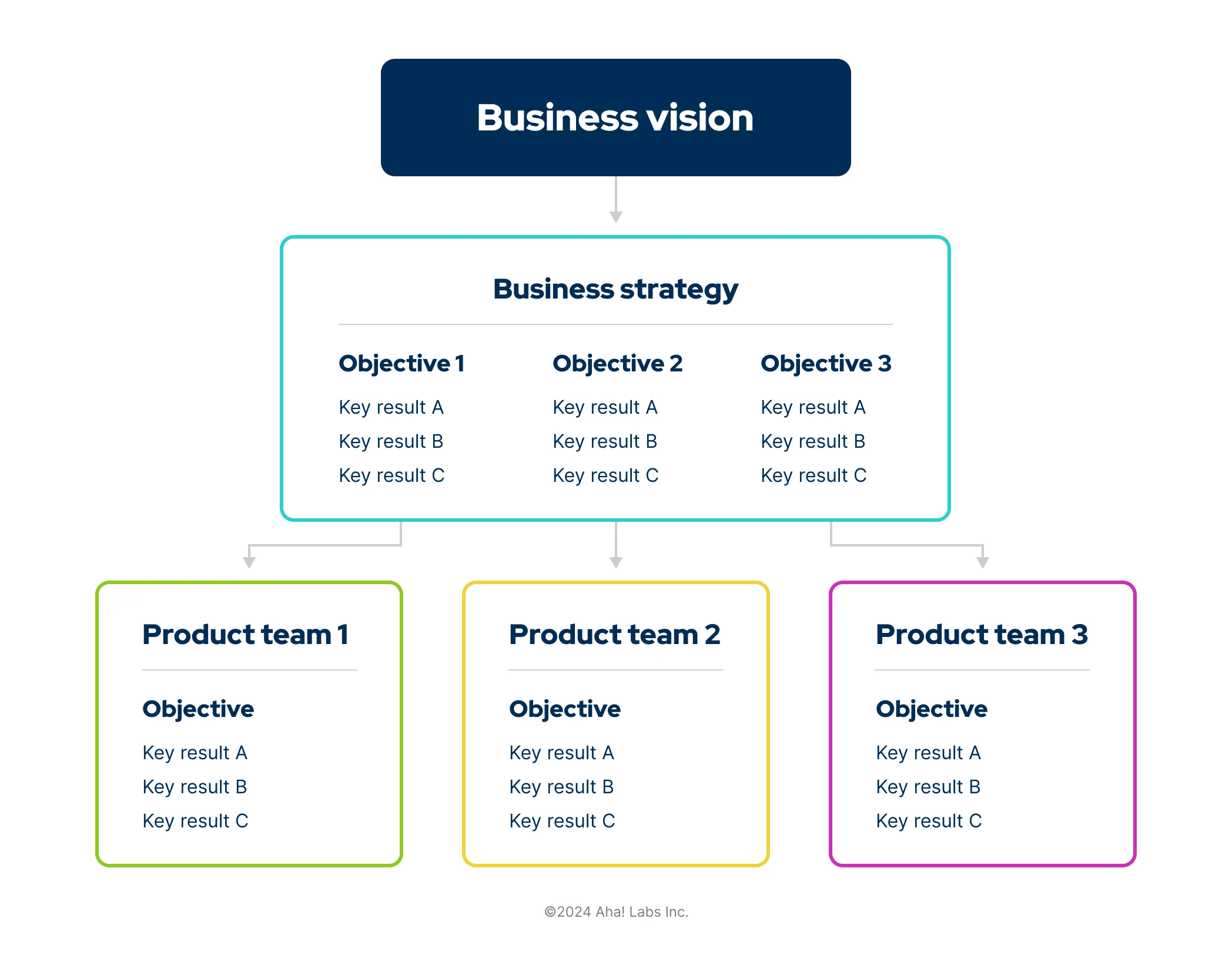
When you use OKRs company-wide, it helps to align the entire organization around shared targets. A clearer understanding of priorities helps everyone make better decisions about where to invest time and resources. Plus, connecting business, team, and individual OKRs can show how smaller units of work impact overall organizational success.
Top
Customizable OKR templates
To get started with writing your own, try these six downloadable OKR templates. These are flexible templates that you can customize for your own team's objectives and metrics. If you need a more in-depth overview of how to set product-specific OKRs, jump to the section below.
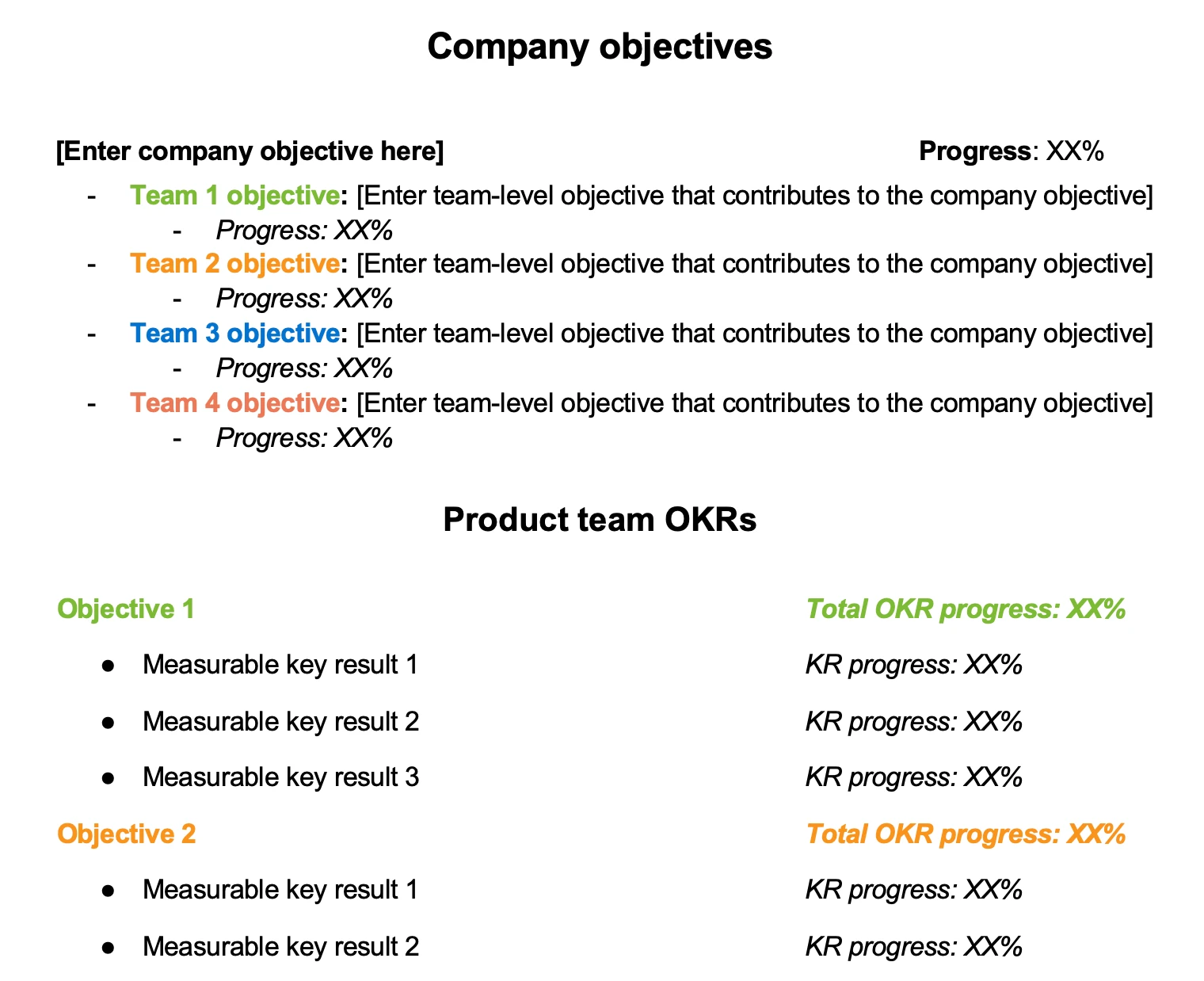
1. Simple OKR template
This basic OKR template follows the most common format — making it simple to get started quickly. List company-level and team objectives in the top section and product-specific objectives and results in the bottom section.
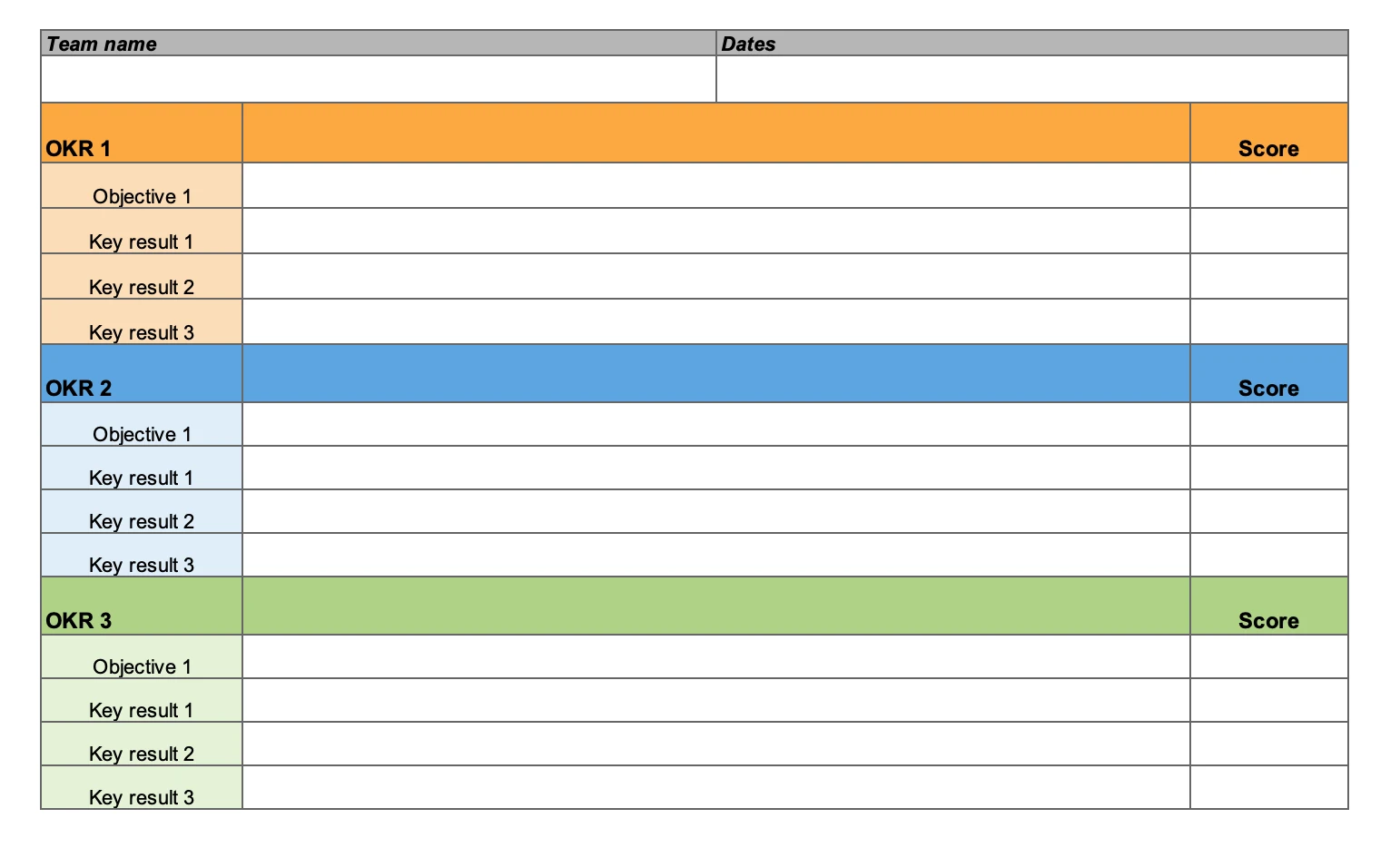
2. Team OKR template
Use this template to write team-level OKRs in more detail. You might designate shared OKRs for the product team or even specify OKRs for product managers versus engineers, for instance. By assigning a set of OKRs for different team members to own, you can divide responsibilities while also viewing team-wide progress.
3. OKR confidence tracker template
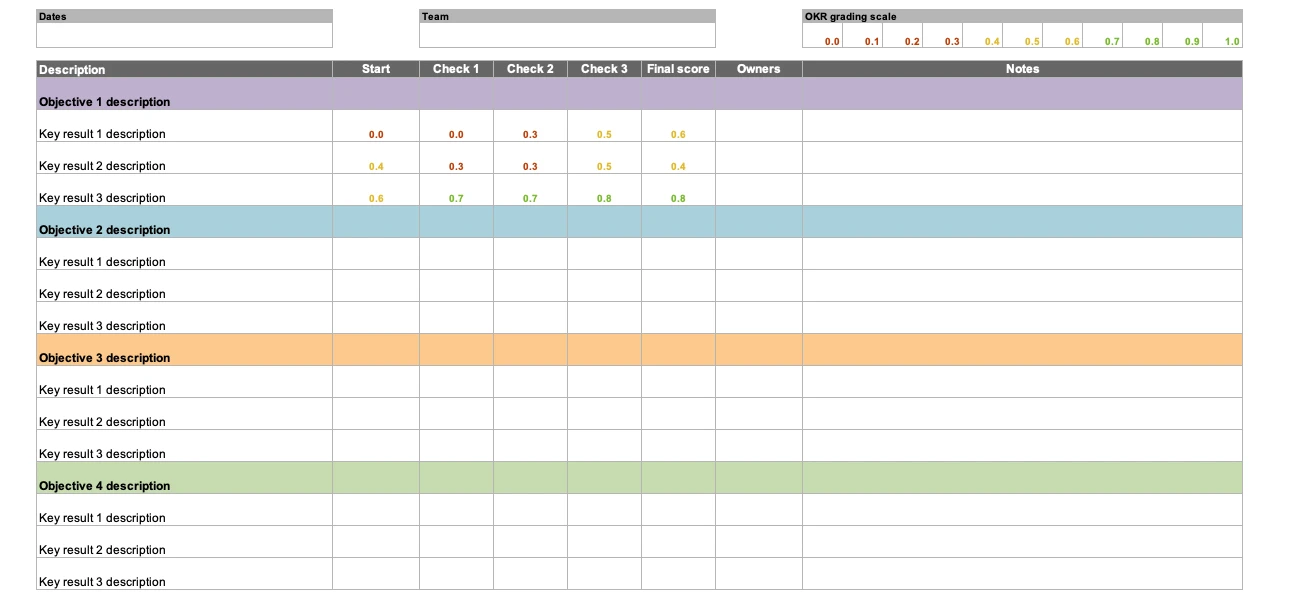
This OKR template helps you gauge results at different checkpoints throughout the month or quarter. Typically, confidence trackers are used to forecast progress. You would assign a score of 0.0 to 0.3 if the OKR is at risk, a score of 0.4 to 0.6 if the OKR is lagging but still achievable, and 0.7 to 1.0 if you are confident that you will achieve the OKR by its intended deadline. Although a confidence tracker measures sentiment, it is not subjective. Scores should still be based on real results and progress.
4. Weighted OKR template
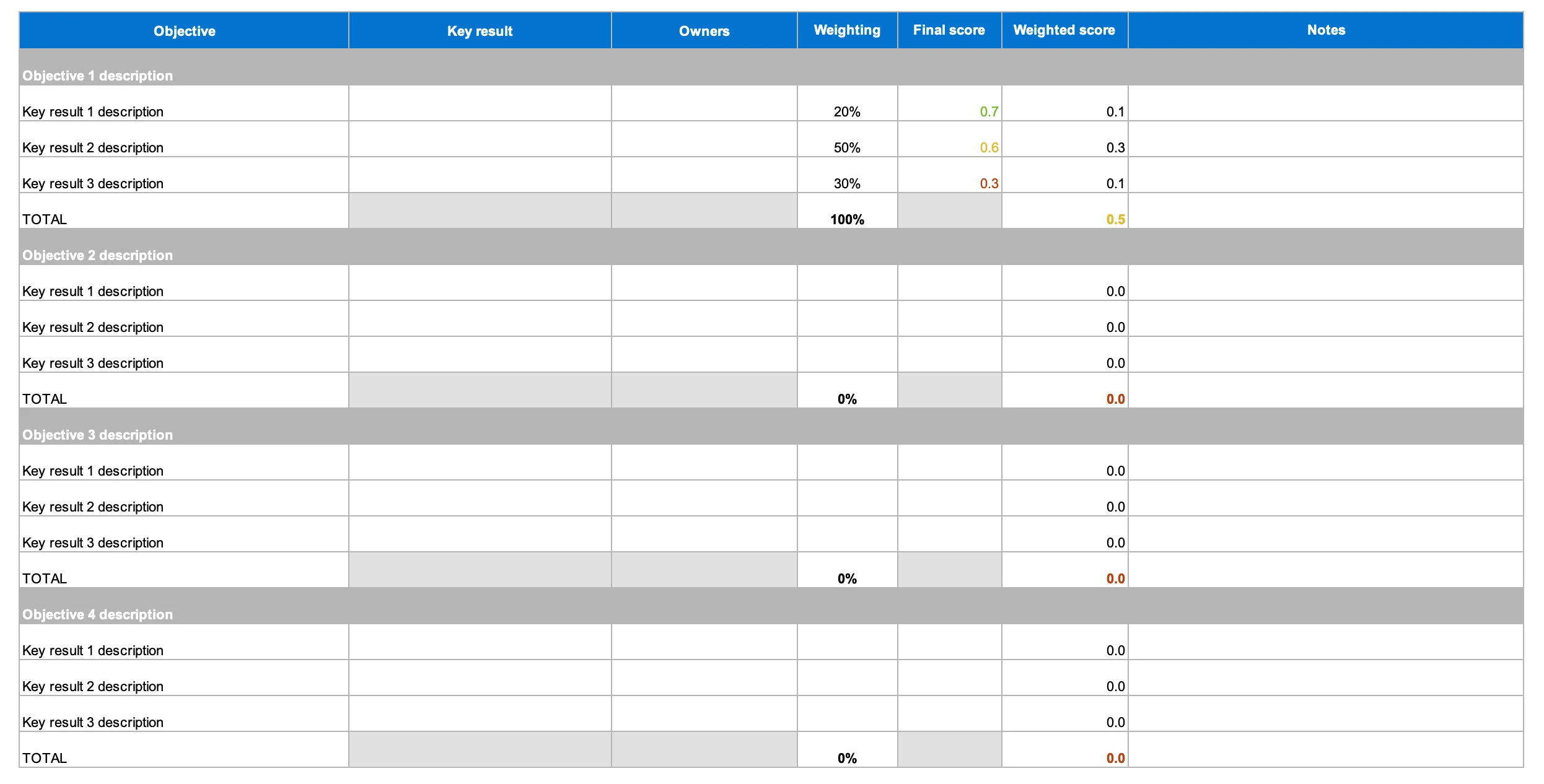
A weighted OKR template gives you the flexibility to calibrate results based on the significance of the goal. Determine your own weighting in the spreadsheet and the scores will automatically adjust.
5. OKR simple presentation template
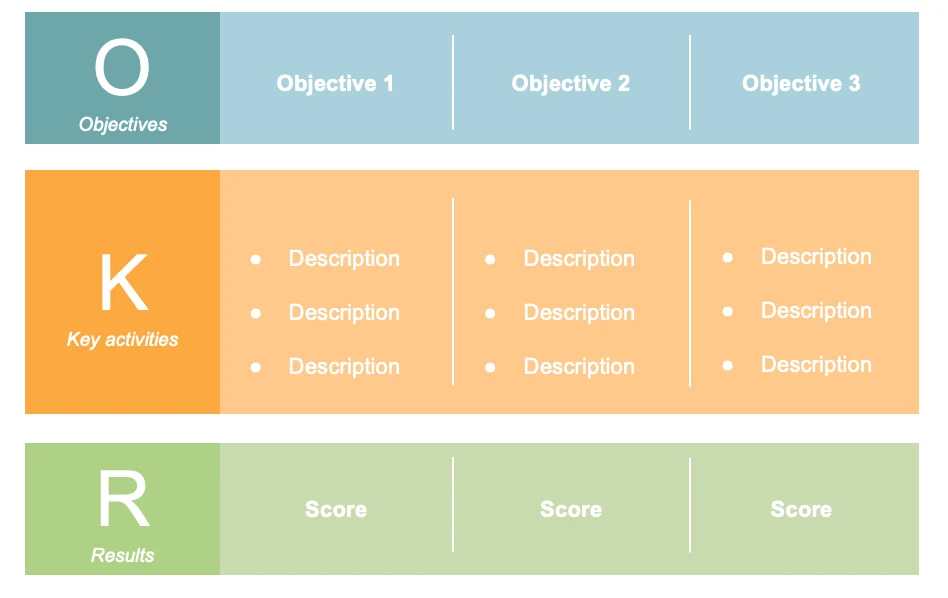
This template provides a streamlined way to display your OKRs in a presentation. It adds a layer labeled "key activities" so you can share planned work with cross-functional groups.
6. OKR detailed presentation template
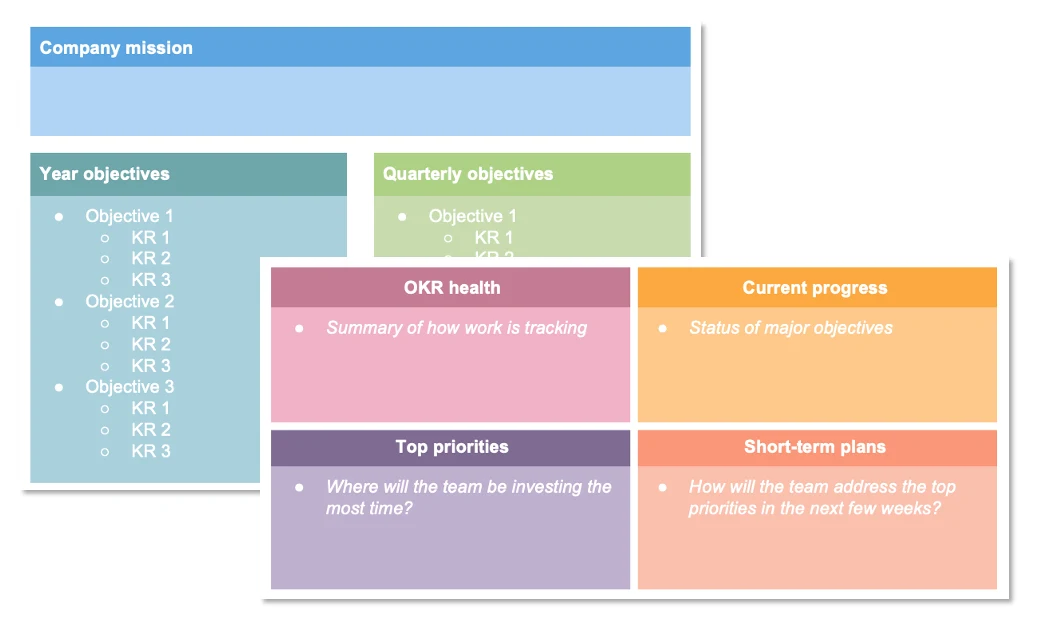
Sometimes you may want to share OKRs with company leaders and colleagues. This presentation template gives you space to add annual and quarterly objectives, as well as top priorities and upcoming plans. Adjust the colors to match your brand and go from there.