Make your knowledge base easier to access to increase its value.
Embed a support knowledge base in your software


A customer gets confused using a new feature in your software. They could open your knowledge base in another tab and search for help. Or you could put the answer right there in your product where they are already working. The faster they find what they need, the less likely they are to get frustrated.
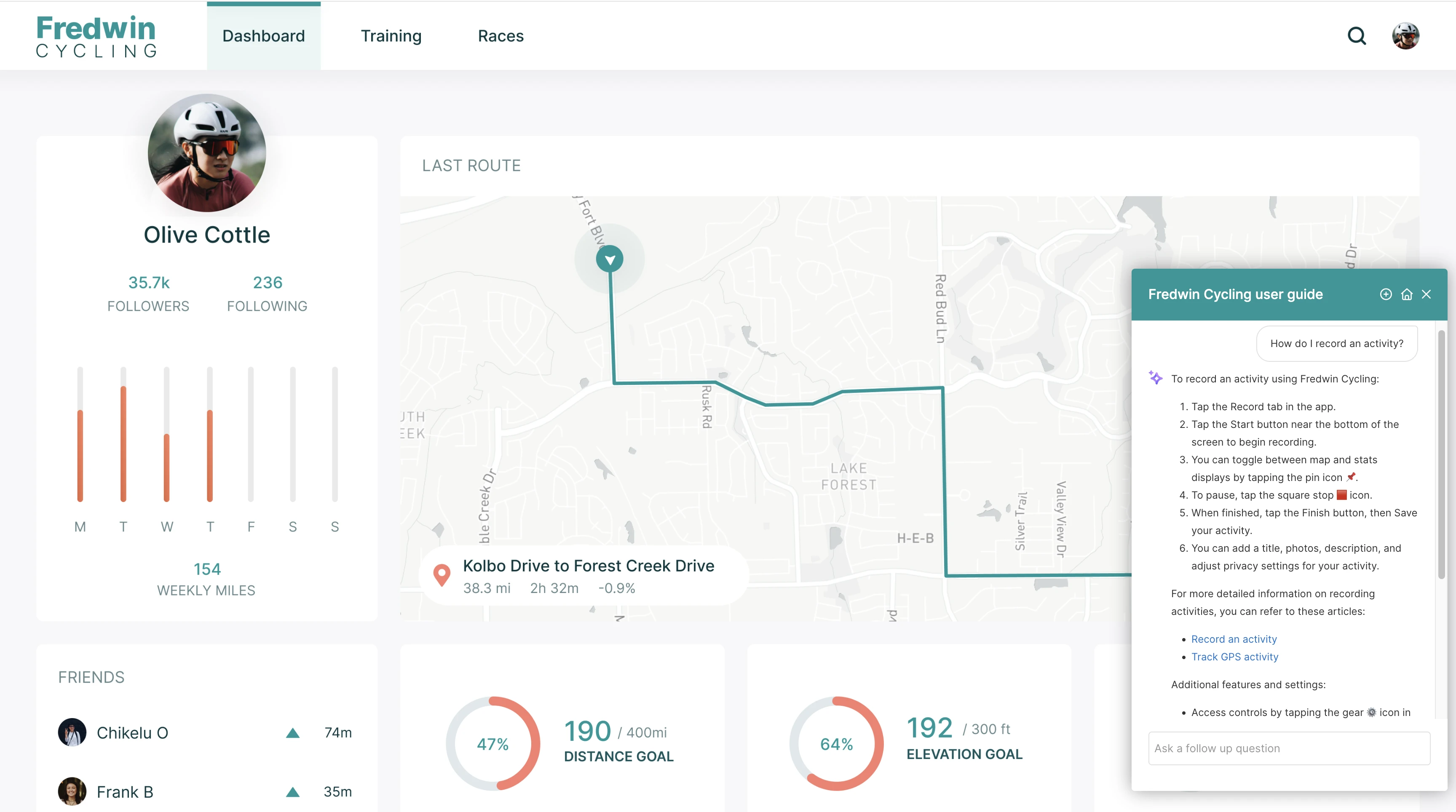
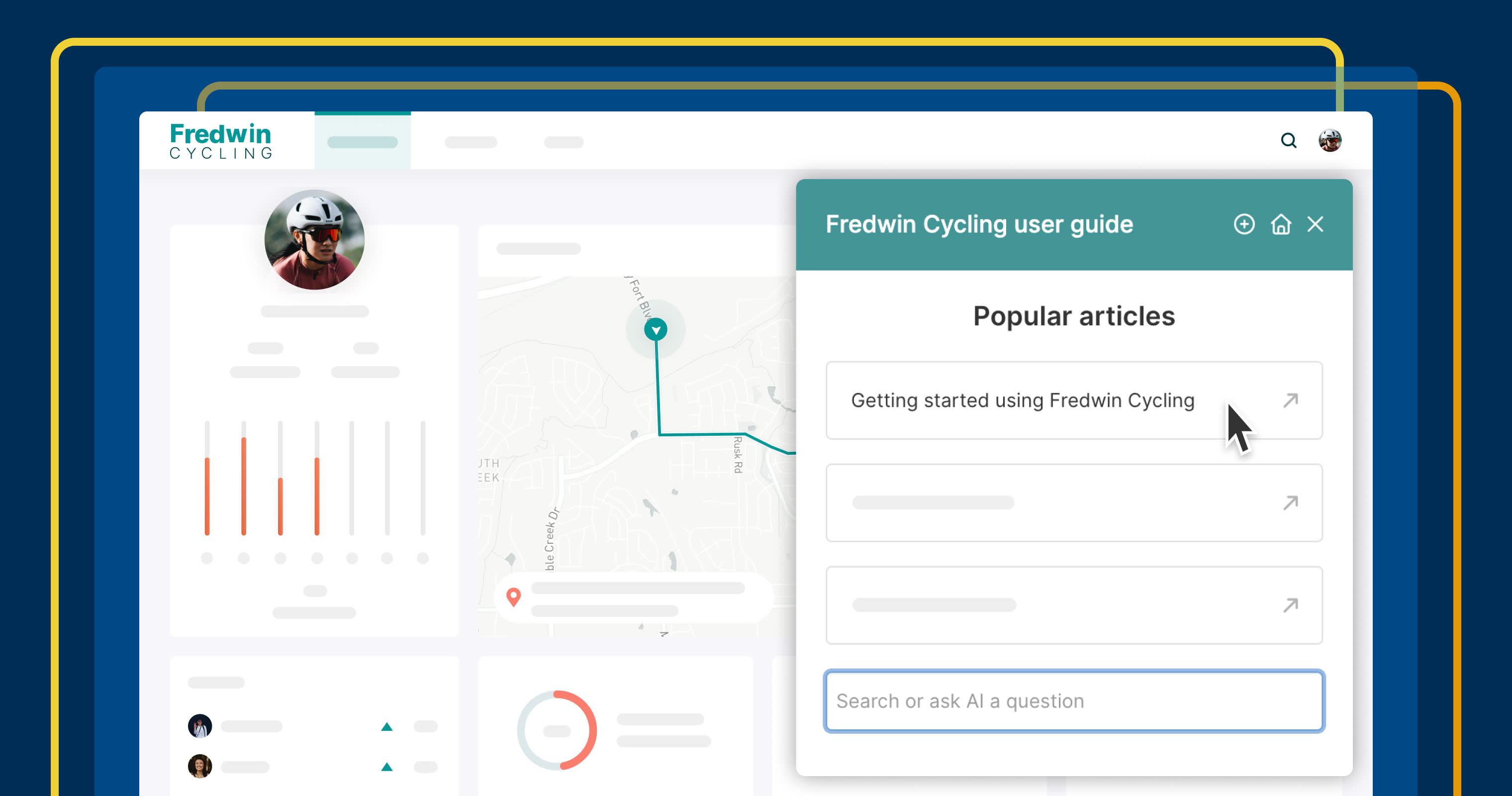
Embed a knowledge base as a widget in your software with Aha! Knowledge — so users can search docs without leaving the page.
Make support content more convenient
Aha! Knowledge lets you centralize and publish product documentation on a knowledge base. That works well for users who know where to look and have time to browse. But when someone is mid-task and confused, they need quick answers.
Adding your knowledge base as a widget puts it directly in your product. Users click an icon, type a question, and see results without switching tabs. Set up multiple widgets — one per product, for example — and use collections to control which articles appear in each.
Here is what you can do:
Choose the location: Select the pages where you want it to appear and insert via a reusable code snippet.
Customize the appearance: Set the name, color, and position of the widget on the page.
Feature popular articles: Surface the documents users reference most often.
Enable searching: Let users ask questions, search support content, and see AI-powered summaries in your app.
When you bring your knowledge base into your product, customers get answers instantly and stay in their flow.
Knowledge base widgets are available in Aha! Knowledge Advanced. Those with workspace owner permissions can enable and configure the widgets. Contact us to schedule a demo or upgrade your account.
Watch how it works:
How to get started
Go to your Knowledge base settings and open the Widget tab.
Click Add widget, then select a title and subtitle.
Choose the URLs where you want to display the widget.
Tailor the branding, position, and featured articles.
Copy the widget's code snippet into your application.
Users can then open the widget in your product to access the knowledge base.
📚 For more details, read the full support article.
Let your product information shine with support built right into your app. Customers get answers without context-switching — and you reduce support tickets for your team. Add your knowledge base in-product today to make self-service effortless.
Upgrade to the Aha! Knowledge Advanced plan
Aha! Knowledge is the product information hub. Choose the Aha! Knowledge Advanced plan if you need to share product documentation with customers and colleagues via public or private knowledge bases. Start a free trial of Aha! Knowledge now to explore all the advanced features. Or contact us if you would like to add it to your existing Aha! Roadmaps plan.