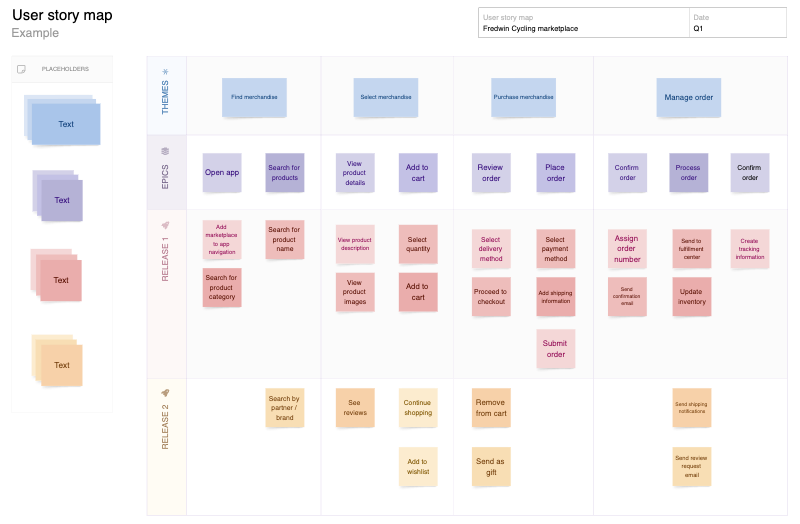
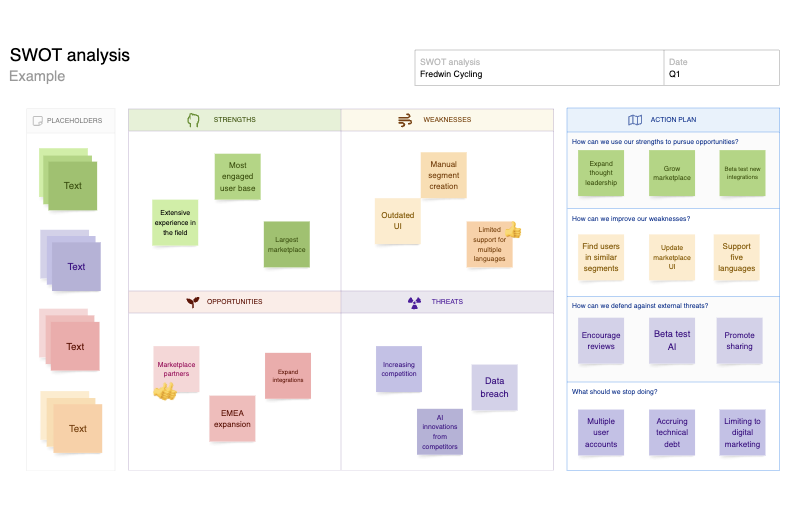
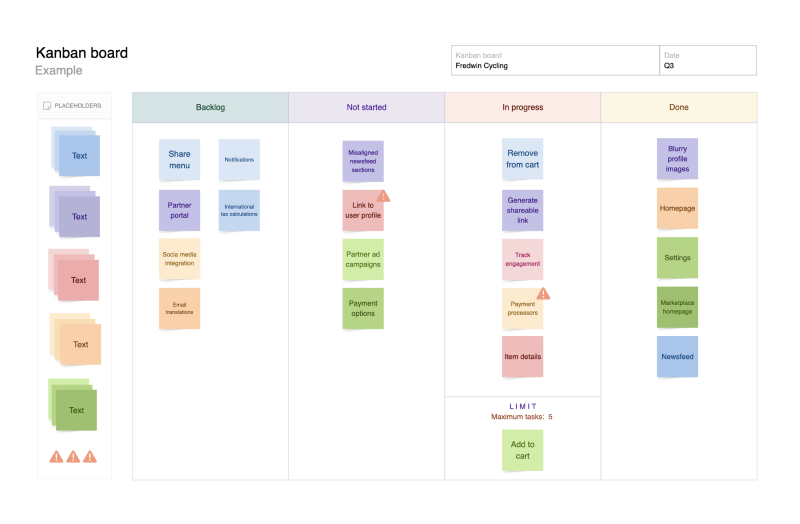
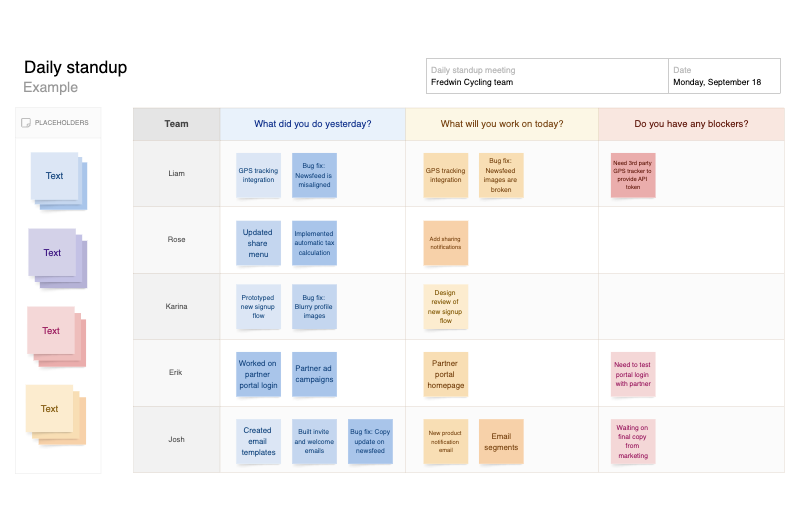
Sticky note pack template
Use colorful sticky note packs to quickly capture and organize thoughts
Use template
About the sticky note pack
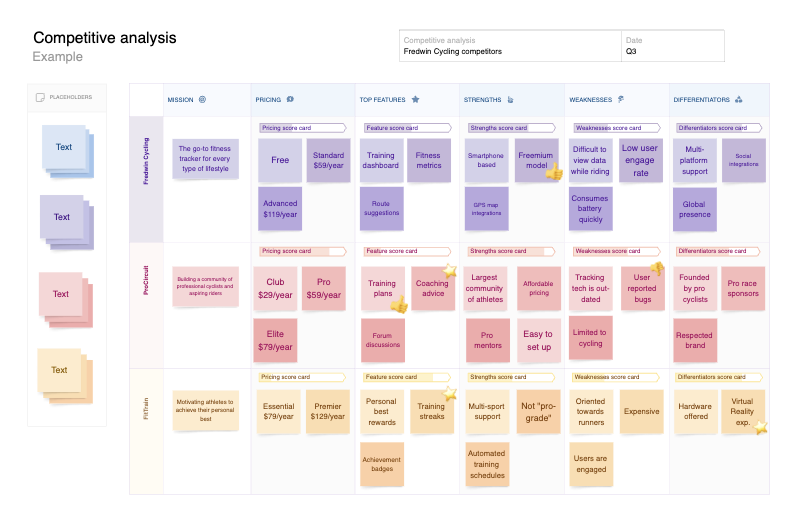
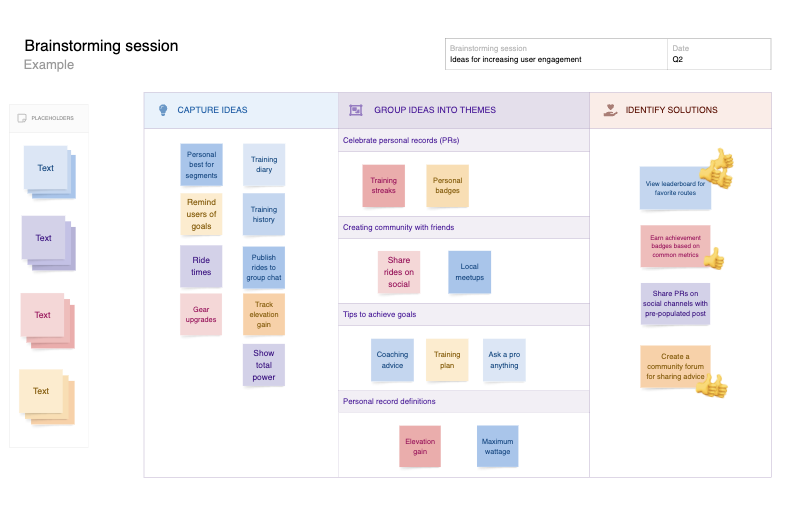
Product teams need a better way to capture and organize concepts — so breakthrough ideas never get lost in the shuffle. Think of the sticky note pack as a digital spin on a classic.
You can start with the six included sticky note colors or create custom colors to help categorize your ideas. Insert shapes, lines, and frames to add visual structure and group similar notes together.
When you are ready, share your whiteboard with your team and encourage folks to build on each other's ideas. Work together to connect new concepts to upcoming product plans — either in Aha! Create or over in Aha! Roadmaps.
Best practices
Add colorful notes to a virtual whiteboard, brainstorm ideas, and share feedback with your team.
Organize your thoughts Grab a sticky note from the pack and start typing freely. The text will automatically resize to fit. Then rearrange and add more sticky notes to your whiteboard as ideas continue to flow.
Refine concepts together Invite teammates to the board and build on each other's ideas — both in real time and asynchronously. The other templates in Aha! Create also come equipped with a sticky note pack to help you get started fast.
Go from sticky note to roadmap When a working session results in brilliant ideas, easily convert any sticky note directly into an idea or feature in Aha! Roadmaps. Now you can bridge the gap between ideation and roadmapping.
FAQs about the sticky note pack template
When should I use the sticky note pack template?
Use the sticky note pack when you need a fast, flexible way to capture ideas on a whiteboard before they are ready for a more structured plan. It works well for brainstorming feature concepts, mapping customer problems, and collaborating on ideas in meetings. When patterns start to emerge, you can group related notes with frames (or other templates) so the team can review at a glance and decide what to do next.
How do I turn sticky notes into work the team can track?
Start by reviewing the whiteboard and identifying what ideas should move forward. If needed, update the sticky notes with simple, specific language that describes the customer problem or the work to be done. You can also use Elle to group similar notes, highlight themes, and suggest clearer wording.
Once your sticky notes are organized, click to convert them into ideas or features in Aha! Roadmaps. This helps the team move from early thinking to defined work without losing the original context.
Is this template free to use?
Yes. To use this sticky note pack template, sign up for a free 30-day trial of Aha! Whiteboards. (You can also try this template in Aha! Roadmaps if you need a complete product management solution.) Easily customize the template to suit your needs, then share it with as many people as you want (for free) to streamline collaboration.