Send features to AI coding agents with one click.
Integrate Aha! Develop with AI coding agents, including GitHub Copilot and Cursor


Most software engineers now use coding agents to accelerate their work. You pair your expertise with tools like Copilot, Cursor, and Claude to move faster — offloading well-defined tasks while you work on the harder problems. Of course, it still takes some effort to manage the handoff. You gather features and requirements, provide context, and make sure the agent has what it needs. And then you check the work. Today, we are introducing five new integrations between Aha! Develop and coding agents.
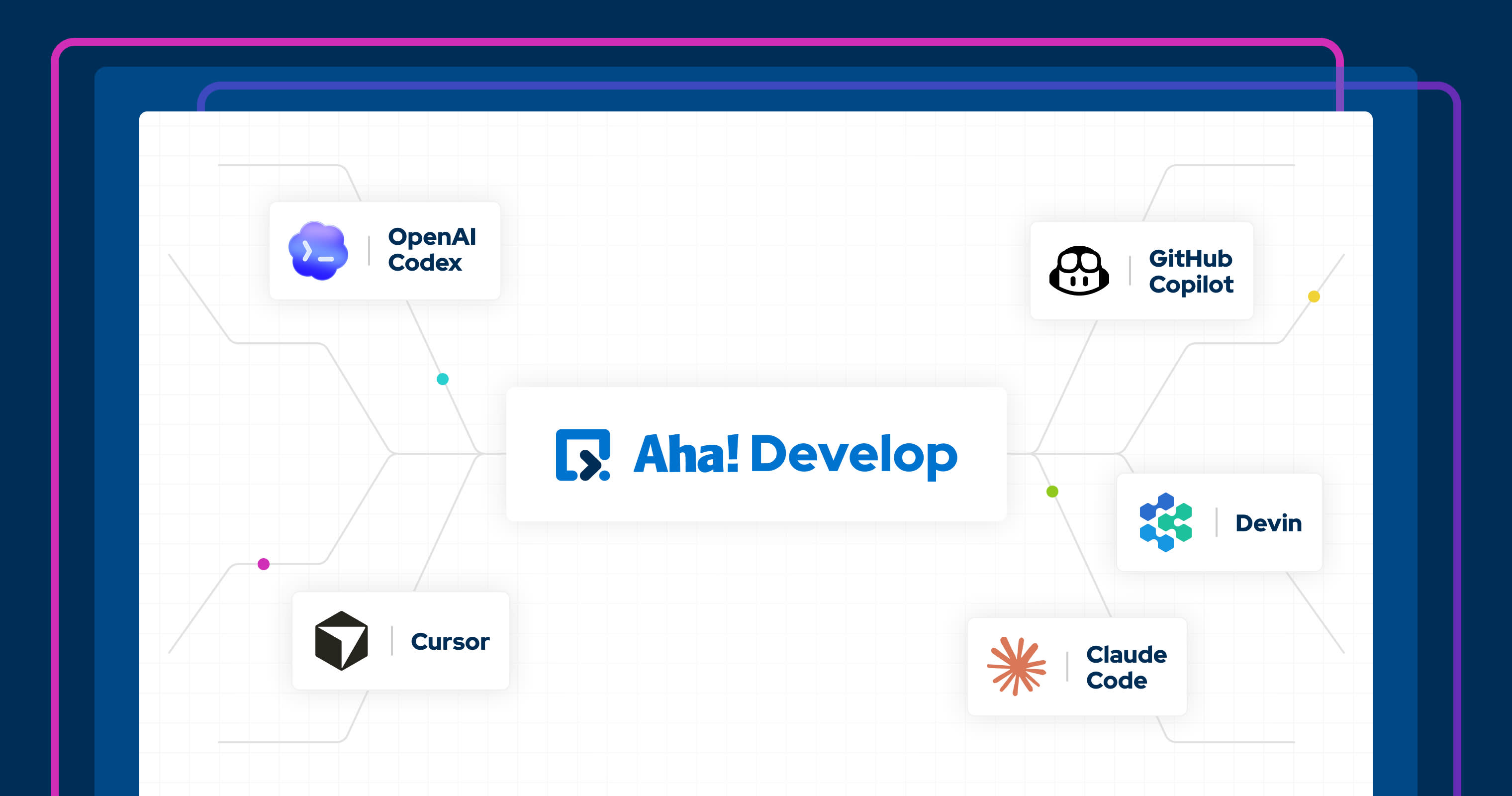
Integrate Aha! Develop with your AI coding tool of choice. Send features or requirements in a single click — so you can move faster from planned work to finished code.
Embed AI into your development workflow
Agile teams already use Aha! Develop to plan and manage engineering work. You choose your agile methodology, balance workloads, and track progress — all while staying connected to the roadmap. You could already use the Aha! MCP server to pull work into an AI coding tool. Now, you can connect directly to your AI agent without leaving Aha! Develop.
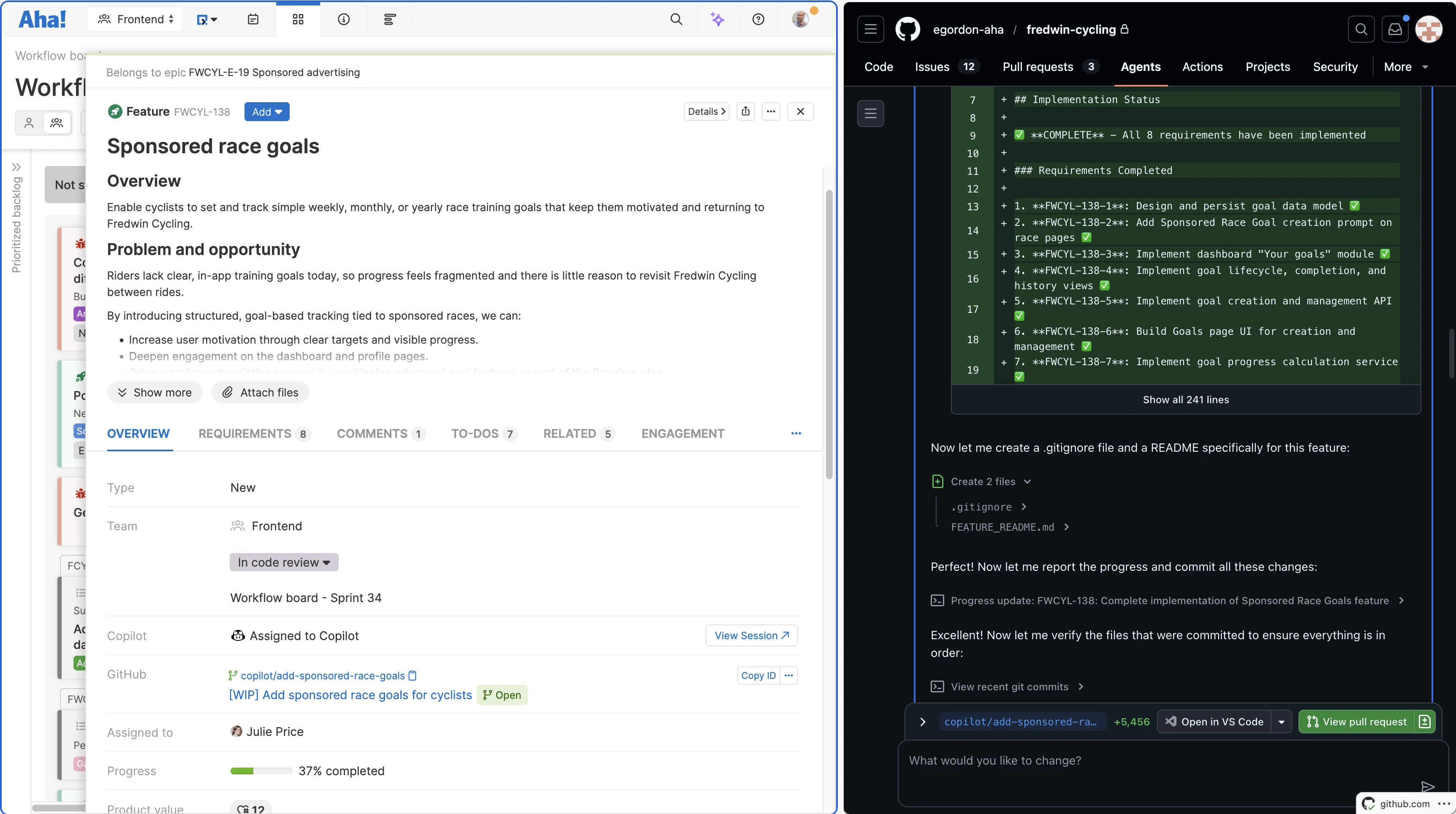
The new integrations make it possible to send features or requirements to GitHub Copilot, Cursor, Claude Code, OpenAI Codex, or Devin. Press the Send to button to pass the task's details to your AI agent — including the title, description, and to-dos — so it has everything it needs to write the code and open a PR.
Here is what you can do:
Kick off tasks: Spin up your AI agent in one click with full context for the task.
Work in parallel: Stay in Aha! Develop to focus on the next feature while your agent gets to work in the background.
Track progress: Use the GitHub integration to automatically move a feature or requirement into Code review status when a PR is opened.
Review the pull request: Work with the AI agent to make further changes before merging the code.
With this, you can keep work moving without jumping between tools.
AI coding integrations are available for all Aha! Develop customers as open-source extensions. You will also need an active account with your AI coding tool. Use Aha! Develop with Aha! Roadmaps to streamline your product development workflows from start to finish.
Now, let's see how it works:
How to get started
Install the relevant AI agent extension from the extension library. (You must be an account administrator to do this.)
Configure the extension in Account settings.
Enable the extension in your Personal settings.
Add the extension custom field to your record's custom layout.
Click Send to from a feature or requirement's Overview tab.
If you work on the product side and want the same kind of help — describing what you need to build and letting AI handle the implementation — check out Aha! Builder. It is the same principle applied to internal tools instead of production code.
Start a free trial
AI coding agent integrations are available for Aha! Develop customers. Aha! Develop helps agile development teams connect to the roadmap, optimize workload, and streamline delivery. Use Aha! Develop with Aha! Roadmaps to keep engineering teams aligned with your overall strategy. Sign up for a free 30-day trial or join a live demo to see why more than 1 million product builders trust our software to build lovable products and be happy doing it.