About the Venn diagram template
You probably learned about Venn diagrams in grammar school — but that does not mean their only application is elementary. Venn diagrams can be a useful visualization tool to simplify complex ideas in product management. For example, you can use them to:
Align customer needs with business goals to prioritize product features
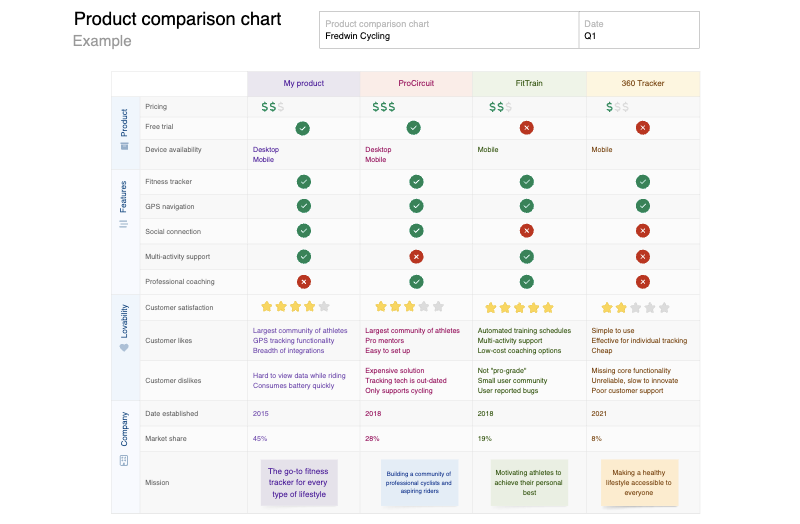
Compare product features with competitors to identify areas for differentiation
Represent similarities and differences between customer segments to better understand user needs
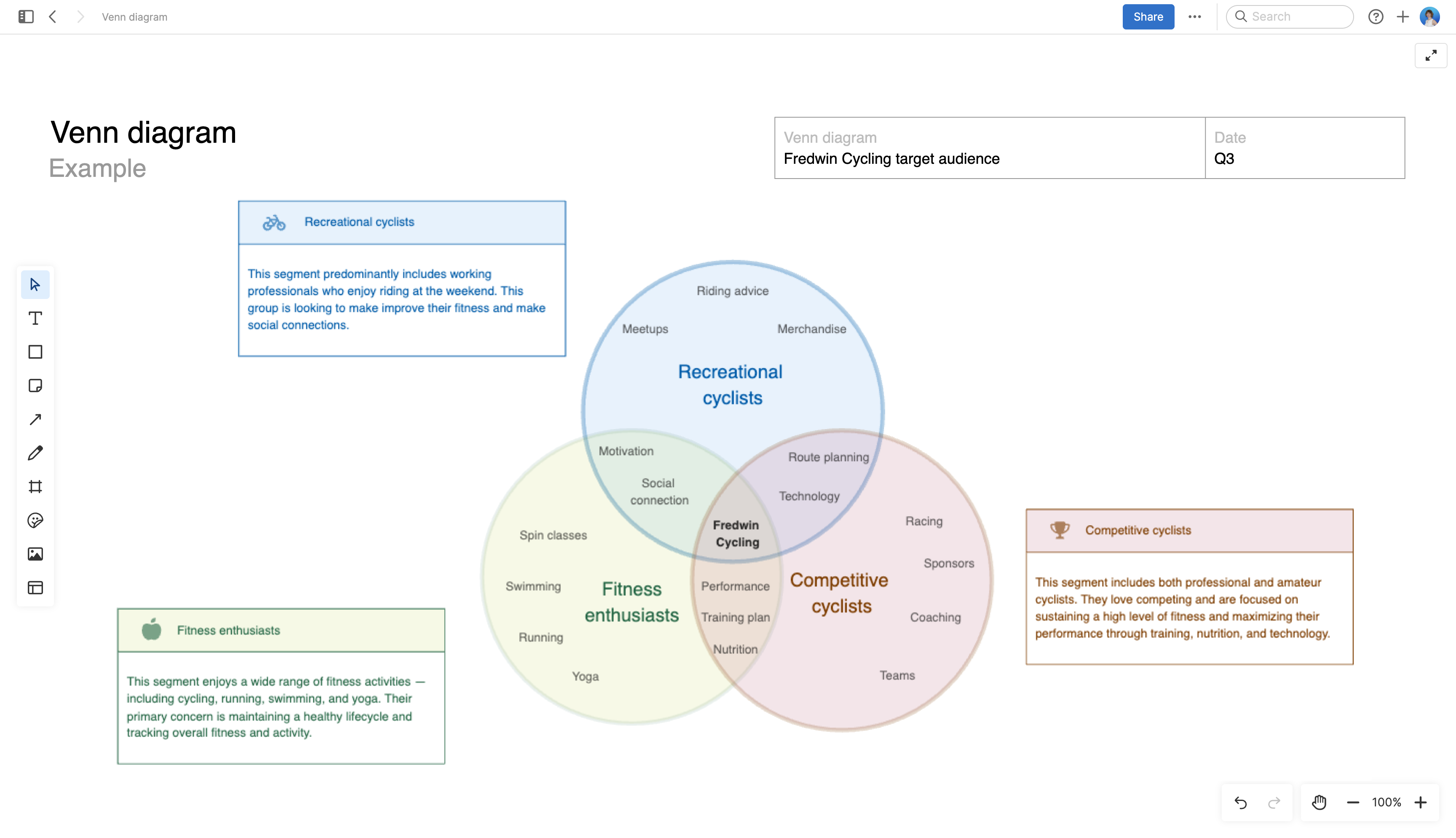
Our template has three overlapping circles to depict multi-way relationships. Of course, you can add or remove circles to meet the needs of your situation.
Best practices
Make data and concepts visually accessible so you can faciliate better discussions.
Clearly name data sets Label each circle in the Venn diagram to represent distinct sets or categories. This prevents confusion and ensures that stakeholders understand the context of the diagram.
Use overlapping areas intentionally Ensure that the overlaps represent meaningful intersections or relationships between the sets you are depicting. Avoid unnecessary or confusing overlaps.
Include a legend or key If your Venn diagram contains specific data or categories, include a key that explains the meaning of each circle and overlapping area. This helps viewers interpret the diagram accurately.
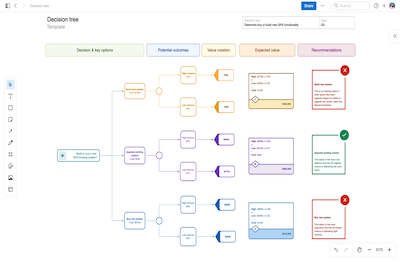
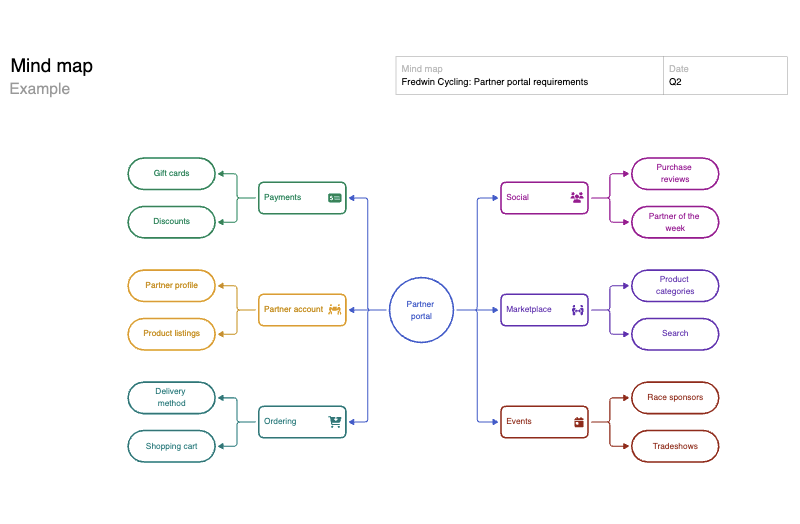
Keep it simple Venn diagrams are most effective when they are simple and uncluttered. Avoid overcomplicating them with too many sets or overlapping regions. If your data is complex, consider using other visualization methods like a decision tree or mind map.
FAQs about the Venn diagram template
Who is this Venn diagram template for?
This Venn diagram template is especially open-ended — you could use it for anything from comparing your offerings to competitors' to finding the overlaps in your audience's personas or assessing options for your tech stack. That means pretty much anyone at your org could benefit from it in some way.
Can my team collaborate on a Venn diagram in real time?
Yes! This Venn diagram template lives on a shared whiteboard, meaning your team can edit the diagram together in real time, leave inline comments, and use it during meetings, brainstorms, and planning sessions.
How many circles should a Venn diagram have?
We suggest keeping your Venn diagram simple and readable by limiting it to two or three circles. But you could theoretically add as many as you would like to showcase multiway relationships. Our Venn diagram has three circles by default, but it is completely customizable.
Is this template free to use?
Yes. To use this Venn diagram template, sign up for a free 30-day trial of Aha! Whiteboards. (You can also try this template in Aha! Roadmaps if you need a complete product management solution.) Easily customize the template to suit your needs, then share it with as many people as you want (for free) to streamline collaboration.