
Standardize how you build
Put the right structure and workflows in place to embrace AI-assisted development across your organization
Put the right structure and workflows in place to embrace AI-assisted development across your organization

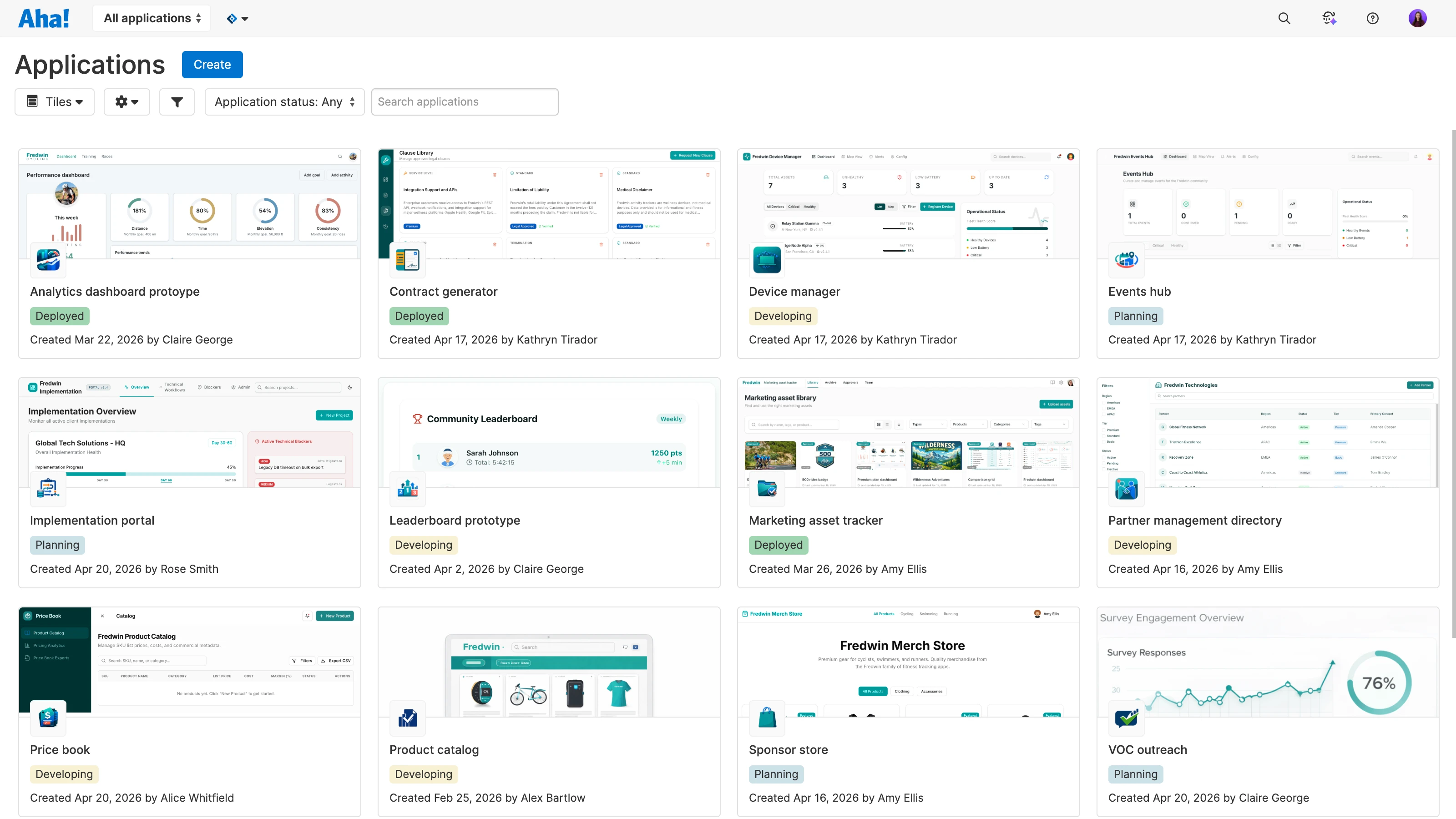
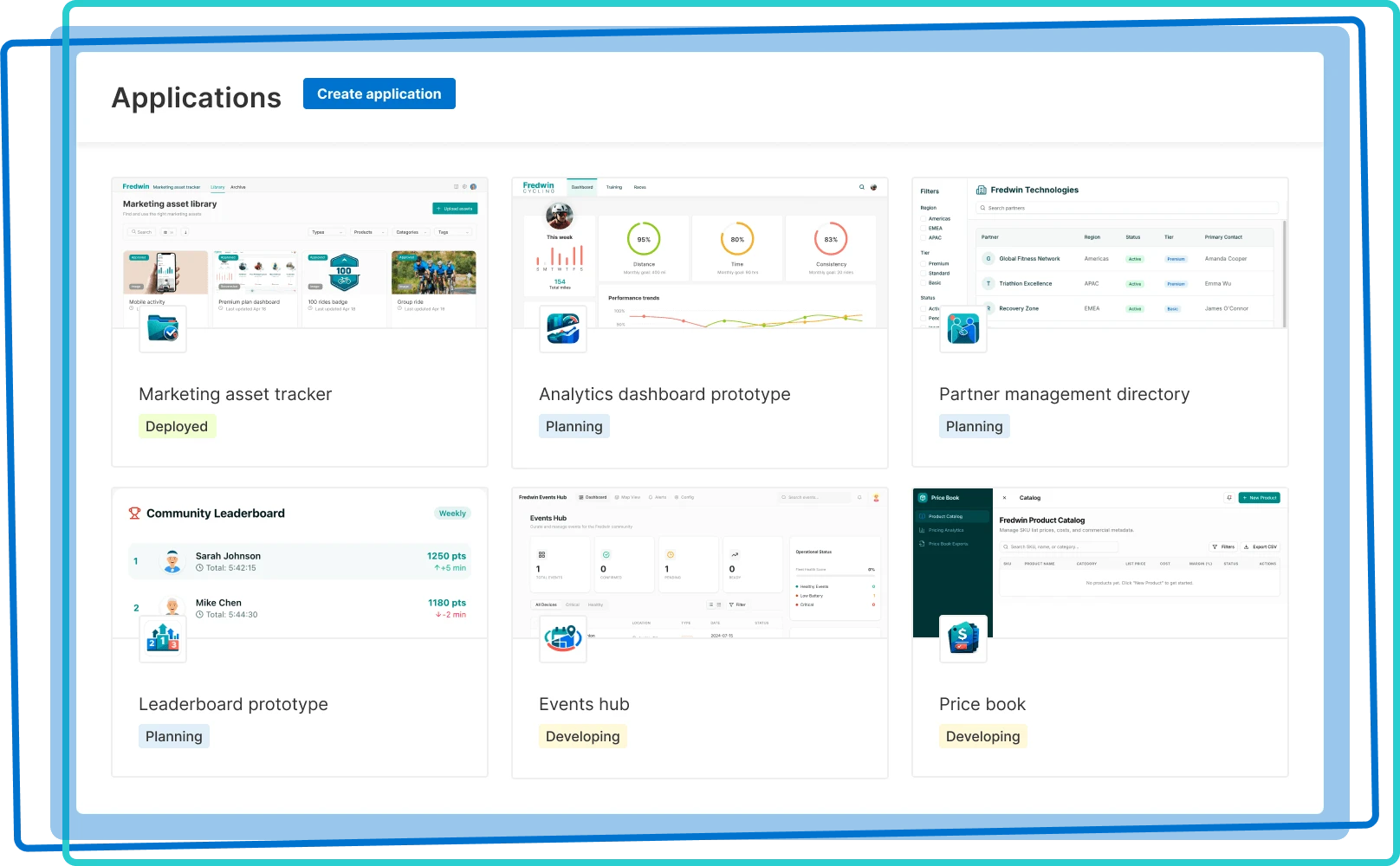
Establish a single system for managing all your prototypes and business applications. This helps you set guardrails and workflows as more people across your organization start coding with AI. See a complete view of what has been created, when, and by whom. Filter the dashboard by status or quickly search to find what you need.
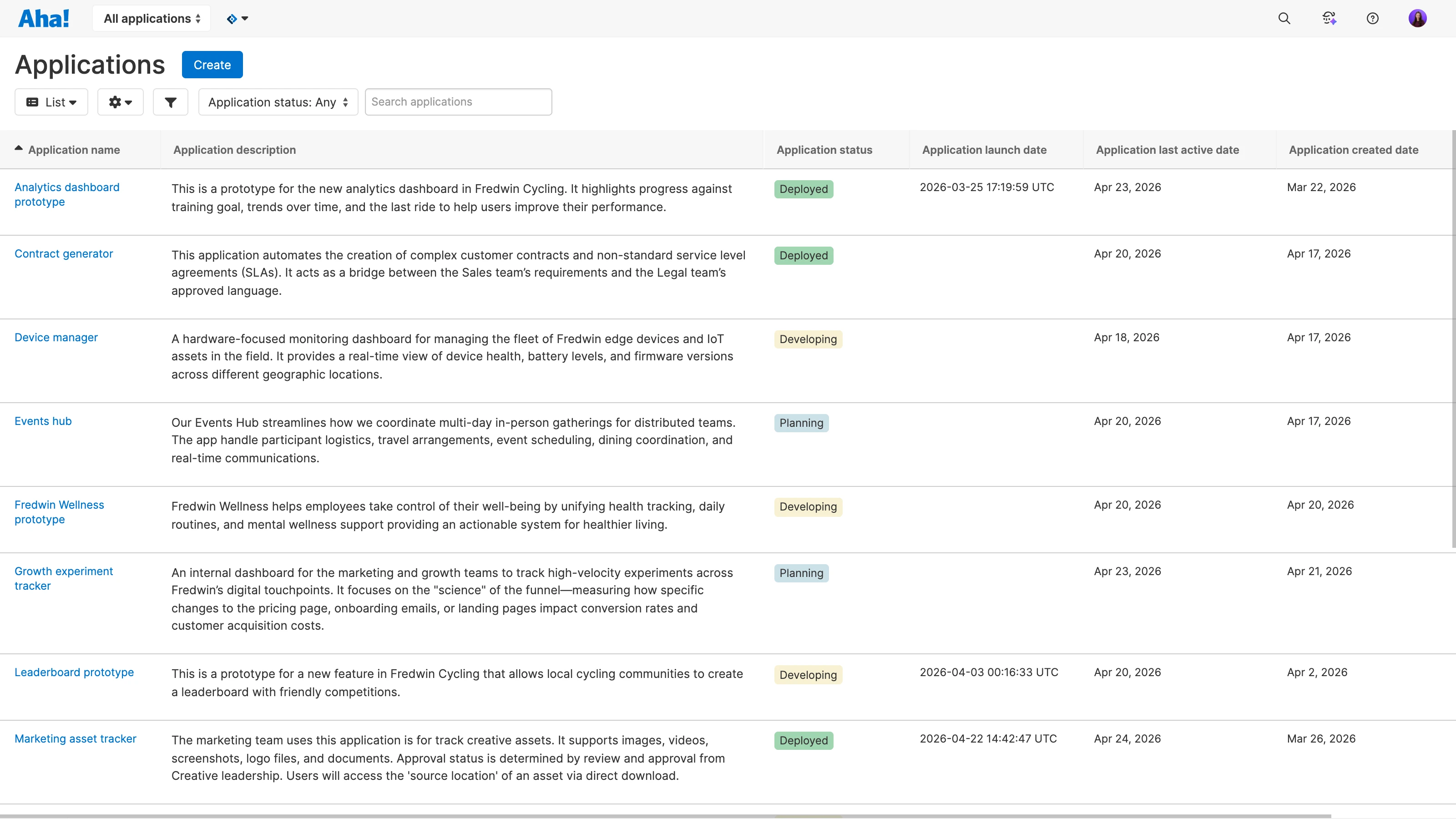
Maintain a complete inventory of prototypes and applications. Switch to a list view for more details — including each application's description, launch date, and when it was last used. Customize and share views to give stakeholders visibility as applications move from planning to production. This keeps everyone aligned as adoption grows across your organization.
Give the right people the right access. Define who can create applications, make changes, and deploy to production. For existing Aha! customers, Aha! Builder tightly integrates into your account — so you can manage user permissions and authentication all in one place.
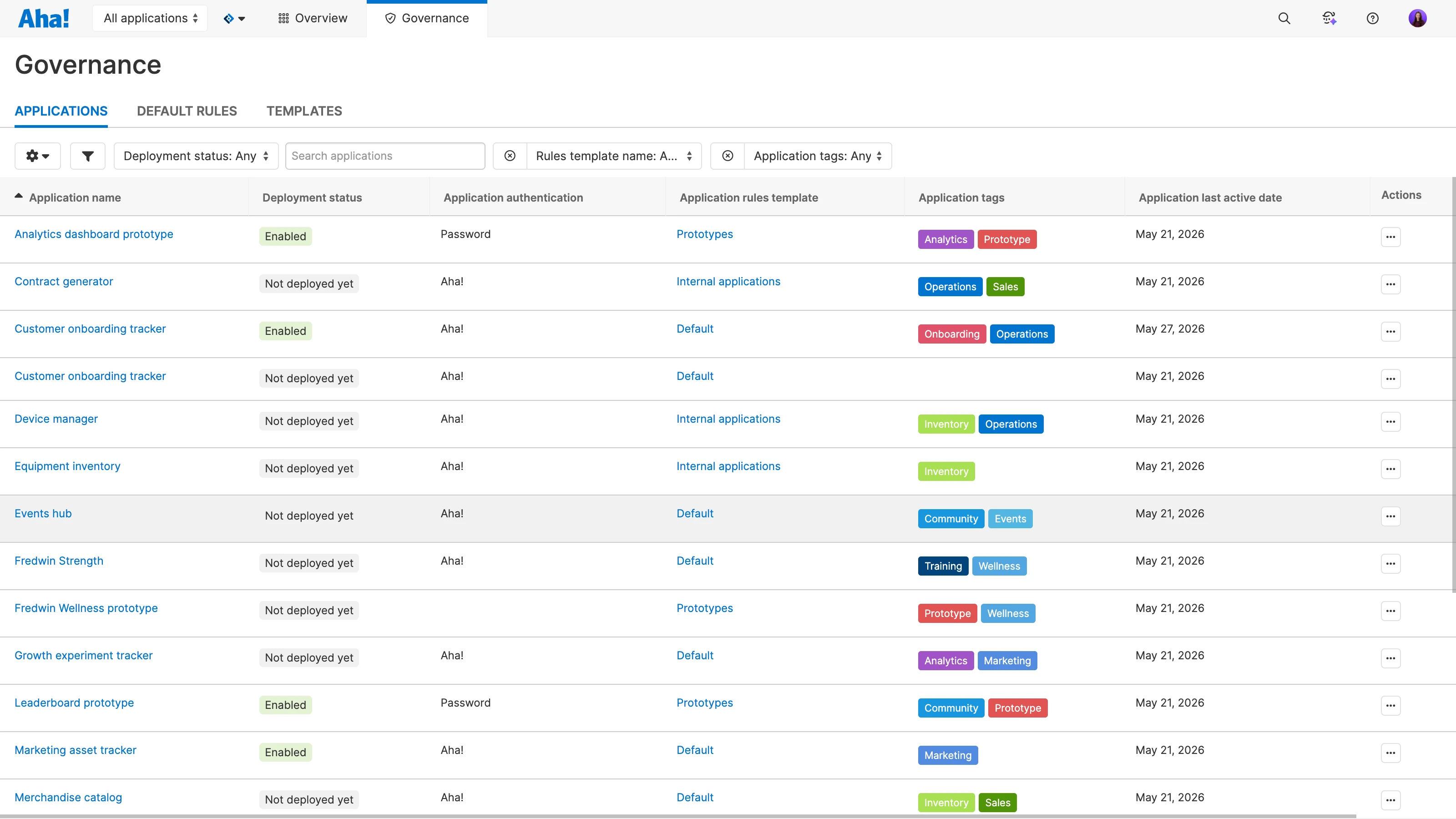
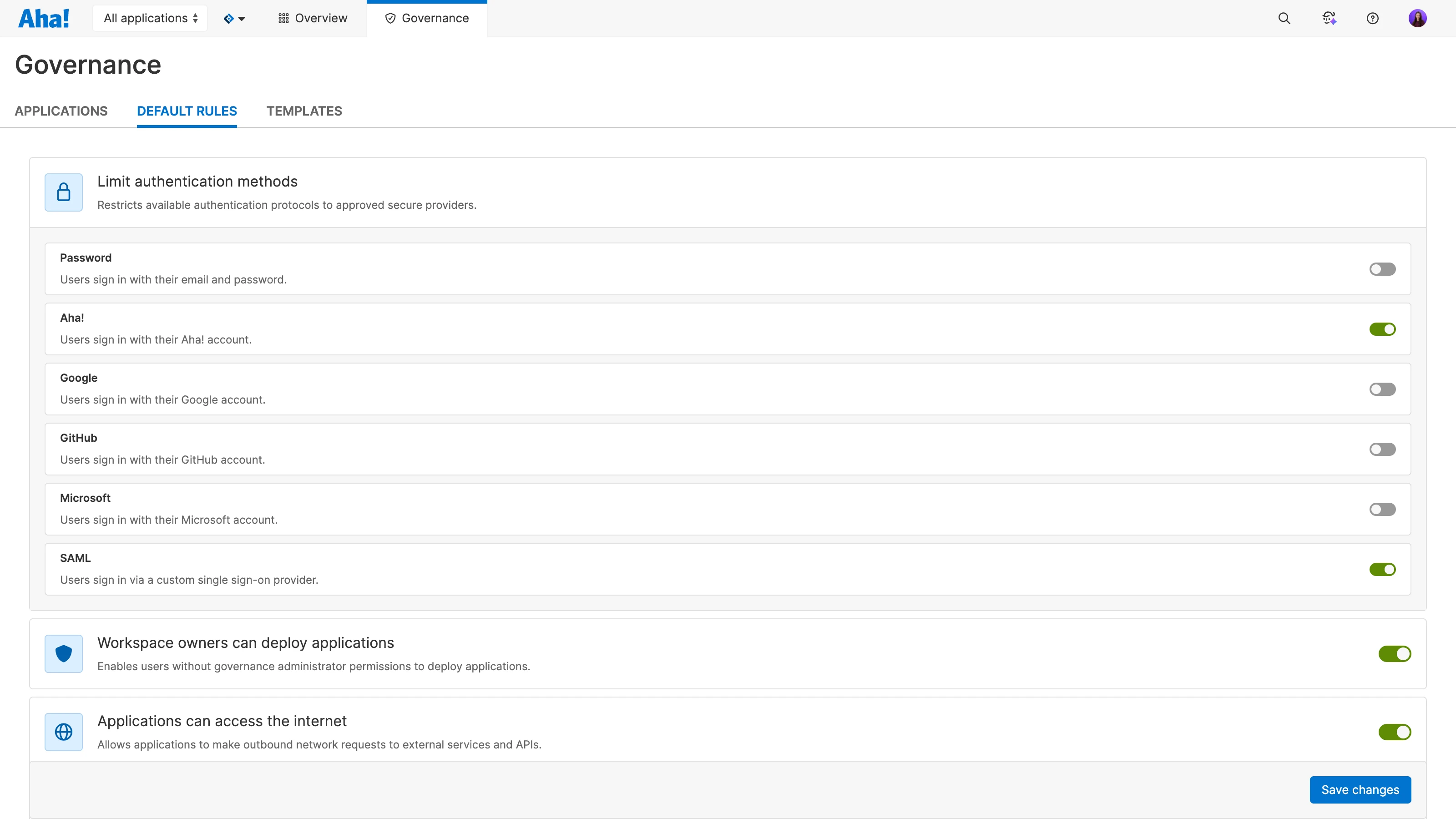
Ensure applications meet organizational standards. Control authentication methods, AI usage, internet access, email capabilities, and other application settings. Apply policies consistently across your portfolio and create templates for different application types. Monitor governance in a single view so administrators can easily maintain control at scale.
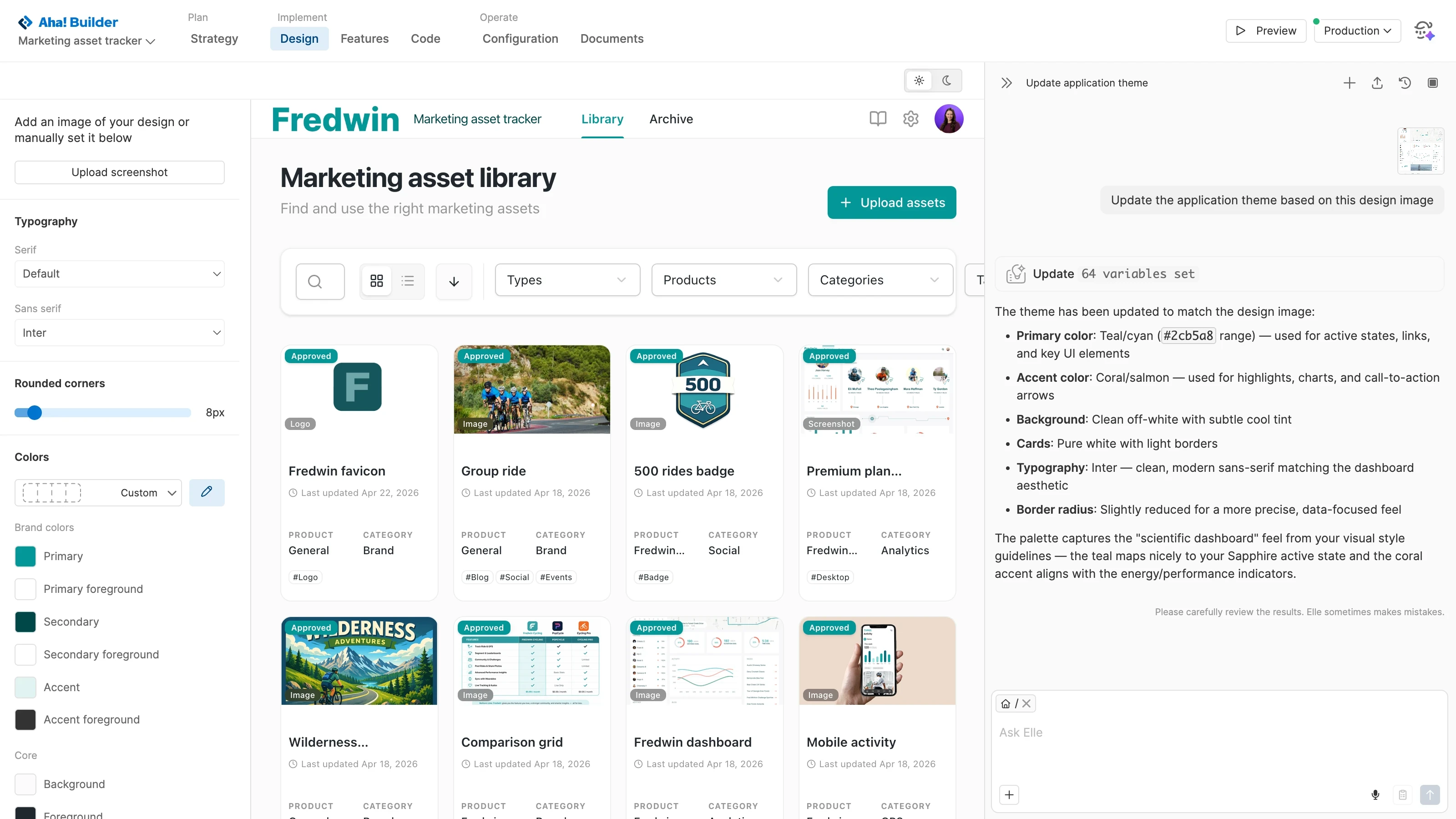
Create a cohesive experience across every application. Apply your design system to standardize colors, typography, and logos. You can also set custom URLs or CNAMEs to match your company's domain. This ensures every application reflects your brand and feels like a natural extension of your existing software as your portfolio expands.
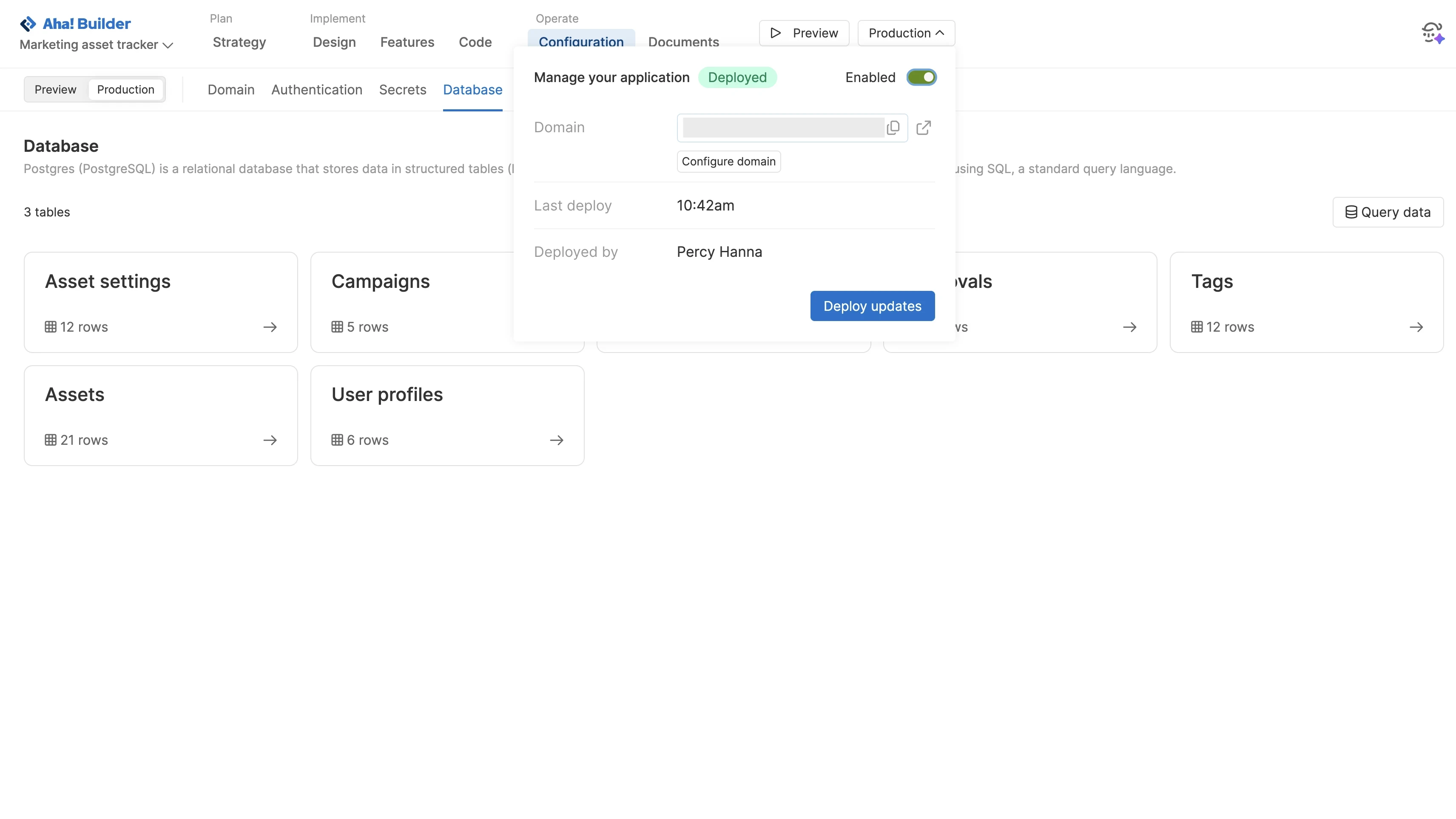
Deploy applications without managing infrastructure. Databases and secure hosting are provisioned automatically, making it easy to grow your portfolio. Capture feedback within each application, work with Elle (the AI assistant) to improve functionality, and monitor usage over time. Disable applications that are no longer needed to reduce tool sprawl and conserve resources.