Create a whiteboard presentation
Share everything on your whiteboard with your team in presentation format. Just add your content to frames to prepare slides and present whenever you are ready.
Use our presentation slides whiteboard template to get going fast. This template has pre-sized frames in the optimal dimensions for presentation slides. It also includes different elements you might want to include in a presentation that you can customize to fit your use case.
Click any of the following links to skip ahead:
Overview
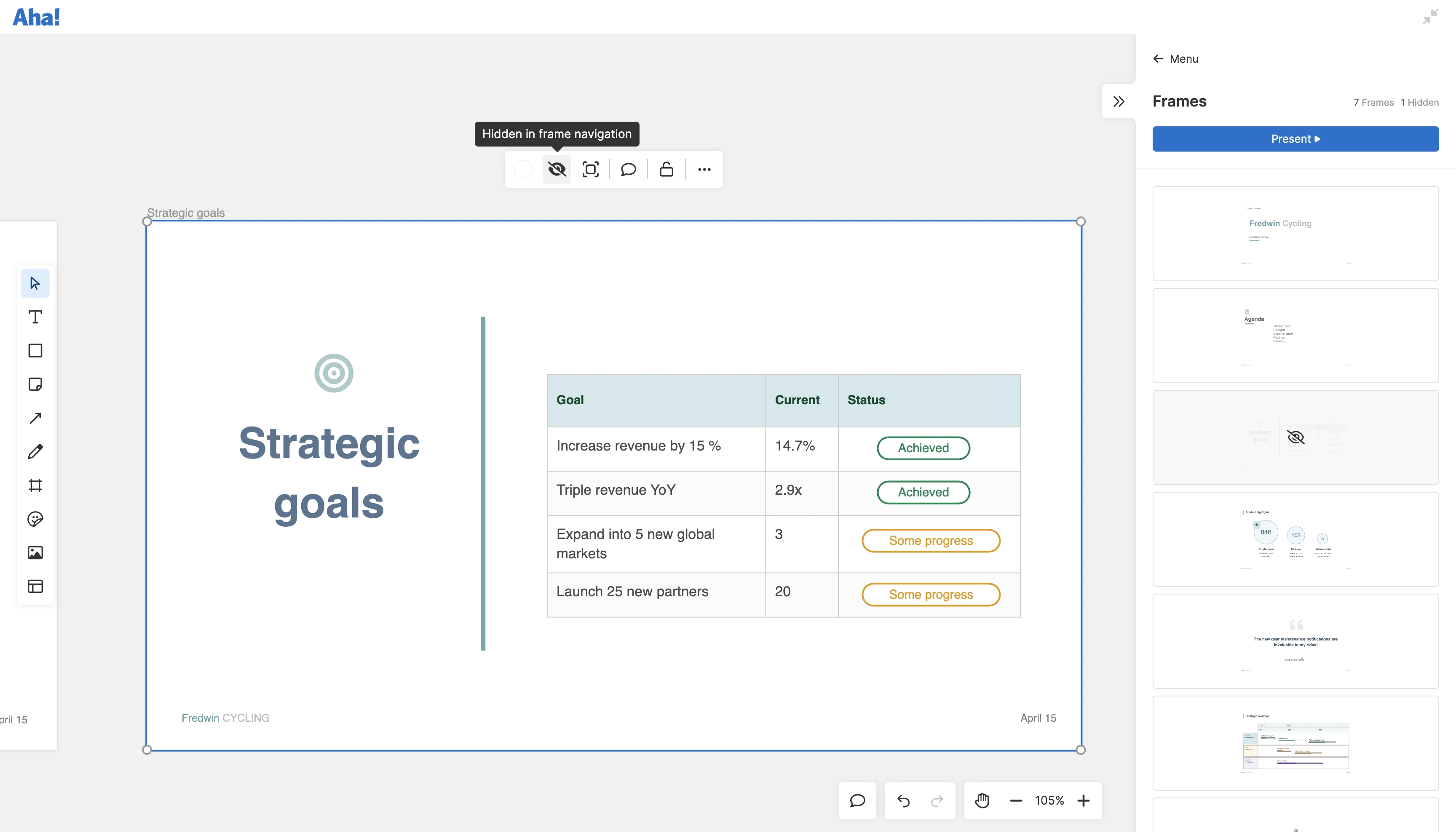
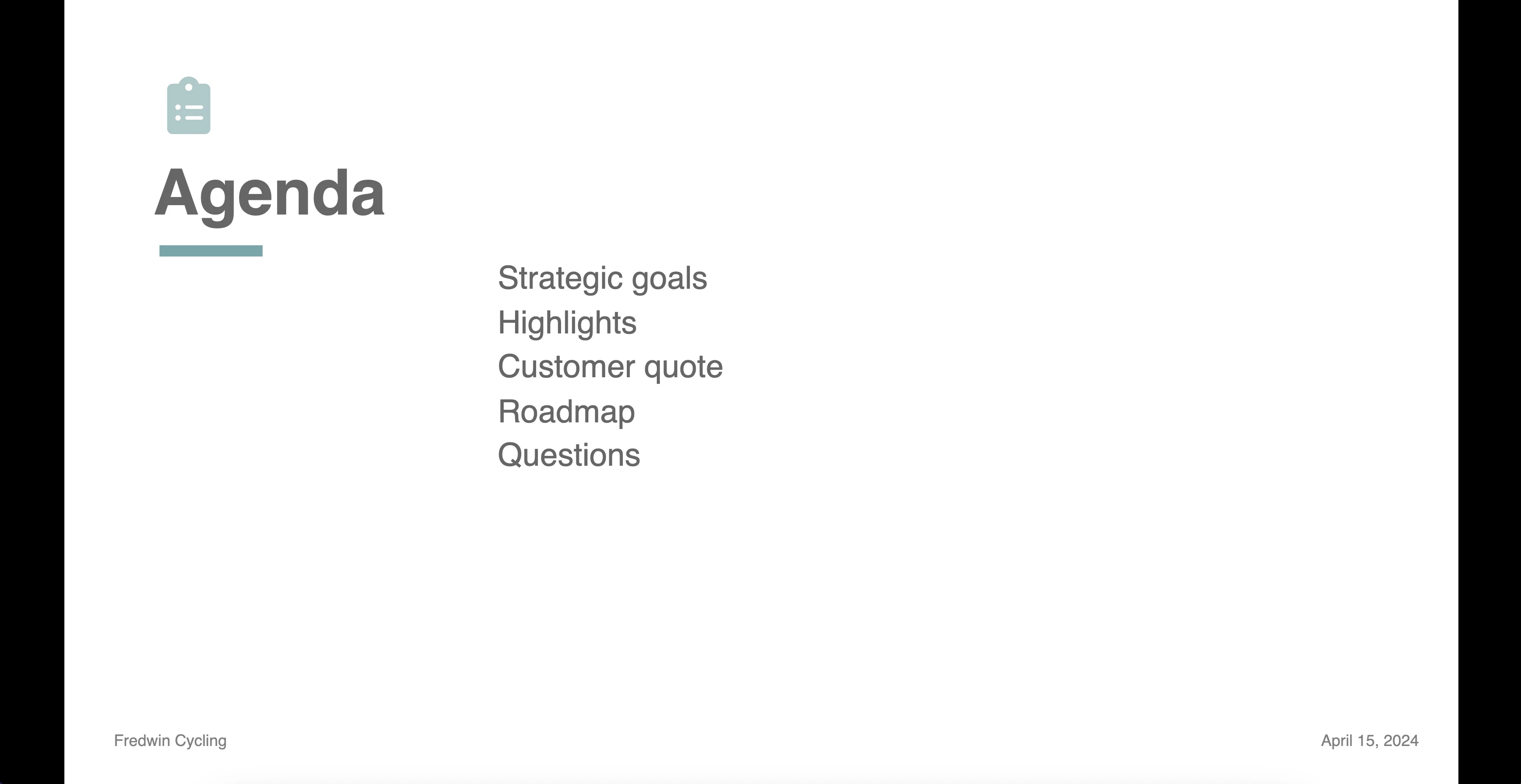
When you have one or more frames on your whiteboard, you will see a presentation icon on the right side panel. When you click it, the side panel will open to show you thumbnails of all the frames on your whiteboard. From here, you can reorder frames, hide frames from navigation, and present your frames. When you present your frames, each one will appear full-screen as a slide in your presentation.