SAFe® PI retrospective template
Reflect on your PI planning session and identify improvements for next time
Use template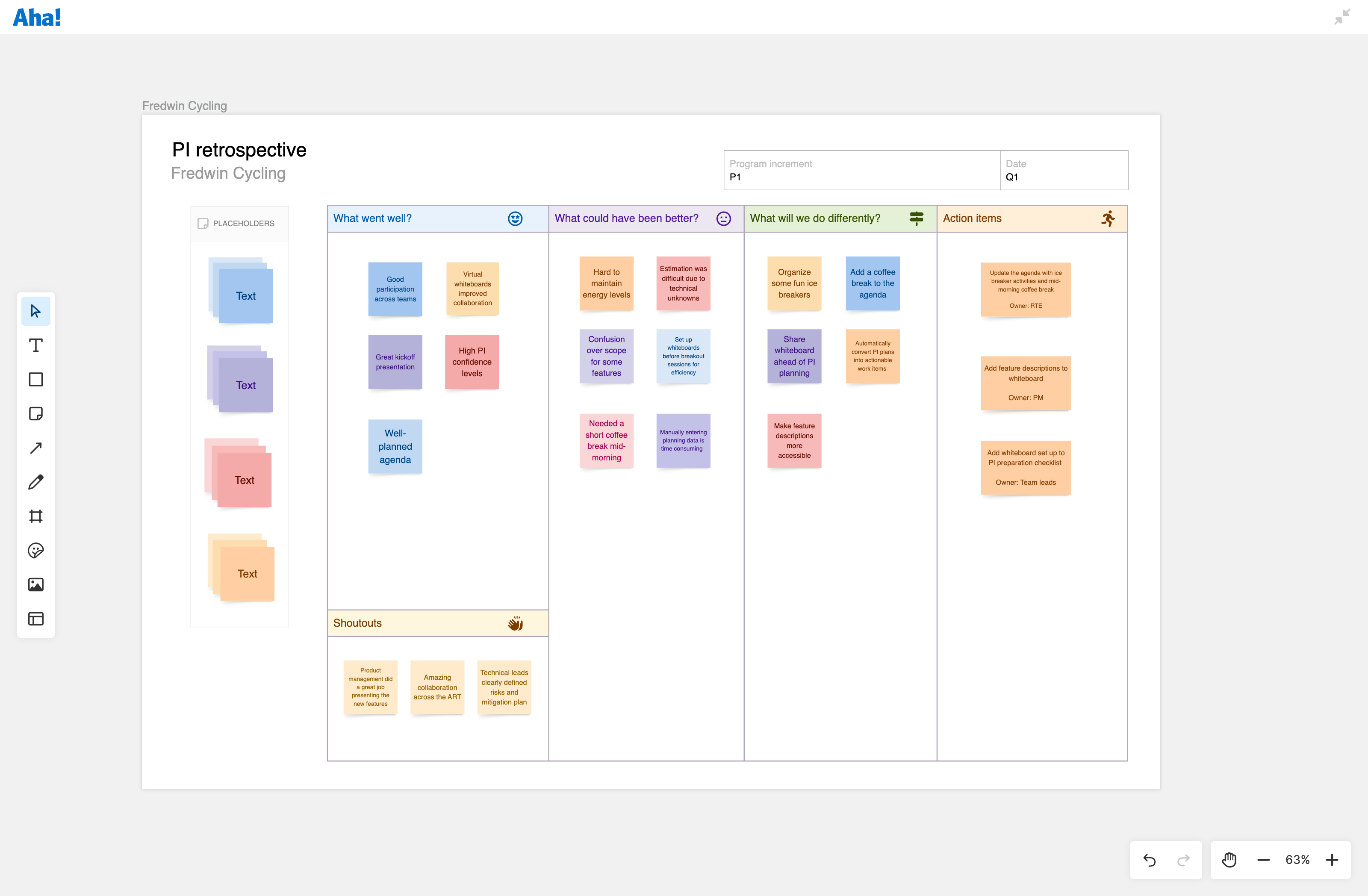
About the SAFe PI retrospective template
Program increment (PI) planning sessions involve significant coordination across teams — including aligning on priorities, identifying dependencies, and committing to work for the upcoming increment. This retrospective template helps you capture what worked and what to adjust for next time while the experience is still fresh in everyone's mind.
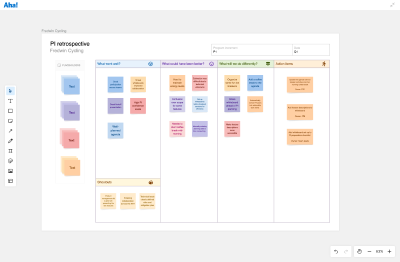
The format uses four columns: what went well, what could have been better, what you will do differently, and action items with owners. There is also a shoutouts section to recognize people who helped things run smoothly.
Included in the SAFe PI retrospective template
This SAFe PI retrospective template includes built-in capabilities such as:
Pre-structured columns for retrospective feedback
Sticky notes so team members can add observations
Color-coding to visually organize different types of feedback
A shoutouts section to acknowledge strong collaboration
Space to assign action items with owners
How to use the SAFe PI retrospective template
Share the board at the start of PI planning so people can add observations throughout the event, or dedicate 30-45 minutes at the end for focused discussion. The Release Train Engineer (RTE) typically facilitates, and everyone on the agile release train (ART) should contribute: product management, business owners, product owners, scrum masters, and team members.
Be specific when you add feedback. "Virtual whiteboards improved collaboration" tells you what to do again. "Communication was unclear" does not really help anyone. Once the team has contributed, use voting to identify which three to five issues will make the biggest difference. Turn those observations into action items with clear owners and review them at the start of your next retrospective to track progress.
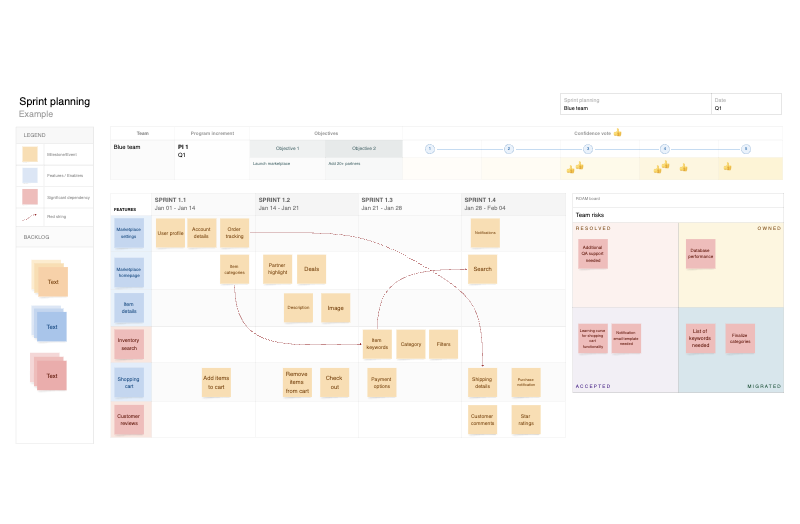
This template is part of the SAFe PI planning template collection, which includes the program board, ROAM board, and team sprint planning templates.
Best practices
Turn observations into improvements.
Be specific about what happened: "Set up whiteboards before breakout sessions" gives you something concrete to implement. "Better preparation" leaves everyone guessing what that actually means.
Focus on the planning process: Keep feedback about how planning went — including agenda flow, breakout session setup, tools, and dependency surfacing. Save feature priorities and technical debates for other conversations.
Assign owners to action items: Each improvement needs someone responsible for implementing it before your next PI
Review previous action items: Start each retrospective by checking which potential improvements from last time got implemented. This helps you see what is working and maintain momentum.
FAQs about the SAFe® PI retrospective template
Why run a retrospective right after PI planning?
The details fade quickly. If you wait to reflect, you will remember that something felt off — but not what specifically caused the problem or which change actually helped. Capturing observations right after planning means you can address the actual issues next time instead of guessing.
Who should participate in the PI retrospective?
Everyone on the ART who participated in planning. Product management, business owners, the RTE, product owners, scrum masters, and team members all see different parts of how planning went. What felt smooth to one group might have been confusing to another, and you need all those perspectives.
How long should the PI retrospective take?
Most teams spend 30-45 minutes on their PI retrospectives. That is enough time to collect feedback, vote on priority issues, discuss the top items, and assign action items with owners. If you run longer than an hour, you are probably discussing topics that belong in other forums or are getting too deep into solutions rather than identifying problems.
How is this different from team retrospectives?
Team retrospectives look at how individual teams work during sprints. The PI retrospective looks at how the whole ART coordinated during planning. You are examining cross-team dynamics, facilitation, agenda design, and whether the event structure supported alignment across teams.
Is this template free to use?
Yes. To use this product updates template, sign up for a free 30-day trial of Aha! Whiteboards. (You can also try this template in Aha! Roadmaps if you need a complete product management solution.) Easily customize the template to suit your needs, then share it with as many people as you want (for free) to streamline collaboration.