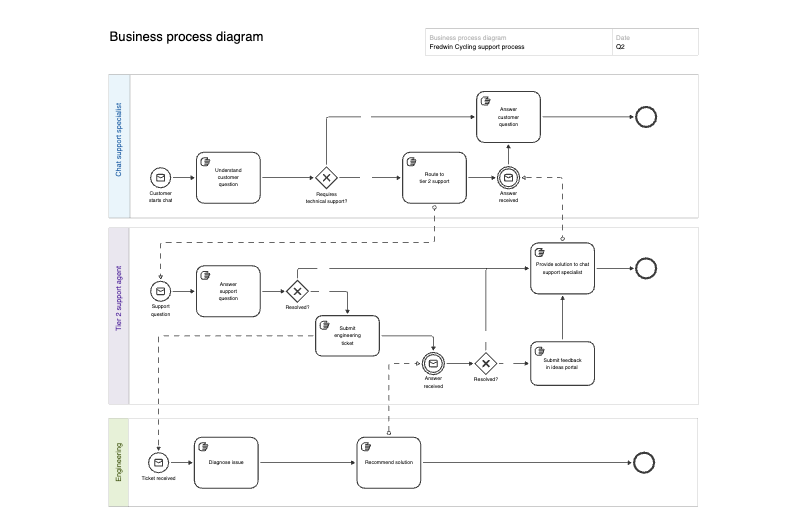
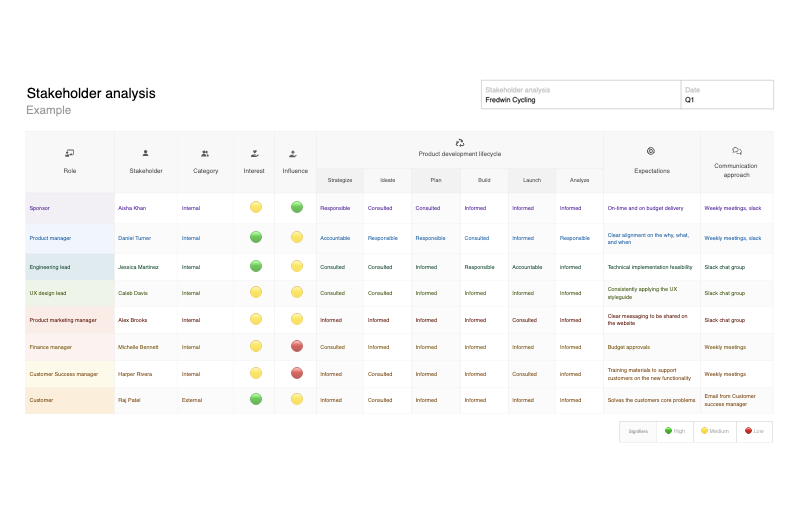
Workflow diagram template
Improve team workflows for better efficiency and transparency
Use template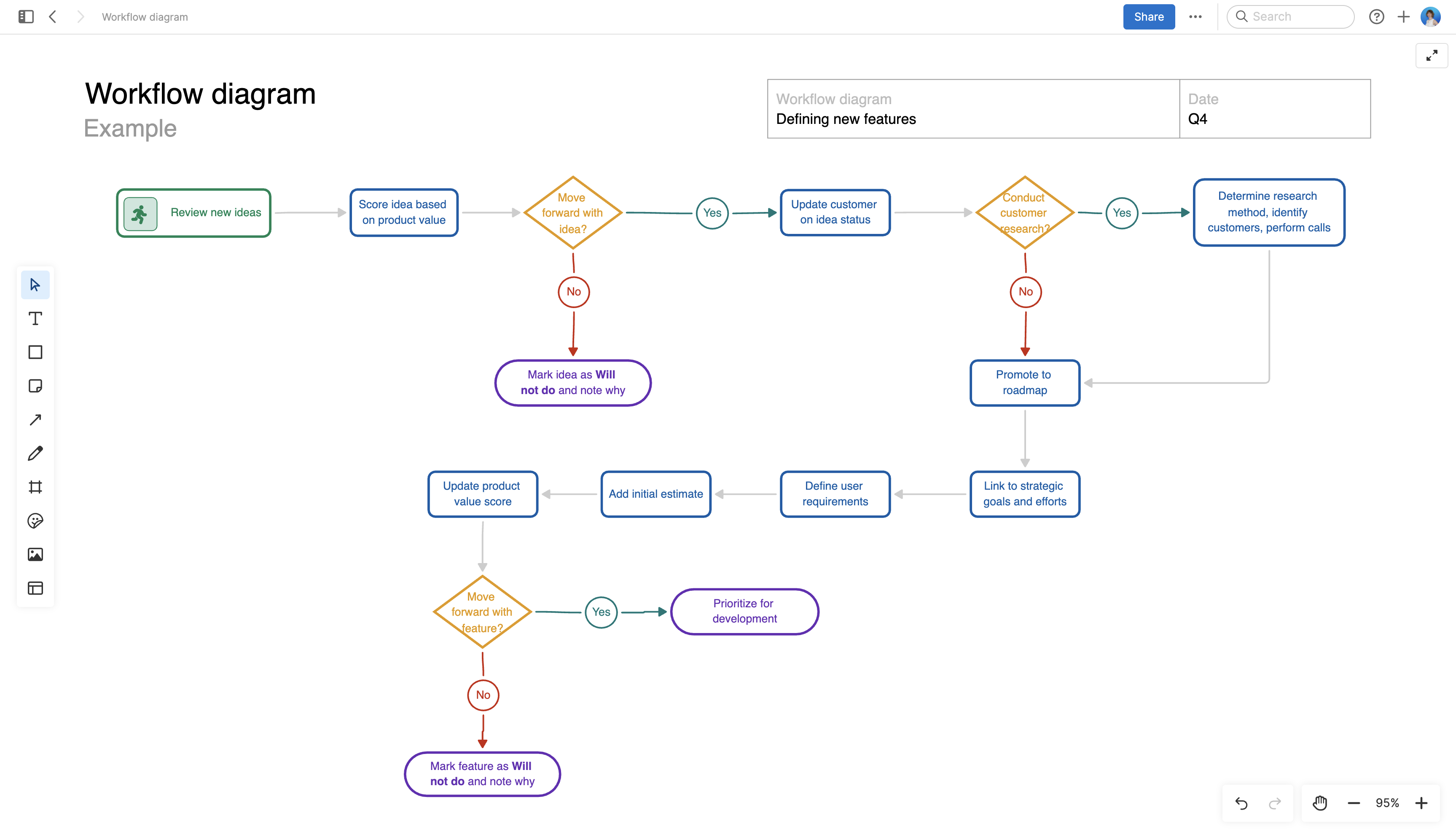
About the workflow diagram template
A common source of team drama? Confusion. In other words, many people with conflicting information about who does what, how to get work approved, and what to do next.
In the absence of clear workflows and processes, the result is disgruntled teammates and time wasted. Lack of clarity impacts everyone — including your customers.
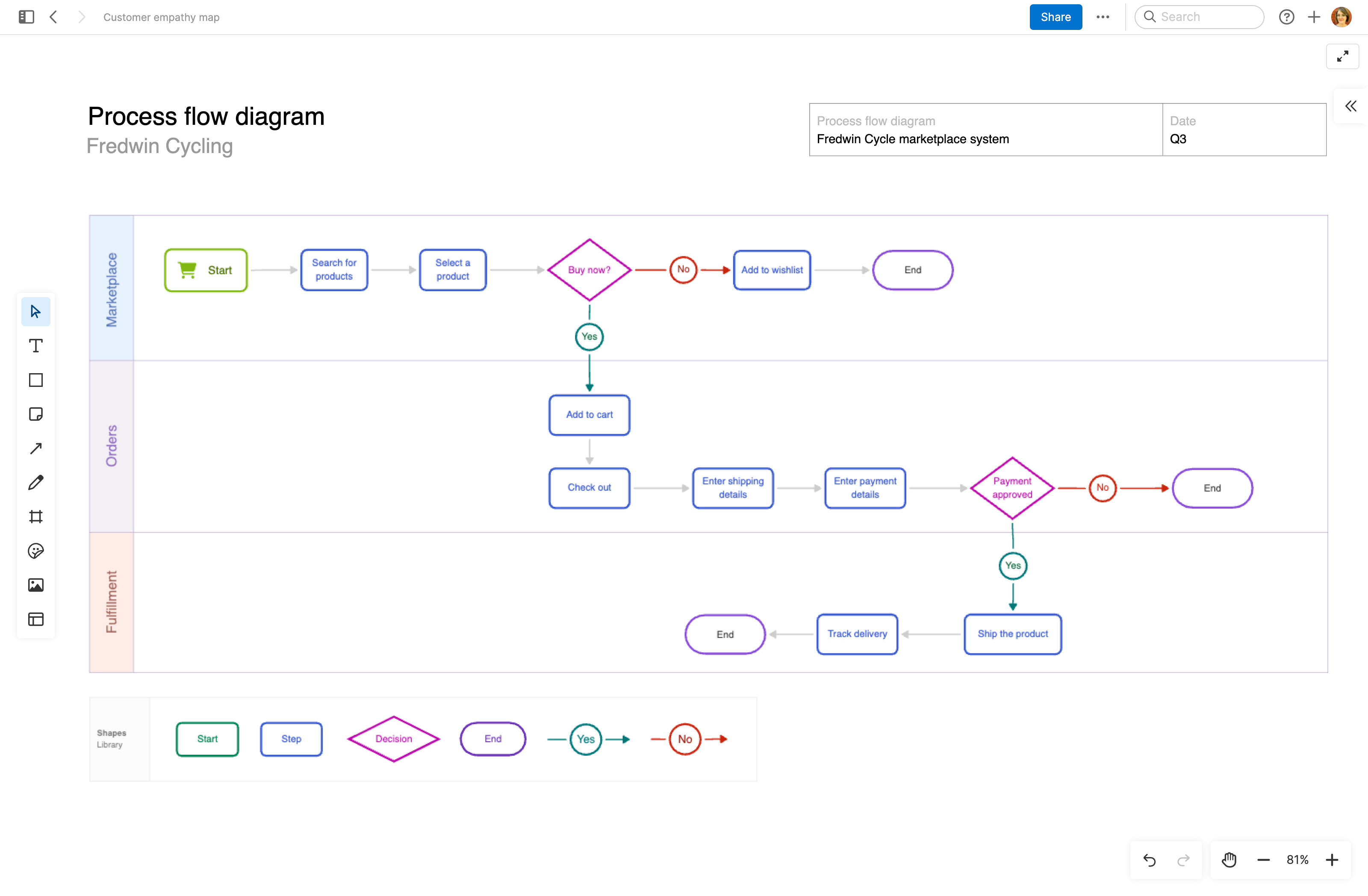
Use this template to define and visualize the steps in any type of workflow or process. Invite collaborators and commit to trying (and refining) the new flow — learning together what works best.
Best practices
Visualize the steps in your workflow and drive process improvements.
Establish purpose Define the purpose of the workflow diagram and its intended audience. Gather input from team members about the activities, processes, decision points, and dependencies involved.
Visualize key activities Use standard symbols to represent activities in the workflow. Determine the order in which these activities occur and arrange them in a logical sequence, using connectors to show the direction in which work progresses.
Add visual aids Make your diagram more engaging and understandable. Use visual aids like color, labels, and icons to highlight important information.
Review the workflow Share the diagram with your team. As the workflow evolves, makes updates to ensure it is a clear and effective representation of the process.
FAQs about the workflow diagram template
Who should use a workflow diagram template?
This template is useful for product managers, marketers, operations teams, support leads, and anyone coordinating repeatable work across teams. Use it when people need a shared view of how work moves from one step to the next, who is responsible, and where decisions happen.
Why is a workflow diagram better than writing out the process in a doc?
A visual flow is faster to scan and easier to understand than a long text explanation. It helps teams clarify each step in the process and spot bottlenecks so they can improve the process before work slows down.
How should I customize this template for my team?
Start by replacing the sample steps with your actual workflow, then label each action and handoff clearly. Use colors to show ownership or status. You can also add sticky notes for open questions and invite teammates to comment directly on the board before you finalize the process.
Is this template free to use?
Yes. To use this workflow diagram template, sign up for a free 30-day trial of Aha! Whiteboards. (You can also try this template in Aha! Roadmaps if you need a complete product management solution.) Easily customize the template to suit your needs, then share it with as many people as you want (for free) to streamline collaboration.